
A site running WordPress 3.8.28 should be treated as high risk until proven otherwise, even if a basic WordPress security scanner reports only a few issues. That version belongs to an old WordPress branch, which means the real danger is often not one single bug, but a stack of outdated core files, plugins, themes, PHP versions, and weak controls around patching.
TLDR: WordPress security scanners are useful for finding visible problems, but they are not enough for managing risk on WordPress 3.8.28. A vulnerability management tool gives teams a fuller view by ranking issues, tracking fixes, assigning owners, and showing whether risk is going up or down. For example, a small agency with 42 WordPress sites may find that 11 still run old branches, but only 3 expose critical plugin flaws to the internet. That difference matters because the security team should fix the highest-risk systems first, not just the noisiest alerts.
Why WordPress 3.8.28 Raises Concern
WordPress 3.8.28 is not just “a little old.” It sits far behind modern WordPress releases, security hardening changes, block editor updates, REST API improvements, authentication protections, and safer defaults added over many years. Even when older branches receive some security backports, they still trail modern versions in code quality, ecosystem support, and compatibility with current security tools.
The risk also spreads beyond WordPress core. A site on 3.8.28 often runs older plugins because newer plugin versions may require newer WordPress or PHP. The theme may be abandoned. The server may still use an outdated PHP branch. Backups may be manual. Logs may be thin. Honestly, it feels like one old version turns into a messy storage closet: every time someone opens it, another problem falls out.
What a WordPress Security Scanner Does Well
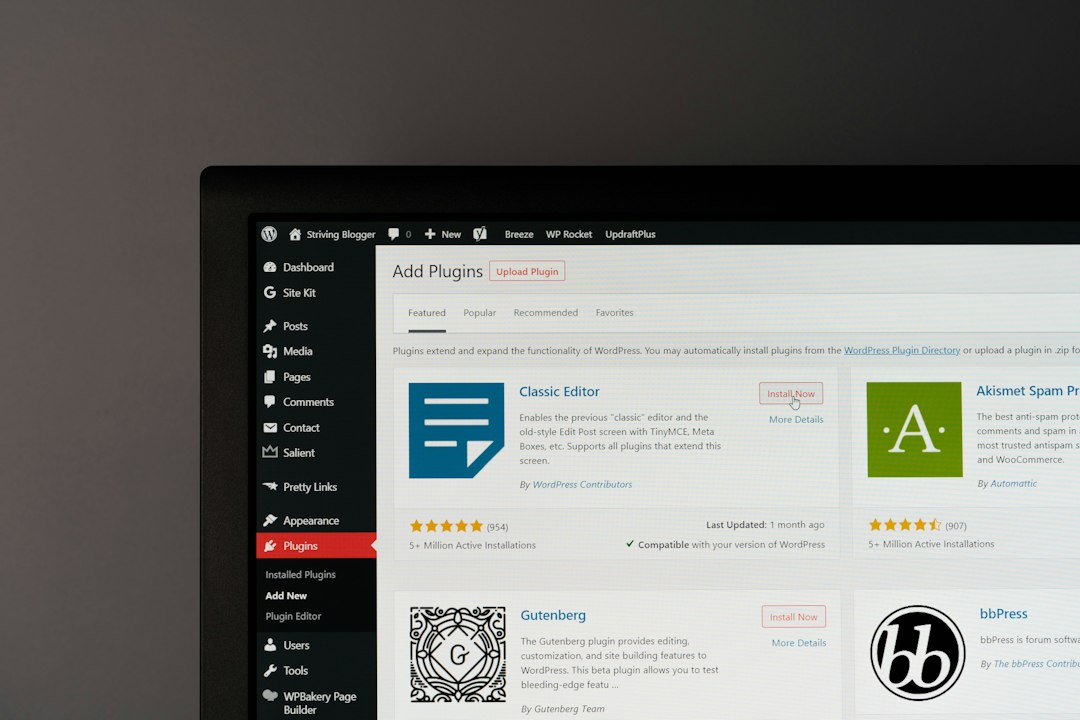
A WordPress security scanner checks a site for known and visible weaknesses. It may identify the WordPress version, exposed files, vulnerable plugins, unsafe themes, weak headers, directory listing, XML RPC exposure, user enumeration, and malware indicators. Some scanners also check blacklist status and suspicious redirects.
For WordPress 3.8.28, this can be very helpful. A scanner may quickly show that the site exposes a readme file, uses an old plugin with a public exploit, or runs a theme that has not been updated in years. It gives the site owner an immediate signal. That matters when a business has no formal security process.
Common scanner strengths include:
- Fast checks: many scans finish in seconds or minutes.
- WordPress-specific findings: plugin, theme, and core checks are focused.
- Low setup effort: many tools need only a URL.
- Useful first report: non-security teams can see obvious issues fast.
Where Scanners Fall Short
A scanner gives a snapshot. It does not always give a plan. That is the painful part. A scan may say that WordPress 3.8.28 is vulnerable, but it may not explain which finding is exploitable, which asset processes payments, who owns the site, or whether a firewall rule lowers the immediate risk.
Expect to waste time on duplicate alerts if several scanners are used without a central process. One tool may flag “outdated WordPress.” Another may flag five related CVEs. A third may say “possible vulnerable version.” The team then spends 20 minutes proving that three alerts describe the same root issue: the site needs a controlled upgrade.
Scanners can also miss hidden risk. If a plugin version is masked, a scanner may guess wrong. If a vulnerability requires authentication, the scanner may not test it. If a site is behind a CDN, the scanner may see the CDN rather than the origin server. That does not make scanners bad. It means they are not a full security program.
What Vulnerability Management Tools Add
A vulnerability management tool does more than scan. It collects findings, ranks them, assigns tasks, tracks remediation, supports exceptions, and shows trends over time. It can include WordPress findings, server vulnerabilities, cloud misconfigurations, container issues, SSL problems, and endpoint risks in one place.
For WordPress 3.8.28, this context changes the response. A vulnerability management platform can mark the site as internet-facing, tied to customer data, and unsupported by the vendor. It can connect the issue to a ticketing system and assign it to the web team. It can also track a due date, such as “upgrade to a supported WordPress version within 14 days.”

Vulnerability management tools are better for:
- Prioritization: critical internet-facing flaws can be fixed before low-risk internal issues.
- Ownership: each finding can be tied to a team, site, or business unit.
- Trend reporting: managers can see whether old WordPress exposure is shrinking.
- Compliance evidence: audits need proof, not just screenshots from a scanner.
- Remediation tracking: unresolved findings do not disappear after one scan.
Security Scanner vs Vulnerability Management Tool
The difference is simple. A scanner finds. A vulnerability management tool helps teams fix, track, and prove progress. For a single hobby site, a scanner may be enough to expose urgent problems. For an agency, retailer, school, clinic, or SaaS vendor, scanning alone becomes too thin.
| Area | WordPress Security Scanner | Vulnerability Management Tool |
|---|---|---|
| Main purpose | Find WordPress-related issues | Manage risk across assets |
| Best use | Quick site checks | Ongoing remediation program |
| Context | Limited | Asset value, exposure, owners, deadlines |
| Output | Alerts and findings | Prioritized work queue and reports |
How Teams Should Handle WordPress 3.8.28
The safest path is to plan an upgrade to a supported WordPress version. That may require staged work. The team should first create a full backup, clone the site to staging, update PHP if needed, test plugins, replace abandoned themes, and then upgrade WordPress core. If the site handles logins, payments, forms, or customer records, it should move faster.
Short-term controls may reduce exposure while the upgrade is planned. These include a web application firewall, strong admin passwords, multifactor authentication, restricted admin access, disabled file editing, current backups, and removal of unused plugins. These steps do not make 3.8.28 “safe.” They only reduce the blast radius.
Image not found in postmetaA practical workflow looks like this:
- Scan the site with a WordPress-focused scanner to find obvious issues.
- Import findings into a vulnerability management system.
- Rank by exposure, data sensitivity, exploit history, and business use.
- Create tickets for core upgrade, plugin replacement, and server updates.
- Verify fixes with rescans and change records.
- Watch drift so the site does not fall behind again.
Which Tool Should Be Chosen?
If the question is whether to use a WordPress scanner or a vulnerability management tool, the answer is usually both. The scanner supplies detail that general tools may miss. The management tool turns those details into action.
For WordPress 3.8.28, a scanner can say, “This site appears outdated and may contain vulnerable components.” A vulnerability management tool can say, “This public site supports 18% of monthly lead submissions, has two critical plugin findings, no assigned owner, and has missed the patch SLA by 21 days.” That second report gets attention. More importantly, it gets work scheduled.
FAQ
Is WordPress 3.8.28 automatically vulnerable?
It should be treated as high risk. The exact exposure depends on plugins, themes, server setup, authentication controls, and whether later fixes were backported. Still, such an old branch is a serious warning sign.
Can a WordPress security scanner confirm that a site is safe?
No. A scanner can find many issues, but it cannot prove that no weakness exists. It gives clues, not a full guarantee.
Why does a vulnerability management tool matter for one WordPress site?
For one low-risk site, it may be more than needed. For any site tied to revenue, customer data, staff accounts, or compliance, tracking ownership and remediation is worth the effort.
What is the first fix for WordPress 3.8.28?
The first real fix is a tested upgrade plan. Before changing anything, the team should back up the site and test updates in staging.
Are plugins usually the bigger risk than WordPress core?
Often, yes. Old plugins and themes are frequent entry points. On a WordPress 3.8.28 site, plugin age and compatibility problems can be just as dangerous as the old core version.








