For many customers, the easiest way to pay for a burrito bowl, tacos, or a pickup order is with a phone or watch instead of a physical card. Chipotle does accept Apple Pay in most payment situations, including at many restaurant registers and through digital ordering channels such as the Chipotle app. As with any national restaurant chain, the exact payment experience can depend on the location, device, and ordering method, so it is useful to understand where Apple Pay works and what to do if it does not.
TLDR: Yes, Chipotle accepts Apple Pay at many in-restaurant registers and through the Chipotle app where Apple Pay is available as a checkout option. You can usually use it for dine-in, takeout, pickup, and many mobile orders. If Apple Pay does not appear or a terminal is not working, you can use another payment method such as a credit card, debit card, Chipotle gift card, or cash in store.
Does Chipotle Take Apple Pay In Store?
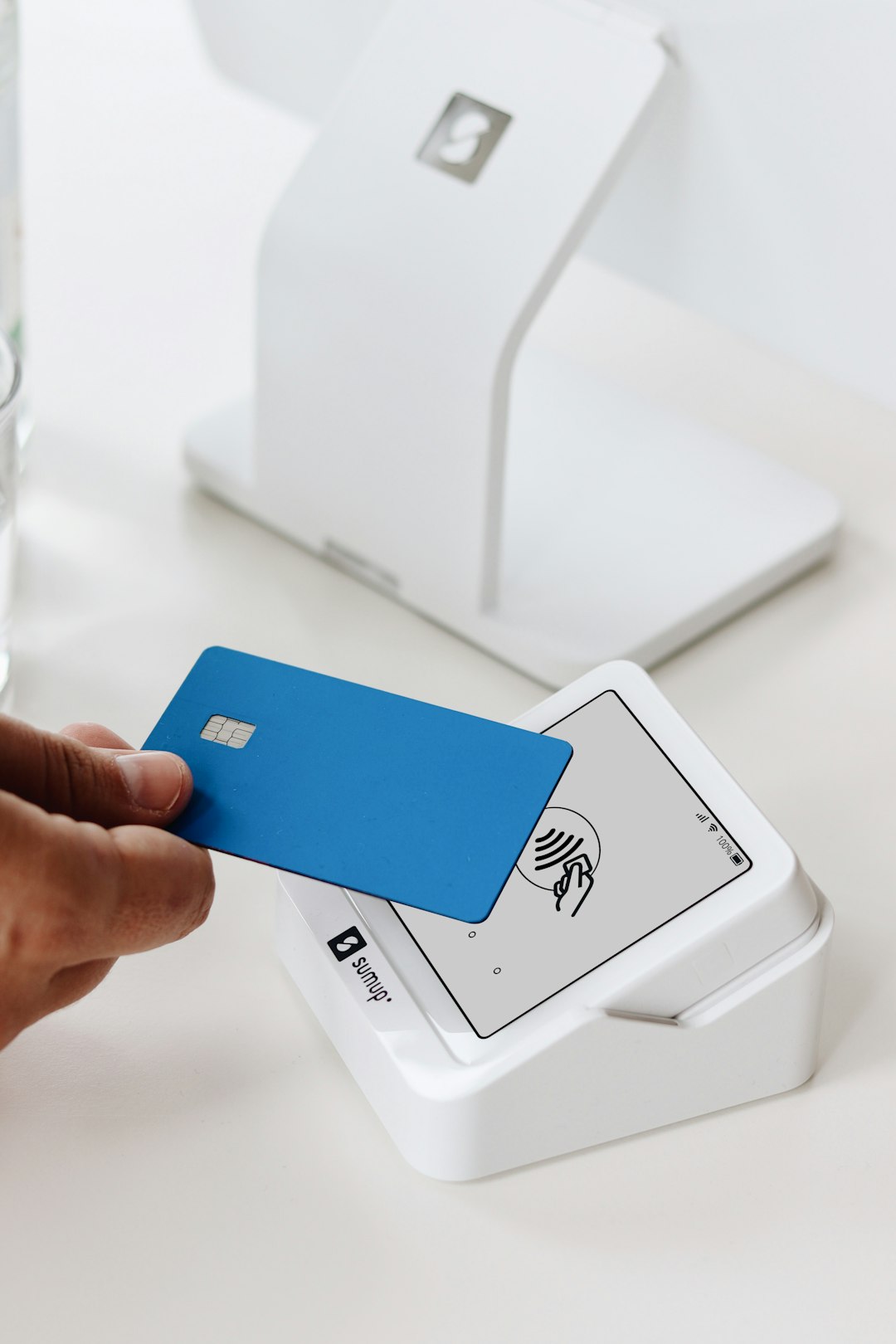
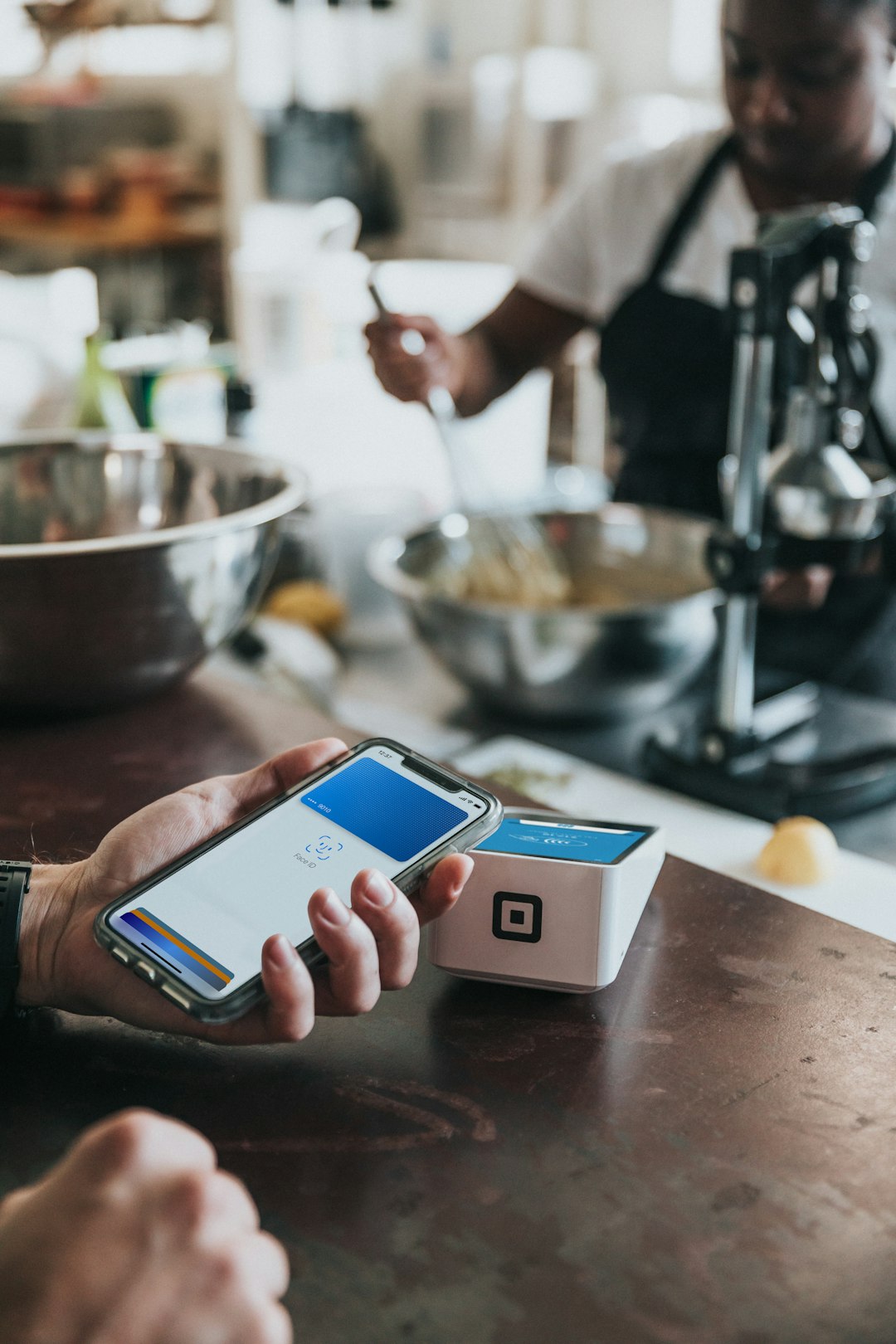
Yes. Chipotle generally accepts Apple Pay at its restaurant locations through contactless payment terminals. When you are at the register, you can pay by holding your iPhone or Apple Watch near the card reader after authenticating with Face ID, Touch ID, or your passcode.
This works in the same way as other contactless card payments. Apple Pay does not give Chipotle your actual card number. Instead, it uses a device-specific account number and a unique transaction code, which helps keep the payment more secure than handing over a physical card.
In a typical restaurant transaction, you can use Apple Pay for:
- Dine-in orders placed at the counter
- Takeout orders paid for at the register
- In-store pickup payments if you are paying at the restaurant rather than online
- Contactless card reader transactions using an iPhone or Apple Watch
Although Apple Pay is widely supported, it is still possible for a specific terminal to be offline, disabled, or temporarily unable to process tap-to-pay transactions. If you rely on Apple Pay, it is sensible to keep a backup payment method available.
Does Chipotle Accept Apple Pay In The App?
Yes, Chipotle’s mobile ordering experience commonly supports Apple Pay on compatible Apple devices. If you are using the Chipotle app on an iPhone, Apple Pay may appear during checkout as one of the payment options. This allows you to place an order for pickup or delivery without typing in your card details manually.
Using Apple Pay in the Chipotle app is often one of the fastest ways to complete an order. Once your meal is selected and your pickup or delivery details are confirmed, you can choose Apple Pay at checkout, review the payment sheet, and authorize the transaction. The order is then submitted to the selected restaurant.
If Apple Pay does not appear in the app, there are several possible reasons:
- Your device may not have Apple Pay set up in the Wallet app.
- The card in Apple Pay may not be supported for that transaction.
- The Chipotle app may need to be updated.
- You may be ordering through a browser, device, or region where Apple Pay is not offered.
- There may be a temporary issue with the app or payment processor.
To improve your chances of seeing Apple Pay at checkout, make sure your iPhone is updated, the Chipotle app is current, and at least one valid card is active in Apple Wallet.
Can You Use Apple Pay On Chipotle’s Website?
Chipotle’s website may support Apple Pay in certain circumstances, especially when you are using Safari on an Apple device with Apple Pay already configured. Apple Pay on websites is not always shown to every user because it depends on the browser, device, operating system, and merchant checkout setup.
For example, if you order from Chipotle.com on an iPhone or Mac using Safari, Apple Pay may appear as a payment choice. If you are using a non-Apple browser or a device that does not support Apple Pay, you will likely need to pay with a card, gift card, or another available method.
This distinction is important: Apple Pay support in store does not always mean the website will show Apple Pay on every device. If you want the smoothest digital Apple Pay experience, the Chipotle app on an iPhone is usually the more reliable option.
How To Pay With Apple Pay At Chipotle
Using Apple Pay at a Chipotle register is straightforward. The main requirement is that your iPhone or Apple Watch has a valid card added to Apple Wallet. If you have already used Apple Pay elsewhere, the process should feel familiar.
- Place your order at the Chipotle counter.
- When the cashier asks for payment, say you would like to use Apple Pay or simply prepare your device for contactless payment.
- On iPhone, double-click the side button or use the appropriate Wallet shortcut for your model.
- Authenticate with Face ID, Touch ID, or your passcode.
- Hold the top of your iPhone near the payment terminal until you see confirmation.
- For Apple Watch, double-click the side button and hold the watch near the reader.
If the transaction is approved, the terminal should confirm the payment, and you can collect your receipt if needed. Apple Pay transactions usually process quickly, but you should wait for the cashier or terminal to confirm that the payment went through.
Can You Use Apple Pay For Chipotle Pickup And Delivery?
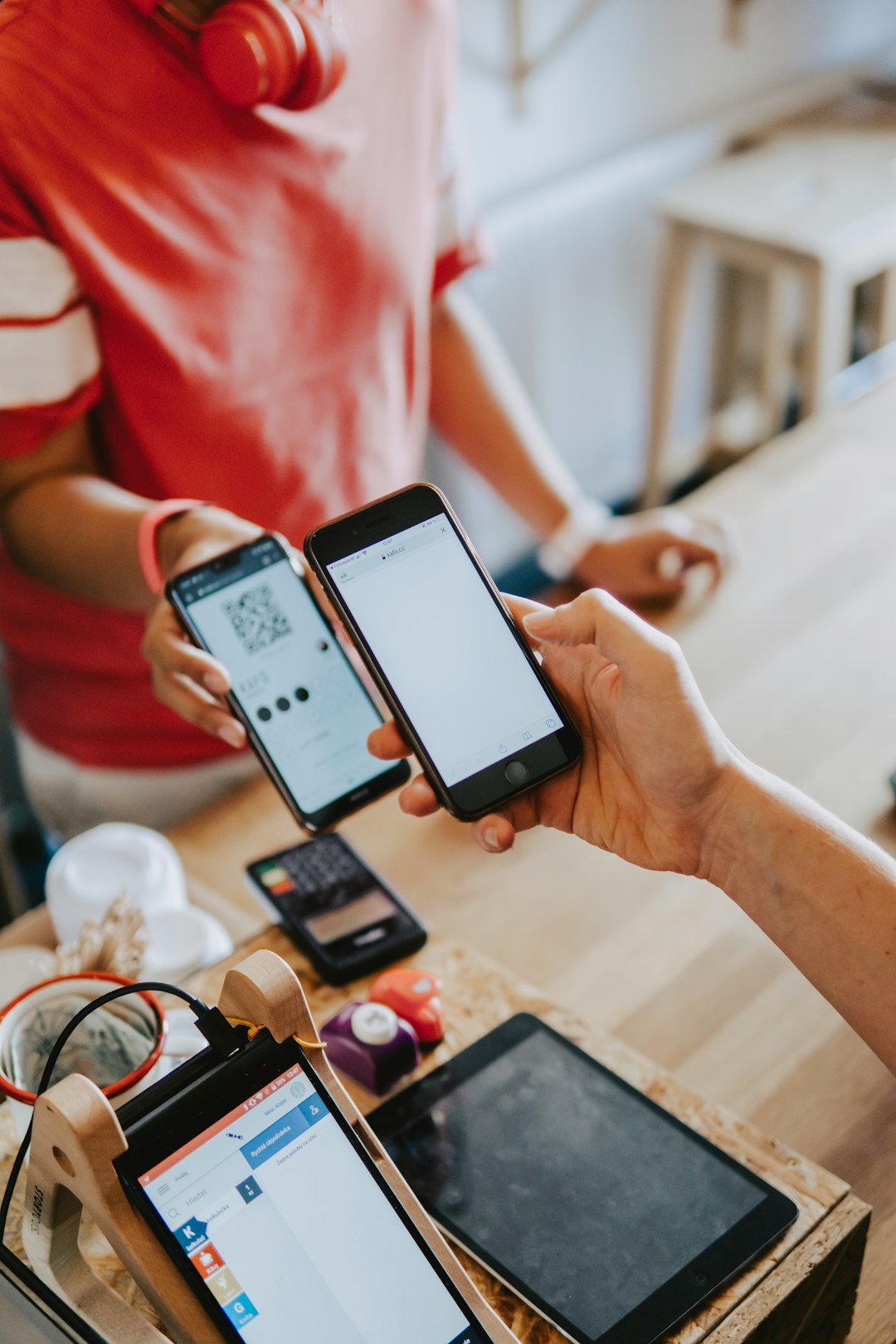
In many cases, yes. If you place an order through the Chipotle app and Apple Pay appears at checkout, you can use it for pickup and, where available, delivery. Your payment is completed before the order is prepared, so you normally do not need to pay again when you arrive at the restaurant.
For orders placed through third-party delivery platforms, Apple Pay availability depends on the platform rather than Chipotle directly. Services such as delivery apps may offer Apple Pay as a payment method, but their policies, fees, and checkout options are separate from Chipotle’s own app and website.
Other Payment Methods Chipotle Accepts
Even though Apple Pay is convenient, it is not the only option. Chipotle typically accepts several standard payment methods, which can be useful if your phone battery is low, your Apple Wallet card is declined, or the store’s contactless reader is not working.
Common payment options include:
- Credit cards, including major card networks
- Debit cards
- Chipotle gift cards
- Cash at most physical restaurant locations
- Digital payments such as Apple Pay where supported
Gift card rules can vary depending on whether you are ordering in store, in the app, or online. If you are trying to combine a gift card with Apple Pay, check the checkout screen carefully. Some systems allow split payments in certain situations, while others may require one primary payment method.
Is Apple Pay Safe To Use At Chipotle?
Apple Pay is generally considered a secure payment method. It uses tokenization, meaning your real card number is not passed directly to the merchant during the transaction. In addition, payments require device authentication, so someone who has your phone still needs Face ID, Touch ID, or your passcode to pay.
From a practical standpoint, Apple Pay can also reduce the need to handle a physical card or touch a keypad. While no payment method is completely risk-free, Apple Pay offers strong protections when used properly. You should still monitor your card statements and keep your device secured with a strong passcode.
What To Do If Apple Pay Does Not Work At Chipotle
If Apple Pay fails, do not assume Chipotle no longer accepts it. Most issues are temporary or specific to a device, card, terminal, or app session. Try these steps:
- Confirm that your card is active in the Apple Wallet app.
- Try a different card in Apple Pay if you have one available.
- Restart the Chipotle app or update it if you are ordering digitally.
- Ask the cashier whether the contactless reader is working.
- Use a physical card, gift card, or cash as a backup.
If you are ordering online and Apple Pay is not displayed, try using Safari on an Apple device or switching to the Chipotle app. If it still does not appear, choose another listed payment method to complete your order.
Bottom Line
Chipotle does accept Apple Pay, and it is a practical option for many in-store, app-based, and some web orders. The most reliable places to use it are at contactless-enabled restaurant registers and inside the Chipotle app on an iPhone. However, payment availability can vary by location, device, and checkout channel.
For the smoothest experience, set up Apple Pay before you order, keep the Chipotle app updated, and have a backup payment method ready. In most cases, Apple Pay is a fast, secure, and convenient way to pay for Chipotle without reaching for your wallet.