The best SmartPass alternatives are Securly Pass, Minga, eHallpass, SchoolPass, Orah, 5-Star Students, and Pikmykid, with each tool fitting a slightly different school problem. Some focus on bathroom passes. Others handle dismissal, attendance, campus check-ins, or student accountability. That matters because U.S. public schools served about 49.6 million students in fall 2022, so even small hallway delays can turn into a daily headache [source: NCES].
TLDR: If you want a straight digital hall pass tool, start with Securly Pass, Minga, or eHallpass. If your bigger issue is arrival, dismissal, and knowing where students are, look at SchoolPass, Orah, or Pikmykid. For example, a middle school with 900 students and 12 passing periods could easily log 2,000+ movement events per day, which makes paper passes feel outdated fast. The right tool should cut repeat trips, spot hallway crowding, and give staff fewer tabs to open.
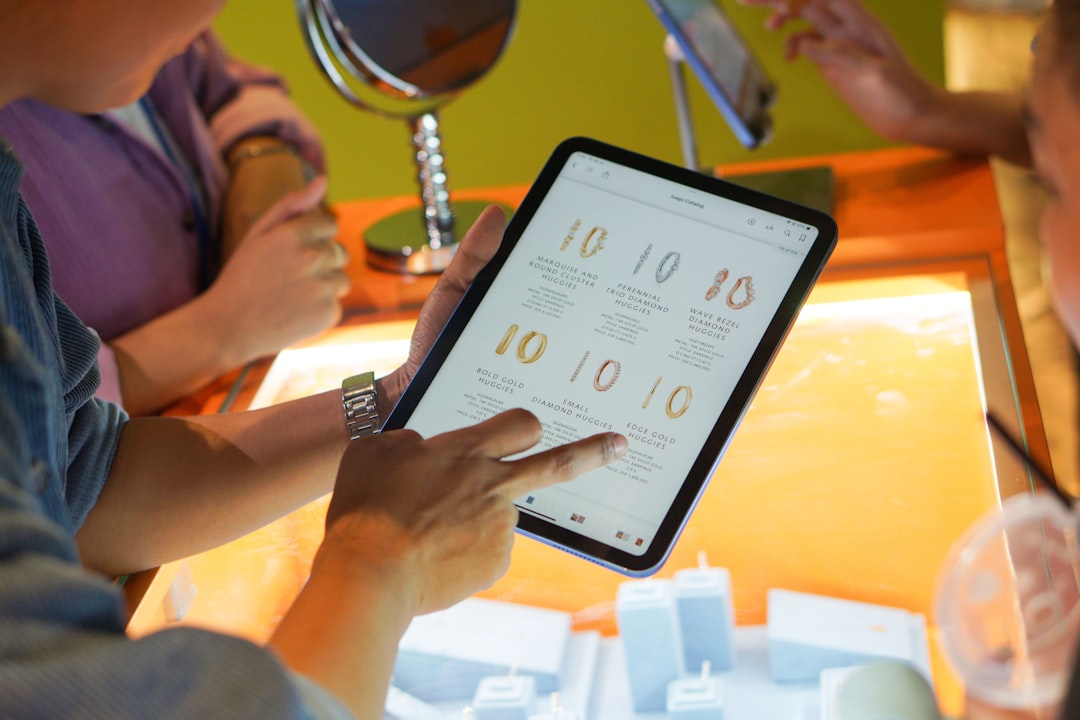
Digital hall pass systems are not just “paper passes on a screen.” The good ones show who is out, where they went, how long they have been gone, and whether too many students are heading to the same place. The weak ones add clicks and make teachers grumble by second period. Honestly, it feels like some tools forget that a teacher has about five seconds to approve a pass, not a full minute.
7 digital hall pass and student movement tools to know
-
Securly Pass
Best for schools that want digital hall passes with safety rules. Securly Pass helps staff approve, deny, and track student trips. Schools can set limits by location, time, or student group. That means fewer “meet me in the bathroom” moments and better visibility for administrators. It is a strong pick for middle and high schools that want structure without making every pass feel like a police report. -
Minga Hall Pass
Best for schools already using digital IDs or student culture tools. Minga combines hall passes with student IDs, announcements, behavior tools, and check-ins. That can be useful if your school wants one student-facing app instead of five. The catch is that setup can feel broader than expected if you only want passes. Still, the all-in-one style is appealing for schools trying to clean up scattered systems. -
eHallpass
Best for schools that want a dedicated, pass-first system. eHallpass is one of the more known names in this space. It tracks active passes, wait times, limits, and student movement history. Staff can see patterns, such as students leaving during the same class each day. That data is useful when a hallway issue is not random at all. It is often used by schools that want firm pass control without adding extra student life features. -
SchoolPass
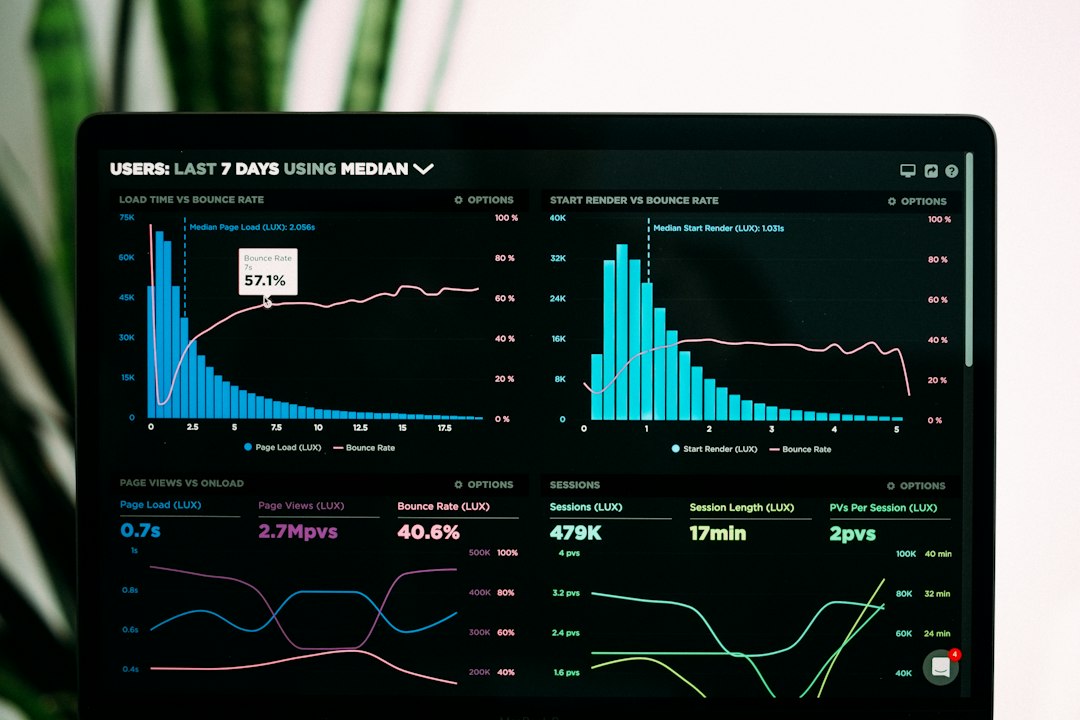
Best for attendance, arrival, dismissal, and broader movement control. SchoolPass goes beyond bathroom trips. It is built for campus movement, dismissal changes, attendance workflows, car lines, and parent communication. This makes it a better fit for private schools, independent schools, and larger campuses with complex schedules. If your main pain is the end-of-day pickup mess, this one deserves attention.
-
Orah
Best for boarding schools and independent schools. Orah focuses on student location, leave requests, attendance, pastoral care, and safety. It is especially useful when students move between dorms, classes, activities, and off-campus events. A standard hall pass app may not be enough for that kind of school day. Orah is more of a student whereabouts system than a simple pass button. -
5-Star Students
Best for schools that connect movement with student engagement. 5-Star Students is known for student check-ins, ID scanning, event attendance, rewards, and behavior tracking. Some schools use tools like this to support pass routines, activity check-ins, and accountability. It works best when student movement is tied to culture goals, not just discipline. Think assemblies, tardy sweeps, lunch access, clubs, and incentives. -
Pikmykid
Best for dismissal and release management. Pikmykid is not a classic hall pass platform. It is more focused on dismissal, car lines, parent pickup, buses, after-school changes, and emergency release. Still, student movement does not stop at the classroom door. Elementary schools may care more about getting 600 students safely to the right exit than tracking every bathroom trip. For that job, Pikmykid is worth a look.
What to compare before choosing
- Speed: Can a teacher create or approve a pass in under 10 seconds?
- Rules: Can you block certain student pairs, locations, or time windows?
- Visibility: Can office staff see all active passes at once?
- Reports: Can leaders spot repeat trips, long absences, and busy areas?
- Student access: Does it work on school devices, phones, ID cards, or kiosks?
- Integrations: Does it connect with your SIS or single sign-on?
It drives me crazy when a tool saves administrators time but adds work for teachers. If approving a pass takes four screens, staff will avoid it. If students can game the system with fake names, they will. Ask vendors for a live demo using a real class schedule, not a polished sales setup.
Image not found in postmetaBest fit by school need
- Most direct SmartPass alternatives: Securly Pass, Minga, eHallpass
- Best for dismissal-heavy schools: SchoolPass, Pikmykid
- Best for boarding or independent schools: Orah
- Best for culture and check-ins: 5-Star Students
The right choice depends on your biggest daily mess. If bathroom traffic is the problem, pick a pass-first tool. If pickup, attendance, and location awareness are the problem, choose a broader movement system. Either way, the goal is simple: fewer missing students, fewer hallway clusters, and less time wasted asking, “Who gave you permission to be out?”