QR codes are everywhere. On menus. On posters. On business cards. Even on t-shirts. They turn the physical world into clickable links. And the best part? You can create them in minutes. In this guide, we’ll look at four QR code generator tools that make the job easy, fast, and even fun.
TLDR: QR codes help you share links, files, and contact details quickly. There are many tools online that let you create them for free or at low cost. In this article, we cover four easy-to-use QR code generators and what makes each one special. Pick the one that fits your needs and start sharing smarter.
Why Use a QR Code Generator?
Before we jump into the tools, let’s keep it simple.
A QR code is like a shortcut. Someone scans it with their phone. Instantly, they land on a website, download a file, or see your contact card.
No typing. No mistakes. No long URLs.
Businesses use QR codes for:
- Restaurant menus
- Event tickets
- WiFi access
- Marketing campaigns
- App downloads
- Payments
Individuals use them too. For resumes. Portfolios. Party invites. The possibilities are endless.
Now let’s explore four great tools you can use today.
1. QR Code Generator (The All-Arounder)
This type of tool is simple and powerful. It is perfect for beginners.
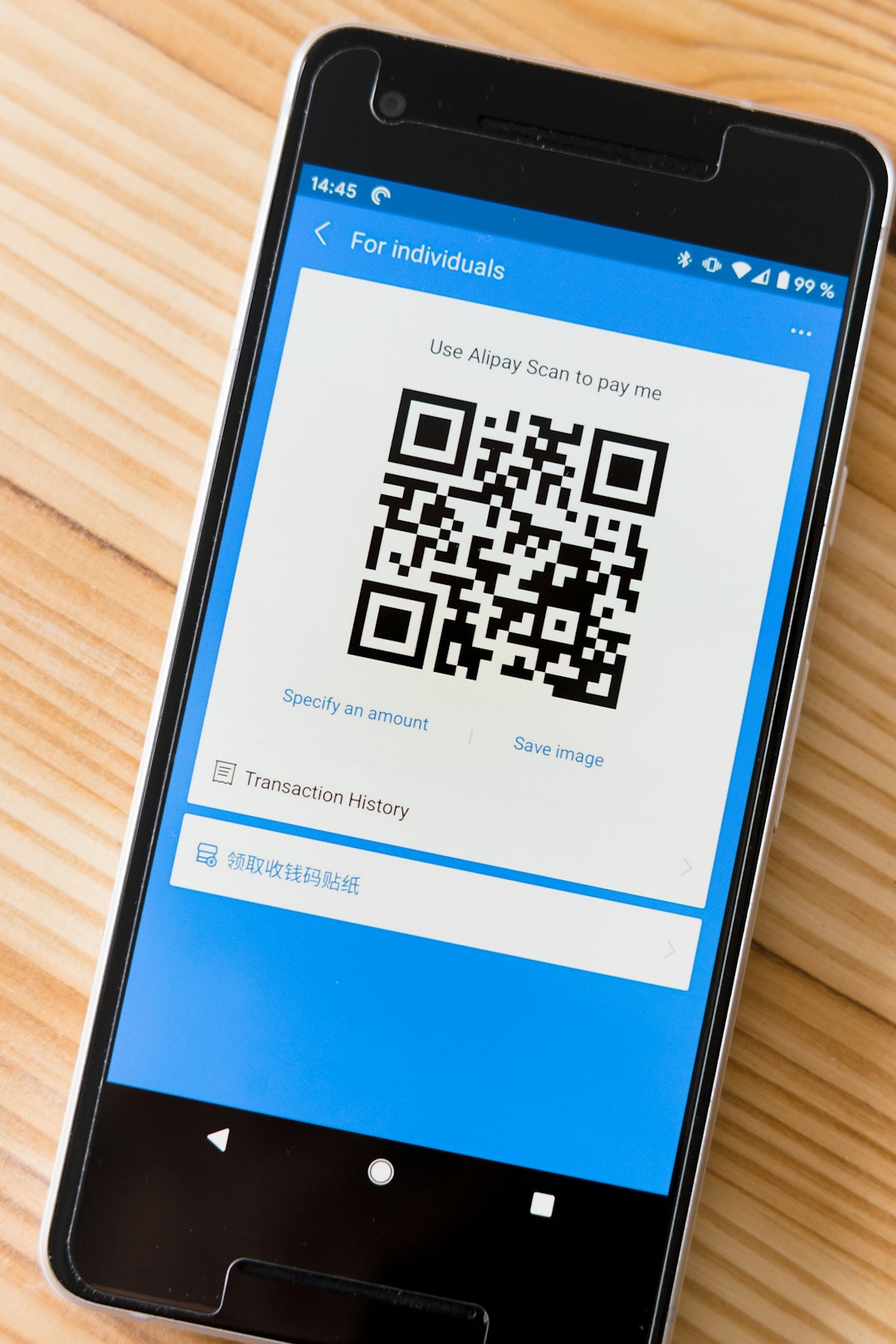
You visit the website. You choose what you want to link. You paste your content. Click generate. Done.
What Can You Create?
- Website URL QR codes
- Email QR codes
- Phone number QR codes
- SMS QR codes
- vCard contact QR codes
- PDF download codes
Some tools also let you create dynamic QR codes.
Dynamic means you can change the destination link later. The QR code stays the same. That’s very useful for marketing campaigns.
Why People Like It
- Easy to use
- No design skills needed
- Quick download options
- Works on desktop and mobile
Many of these tools offer free static QR codes. You pay only if you want tracking or advanced features.
Best for: Small business owners, freelancers, and anyone who wants a fast solution.
2. The Custom Design QR Code Tool
Want your QR code to stand out? This option is for you.
Basic black-and-white squares work fine. But sometimes you want more style. Especially for branding.
Custom design QR code tools let you:
- Change the colors
- Add your logo
- Adjust the shape of the dots
- Use gradients
- Add frames and call-to-action text
For example, you can add a message like:
- Scan Me
- Get Your Discount
- View Menu
This small change increases scans. Why? Because people need direction.
Branding Matters
If you run a business, brand consistency is important. A colorful QR code that matches your logo looks more professional.
But keep one rule in mind:
Make sure the code stays readable.
If the contrast is too low, scanners may fail. Always test your design before printing 1,000 flyers.
Extra Features
Some advanced tools include:
- Scan analytics
- Password protection
- Expiration dates
- Retargeting integration
These are great for campaigns and promotions.
Best for: Brands, marketers, and designers who want eye-catching QR codes.
3. Free Open-Source QR Code Generators
Not everyone needs fancy features.
Sometimes you just want a simple, no-cost solution. No sign-up. No email. No tracking.
This is where open-source QR code generators shine.
What Makes Them Different?
- Usually 100% free
- No account required
- Simple interface
- Instant download
You paste your link. The code appears. You download the image file.
That’s it.
No dashboard. No subscriptions.
Pros
- Fast and lightweight
- Great for personal use
- No learning curve
Cons
- No editing after creation
- No analytics
- Limited customization
These tools create static QR codes. That means once generated, the link cannot change.
If you’re printing something permanent, double-check your URL first.
Best for: Students, hobbyists, and one-time projects.
4. QR Code Generator Apps (Mobile-Friendly Tools)
Sometimes you’re not at your desk.
Maybe you’re at an event. Or meeting a client. Or setting up a booth.
Mobile QR code generator apps are perfect for these moments.
Why Use an App?
- Create codes on the go
- Share instantly
- Save directly to your phone
- Integrate with contacts
You can quickly generate a QR code for:
- Your Instagram page
- Your digital business card
- Your payment link
- Your event registration page
In seconds, it’s ready to scan.
Some apps even let you scan and store other people’s QR codes. Like a digital organizer.
Things to Check Before Installing
- App ratings and reviews
- Privacy permissions
- Export formats (PNG, SVG, PDF)
- Watermarks on free versions
Choose apps that allow high-resolution downloads. This is important for printing.
Best for: Networking events, sales teams, and quick sharing situations.
How to Choose the Right Tool
Not all tools fit all needs.
Ask yourself a few simple questions:
1. Do I Need to Edit the Link Later?
If yes, choose a tool with dynamic QR codes.
If no, a free static generator will work.
2. Do I Care About Design?
If branding matters, go with customization options.
If function is enough, keep it simple.
3. Do I Need Analytics?
For marketing campaigns, tracking scans is powerful.
You can see:
- Number of scans
- Location of users
- Device type
- Time of scan
If you’re just sharing your portfolio, analytics may not matter.
Tips for Creating Effective QR Codes
Creating the code is easy. Getting people to scan it is the real goal.
Use Clear Instructions
Tell people what happens when they scan.
Example:
- Scan to See the Menu
- Scan for 20% Off
- Scan to Register
Make It Big Enough
If printed too small, it won’t scan properly.
A good rule:
QR code size = distance divided by 10.
If users scan from 50 cm away, the code should be at least 5 cm wide.
Check the Contrast
Dark code on light background works best.
Avoid light gray on white. It may look stylish. But it often fails.
Test Before Printing
This step is critical.
Scan with:
- iPhone
- Android phone
- Different lighting conditions
Test. Then print.
Common Mistakes to Avoid
- Using broken links
- Printing low-resolution images
- Placing codes where there’s no internet access
- Making them too small
- Forgetting to add a call to action
A QR code without context is just a square. Give people a reason to scan.
Final Thoughts
QR codes are simple. But powerful.
They connect offline and online worlds in seconds.
Whether you choose:
- An easy all-around generator
- A custom design tool
- A free open-source platform
- A mobile app
The most important thing is clarity.
Clear link. Clear design. Clear purpose.
Start small. Test it. Improve it.
In a world where attention spans are short, QR codes remove friction. And that makes sharing information faster than ever.
Now it’s your turn. Create one. Print it. Share it. And watch people scan.