Podcasting is booming. Everyone has a mic. Everyone has a story. But great stories need great sound. That is where podcast editing software comes in. The right tools can turn messy recordings into smooth, professional episodes that people love to hear.
TLDR: Podcast editing software helps you clean up mistakes, reduce noise, and create smooth, professional audio. Good tools make editing faster and easier, even for beginners. Popular options include free and paid programs with different features. Choose software based on your skill level, budget, and podcast goals.
Why Podcast Editing Matters
You can have the best content in the world. But if your audio sounds bad, people will leave. Fast.
Editing helps you:
- Remove background noise
- Cut awkward pauses
- Fix volume levels
- Add music and sound effects
- Create a polished final product
Clean audio builds trust. It tells listeners you care. It keeps them coming back.
What to Look for in Podcast Editing Software
Not all editing tools are created equal. Some are simple. Some are powerful. Some are both.
Here are key features to watch for:
1. Easy-to-Use Interface
If the software looks confusing, you may not use it. A clean layout saves time. Drag-and-drop tools help a lot.
2. Noise Reduction
Background hum. Keyboard clicks. Barking dogs. Good software can reduce or remove these sounds.
3. Multi-Track Editing
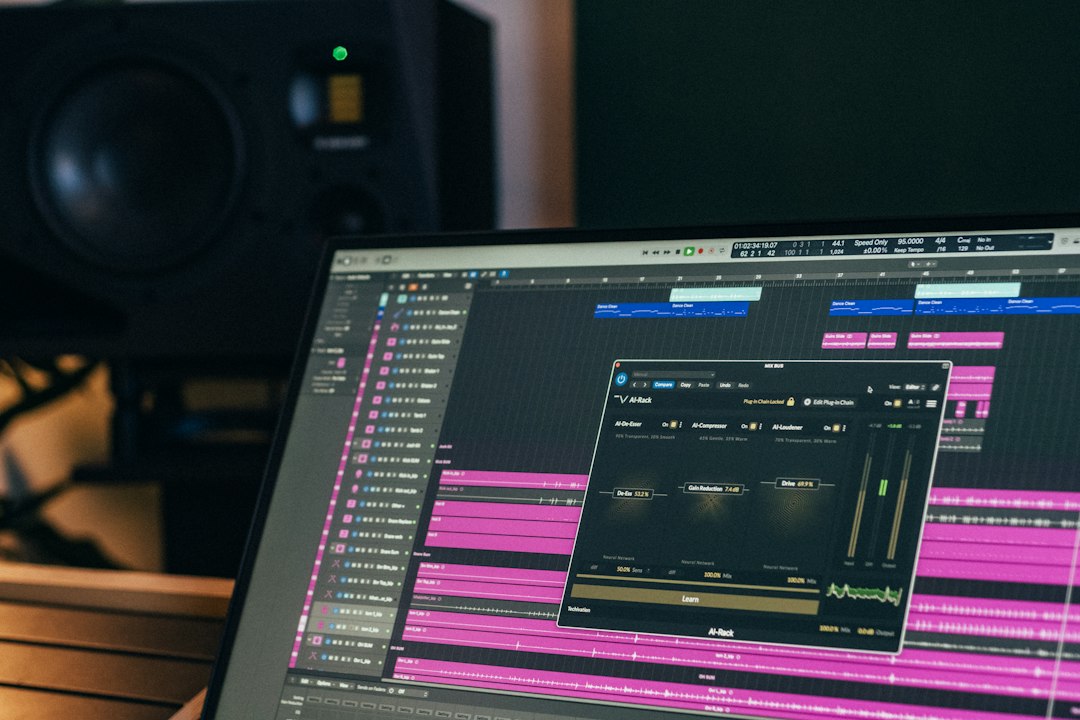
This lets you edit several audio tracks at once. Perfect for interviews or co-hosted shows.
4. Effects and Filters
Compression. EQ. Reverb. These tools enhance your voice and balance sound levels.
5. Export Options
You need to export your podcast in high-quality formats like MP3 or WAV. Bonus points for easy publishing.
Popular Podcast Editing Software Options
Let’s break down some well-known tools. Each has its strengths.
Audacity (Free)
This is a favorite for beginners. And it is free. That makes it powerful right away.
- Works on Windows, Mac, and Linux
- Supports multi-track editing
- Offers basic effects and plugins
The layout looks simple. Maybe even old-school. But it gets the job done.
Best for: Beginners who want power without cost.
GarageBand (Free for Mac Users)
Mac user? You already have this.
- Clean and friendly interface
- Built-in music and sound effects
- Easy drag-and-drop editing
GarageBand makes audio editing feel less scary. It is simple. It is smooth.
Best for: Apple users who want an easy start.
Adobe Audition (Paid)
This one is more advanced. It is used by professionals.
- Powerful noise reduction tools
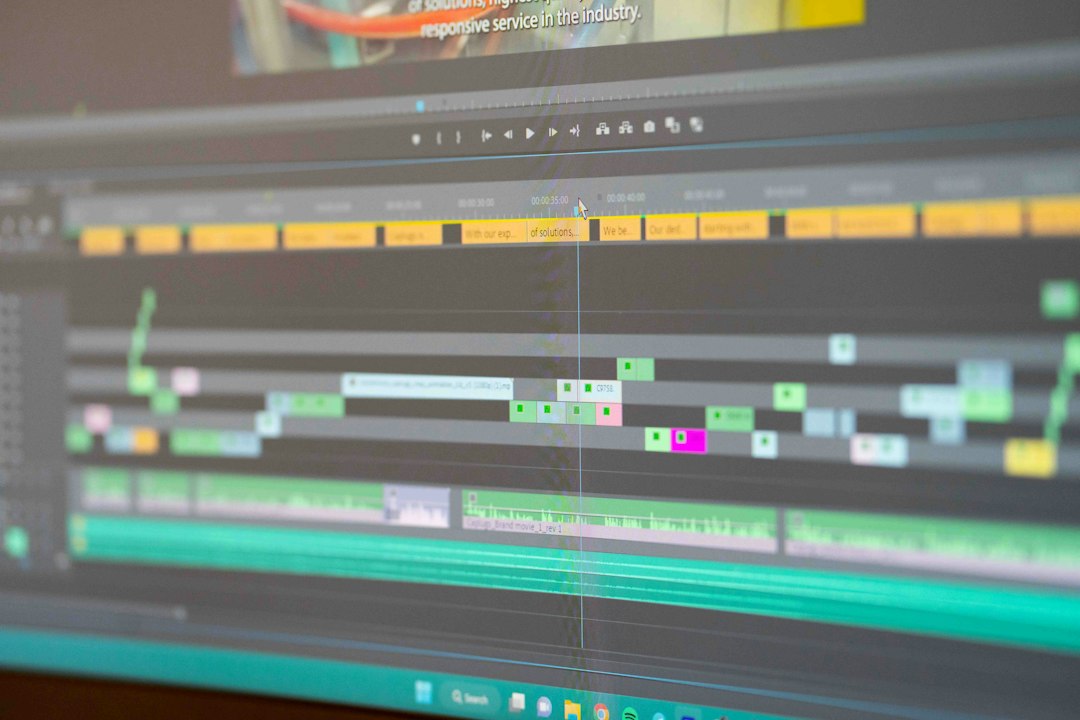
- Advanced multi-track editing
- High-quality sound processing
There is a learning curve. But the results can be amazing.
Best for: Serious podcasters who want studio-level quality.
Hindenburg Journalist (Paid)
This software was built for storytelling. Radio reporters love it.
- Automatic audio leveling
- Voice-optimized tools
- Simple interface with pro features
It focuses on spoken word. That makes it perfect for podcasts.
Best for: Interview and narrative podcasters.
Reaper (Affordable)
Reaper is flexible. And powerful. And surprisingly affordable.
- Customizable interface
- Strong plugin support
- Professional-grade editing tools
It may look complex at first. But once you learn it, it is fast.
Best for: Tech-savvy creators who want control.
Must-Know Editing Techniques
Even the best software will not help if you do not know the basics. Here are simple techniques that make a huge difference.
Cut the Silence
Long pauses feel awkward. Trim them down. Keep the conversation flowing.
Normalize Audio Levels
Make sure all voices are at similar volume. No one wants to adjust volume every five seconds.
Use Compression
Compression evens out loud and quiet parts. It makes your voice sound balanced.
Apply EQ
EQ removes muddy tones and sharp highs. It shapes your sound.
Add Intro and Outro Music
Music builds brand identity. Keep it short. Keep it consistent.
Free vs Paid Software: What Should You Choose?
This depends on your goals.
Choose free software if:
- You are just starting out
- You have a limited budget
- Your editing needs are simple
Choose paid software if:
- You want advanced sound design
- You are producing weekly episodes
- You want faster workflow
- You are monetizing your podcast
You can always start free. Upgrade later. Your audience will not know what software you used. They only care about the final sound.
Tips for Faster Editing
Editing can take hours. But you can speed it up.
- Create templates. Save intro music and track settings.
- Use keyboard shortcuts. They save tons of time.
- Record clean audio. Good input means less fixing later.
- Edit in stages. First cut mistakes. Then fix sound. Then add music.
Smart workflow equals less stress.
Common Podcast Editing Mistakes
Let’s avoid some classic errors.
Over-Editing
If you remove every breath, it can sound robotic. Keep it natural.
Too Many Effects
Echo and heavy filters can distract listeners. Subtle is better.
Ignoring Background Noise
A constant hum becomes annoying fast. Always check with headphones.
Inconsistent Volume
One loud laugh can hurt ears. Monitor levels carefully.
How to Choose the Right Software for You
Ask yourself a few questions:
- What is your budget?
- How often will you publish?
- Do you interview guests?
- Do you enjoy learning technical tools?
If you love simplicity, choose beginner-friendly tools. If you want total control, go advanced.
Remember this. The best software is the one you will actually use.
Improving Audio Quality Beyond Software
Software helps. But hardware matters too.
- Use a good microphone
- Record in a quiet room
- Add soft furnishings to reduce echo
- Speak clearly and consistently
Great editing cannot fully fix terrible recording. Start with good raw audio.
The Future of Podcast Editing
Editing tools are getting smarter. AI features can now:
- Automatically remove filler words
- Transcribe audio instantly
- Balance sound levels in one click
- Clean noise with advanced algorithms
This saves time. Lots of time.
But human touch still matters. Storytelling is emotional. Timing is art. Software is just the helper.
Final Thoughts
Podcast editing does not have to be scary. Start simple. Learn the basics. Practice often.
Choose software that fits your skill level and goals. Focus on clean sound. Keep your edits natural. And always listen with fresh ears before publishing.
Your voice deserves to sound its best. With the right podcast editing software, it will.
Now grab your headphones. Open your editor. And make something amazing.