Modern music production has evolved far beyond traditional recording studios, giving artists the freedom to create, edit, and publish tracks from virtually anywhere. Digital Audio Workstations (DAWs) like Ableton Live have redefined what it means to produce music efficiently, offering powerful tools for composition, arrangement, and live performance. As creative demands grow, more music production apps are stepping up to enhance workflow, streamline collaboration, and unlock new sonic possibilities.
TLDR: Music production apps like Ableton Live empower creators with flexible workflows, advanced sound design tools, and seamless performance features. Alternatives such as FL Studio, Logic Pro, Bitwig Studio, and Studio One each offer unique strengths tailored to different creative styles. Choosing the right DAW depends on workflow preferences, genre focus, and technical needs. The right tool can significantly boost productivity and artistic expression.
Today’s producers rely on software ecosystems that provide intuitive interfaces, powerful automation, and real-time experimentation. Whether crafting electronic beats, recording live instruments, or mixing cinematic scores, selecting the right production app can dramatically enhance creative workflow.
Why Workflow Matters in Music Production
Workflow in music production refers to how efficiently ideas move from concept to finished track. A well-designed DAW minimizes technical friction, allowing artists to focus on creativity rather than navigation.
- Speed: Faster idea capture and editing.
- Flexibility: Easy rearrangement and experimentation.
- Integration: Compatibility with plugins and hardware.
- Automation: Streamlined mixing and effects control.
Apps like Ableton Live stand out because they balance creative spontaneity with professional-grade production capabilities.
Ableton Live: The Workflow Pioneer
Ableton Live is widely celebrated for its dual-view interface: Session View for live looping and experimentation, and Arrangement View for linear composition. This duality empowers artists to brainstorm freely and then structure tracks seamlessly.
Key workflow features include:
- Non-linear clip launching for live performance.
- Warping technology for time-stretching audio without losing quality.
- Extensive MIDI mapping for hands-on control.
- Robust stock instruments and effects.
Its integration with hardware controllers like Ableton Push further strengthens its reputation as a performance-friendly platform.
Top Music Production Apps That Rival Ableton Live
Several DAWs provide comparable or complementary workflow enhancements. Each caters to different creative styles and technical preferences.
1. FL Studio
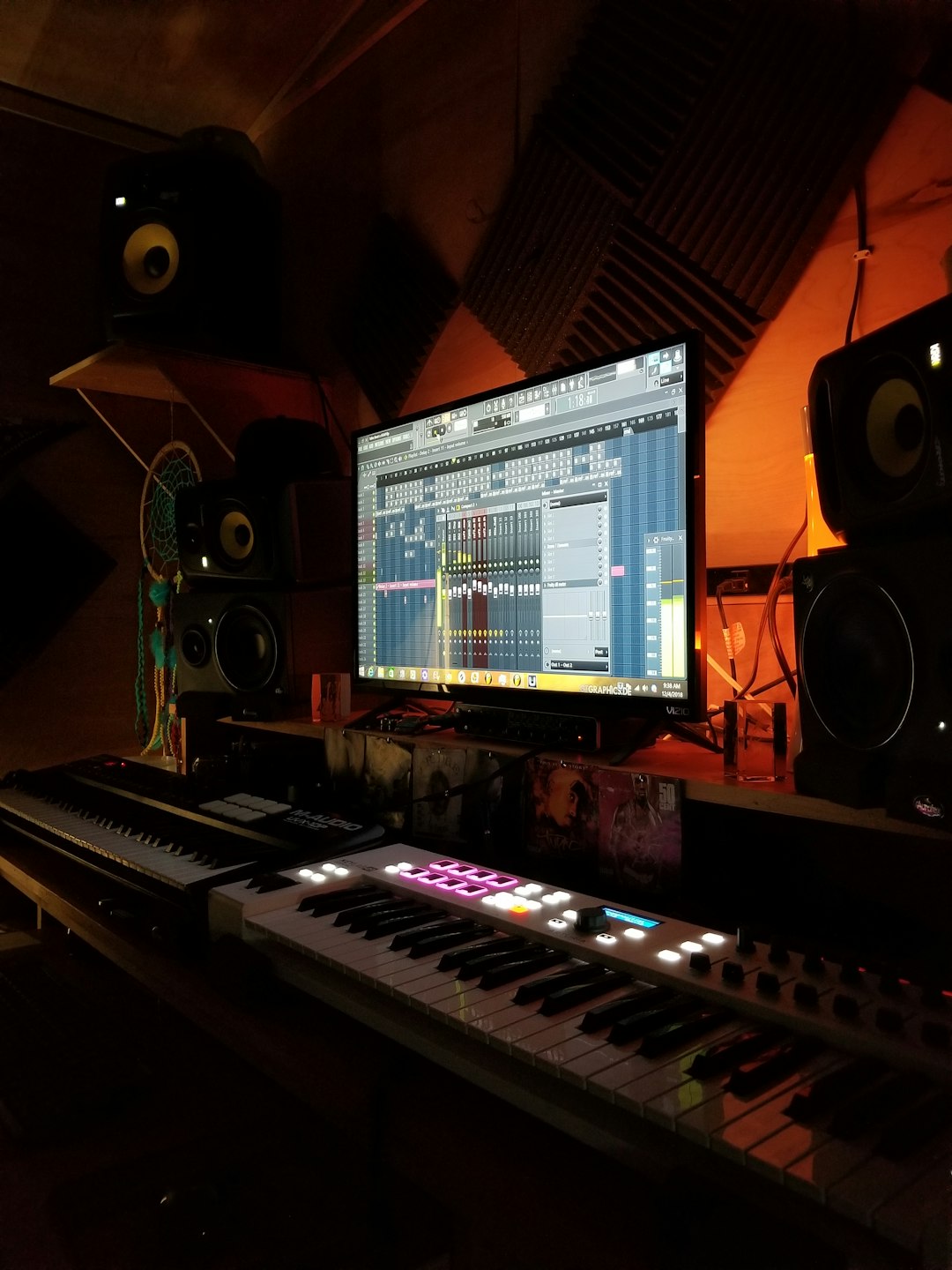
FL Studio is known for its intuitive pattern-based sequencing and vibrant interface. Highly popular among electronic and hip-hop producers, it offers:
- Step sequencer for rapid beat creation.
- Lifetime free updates.
- Flexible automation clips.
- Comprehensive plugin suite.
Its pattern workflow encourages loop-based creativity, making it ideal for beat-driven genres.
2. Logic Pro
Available exclusively for macOS, Logic Pro combines professional power with user-friendly design. Musicians appreciate:
- High-quality virtual instruments.
- Advanced MIDI editing tools.
- Smart Tempo for dynamic timing adjustments.
- Comprehensive mixing suite.
Logic Pro excels in recording live instruments and producing polished studio tracks.
3. Bitwig Studio
Bitwig Studio shares similarities with Ableton Live but emphasizes modular sound design and device flexibility. Producers value:
- The Grid modular environment.
- Hybrid audio and MIDI tracks.
- Advanced modulation system.
- Cross-platform support.
Its open-ended design encourages experimentation and sonic innovation.
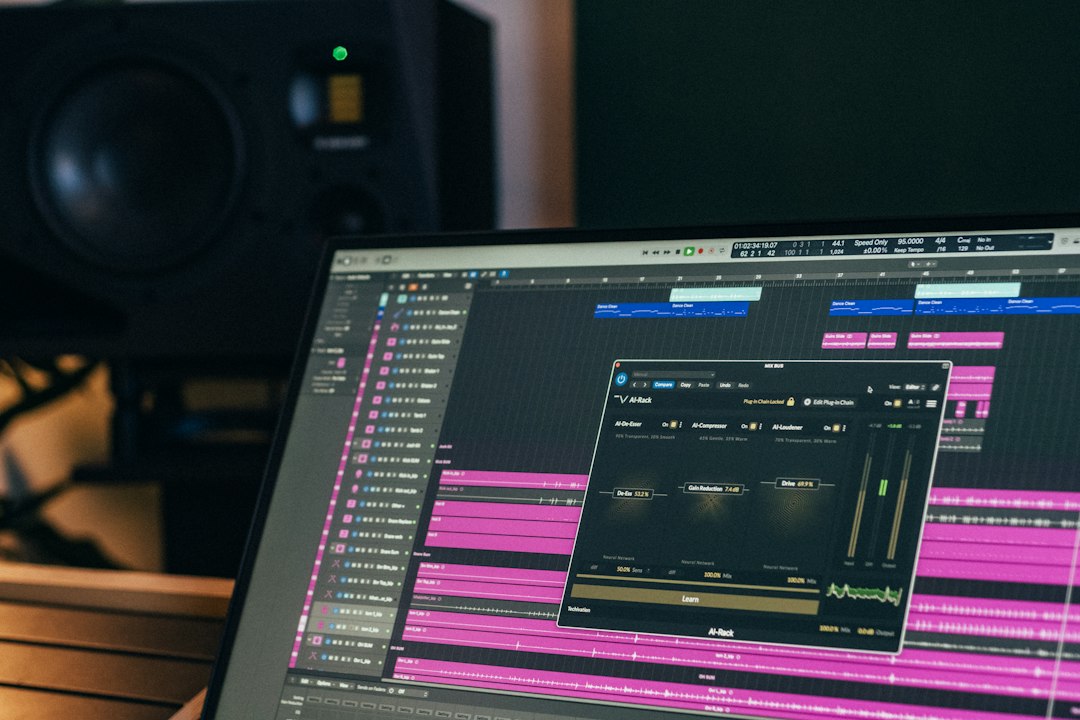
4. PreSonus Studio One
Studio One has rapidly grown in popularity due to its drag-and-drop workflow and integrated mastering tools. Highlights include:
- Scratch Pads for testing arrangements.
- Project page for seamless mastering.
- Fast audio rendering.
- Intuitive interface layout.
It bridges the gap between beginner accessibility and professional production depth.
Comparison Chart of Leading Music Production Apps
| Feature | Ableton Live | FL Studio | Logic Pro | Bitwig Studio | Studio One |
|---|---|---|---|---|---|
| Best For | Live performance, electronic | Beat making, hip hop | Full studio production | Sound design, modular | Recording and mastering |
| Platform | Mac, Windows | Mac, Windows | Mac only | Mac, Windows, Linux | Mac, Windows |
| Workflow Style | Clip based, linear hybrid | Pattern based | Linear arrangement | Hybrid modular | Drag and drop linear |
| Live Performance Features | Excellent | Moderate | Limited | Strong | Basic |
| Learning Curve | Moderate | Beginner friendly | Moderate | Advanced | Beginner to intermediate |
Enhancing Creativity Through Features
Beyond basic recording and editing, today’s DAWs include creative tools that fuel inspiration.
Automation and Modulation
Automation enables dynamic changes in volume, effects, and parameters over time. Apps like Bitwig push this further with comprehensive modulation systems that allow producers to shape evolving soundscapes.
Integrated Instruments and Effects
High-quality stock plugins eliminate the need for third-party purchases. Logic Pro and Ableton Live are particularly praised for their built-in synthesizers, samplers, and mixing tools.
Real-Time Collaboration
Cloud integration and file-sharing capabilities enable artists to collaborate globally. While most DAWs support file exports, some integrate directly with cloud services for smoother teamwork.
Choosing the Right Music Production App
Selecting the right DAW depends on individual needs and experience level. Consider:
- Genre Focus: Electronic producers often prefer Ableton or FL Studio, while bands may lean toward Logic or Studio One.
- Budget: Pricing models vary, including subscription options and one-time purchases.
- System Compatibility: Mac users have access to Logic Pro, whereas Linux users may prefer Bitwig.
- Hardware Integration: Ensure compatibility with MIDI controllers and audio interfaces.
Many producers experiment with trial versions before committing, allowing firsthand evaluation of workflow compatibility.
The Future of Music Production Workflow
The future promises even tighter integration between hardware and software, AI-assisted composition, and immersive audio production tools. Artificial intelligence is already influencing chord generation, mix suggestions, and mastering optimization.
As these technologies advance, music production apps will likely become even more intuitive, enabling creators to focus primarily on artistic expression rather than technical processes.
FAQ: Music Production Apps Like Ableton Live
-
What makes Ableton Live different from other DAWs?
Ableton Live features a unique dual-view interface that supports both live performance and traditional arrangement, making it highly versatile for electronic and experimental producers. -
Is FL Studio better for beginners?
Many beginners find FL Studio approachable due to its pattern-based workflow, intuitive interface, and extensive tutorial community. -
Which DAW is best for recording live instruments?
Logic Pro and Studio One are widely praised for their recording capabilities, offering advanced comping, editing, and mixing tools. -
Are these apps suitable for live performances?
Ableton Live and Bitwig Studio are especially strong for live performance setups thanks to clip launching and MIDI mapping features. -
Do music production apps require powerful computers?
Performance requirements vary, but modern DAWs benefit from sufficient RAM, a multi-core processor, and fast storage for smooth operation. -
Can producers switch DAWs easily?
While transitioning involves a learning curve, foundational production skills transfer across platforms, making adaptation achievable with practice.
Ultimately, music production apps like Ableton Live serve as creative catalysts, transforming ideas into polished compositions. By understanding each platform’s strengths and choosing one aligned with personal workflow preferences, producers can significantly enhance productivity and artistic freedom.