3D animation is everywhere today. It’s in movies. In ads. In video games. Even in social media posts. Tools like Cinema 4D made it easier for artists to create stunning visuals without needing a massive studio.
But Cinema 4D is not the only star in the sky. There are many powerful 3D animation platforms that can deliver high-quality visuals. Some are beginner-friendly. Others are built for professionals. All of them can create eye-catching results.
TL;DR: If you love Cinema 4D but want options, there are many great 3D animation tools to explore. Blender, Maya, Houdini, 3ds Max, and Unreal Engine all create high-quality visuals. Some focus on ease of use, others on power and realism. The best choice depends on your skill level, budget, and project goals.
What Makes a 3D Animation Platform “High-Quality”?
Before we explore the tools, let’s talk about what “high-quality visuals” really mean.
- Realistic lighting
- Smooth animations
- Detailed textures
- Advanced rendering engines
- Powerful simulation tools
A great 3D platform should also be stable and flexible. It should let you model, animate, light, and render without too much hassle.
Now, let’s look at some top platforms like Cinema 4D that deliver amazing results.
1. Blender
Blender is the superstar of free 3D software.
Yes. Free.
And it’s incredibly powerful.

Blender offers:
- Modeling tools
- Professional animation features
- Sculpting
- Physics simulations
- Grease Pencil for 2D animation
- Cycles high-quality renderer
Its Cycles renderer creates beautiful, realistic lighting. You can make cinematic scenes with depth and drama.
Blender is perfect for:
- Indie creators
- Small studios
- Freelancers
- Students
The community is huge. Tutorials are everywhere. Updates are frequent. The only challenge? The interface can feel overwhelming at first.
But once you get used to it, it’s magic.
2. Autodesk Maya
Maya is a legend in the 3D world.
It is widely used in:
- Hollywood films
- AAA video games
- Large animation studios
Maya shines in character animation. Its rigging tools are powerful. Its animation controls are precise.
Key strengths:
- Advanced character rigging
- Realistic simulations
- Industry-standard workflows
- Arnold high-quality renderer
If you want to work in big studios, learning Maya is a smart move.
However, it comes with a higher price tag. And it has a steeper learning curve than Cinema 4D.
Still, when it comes to high-end visuals, Maya delivers every time.
3. Houdini
Houdini is different.
It’s procedural.
This means instead of manually doing everything, you create systems that generate effects.
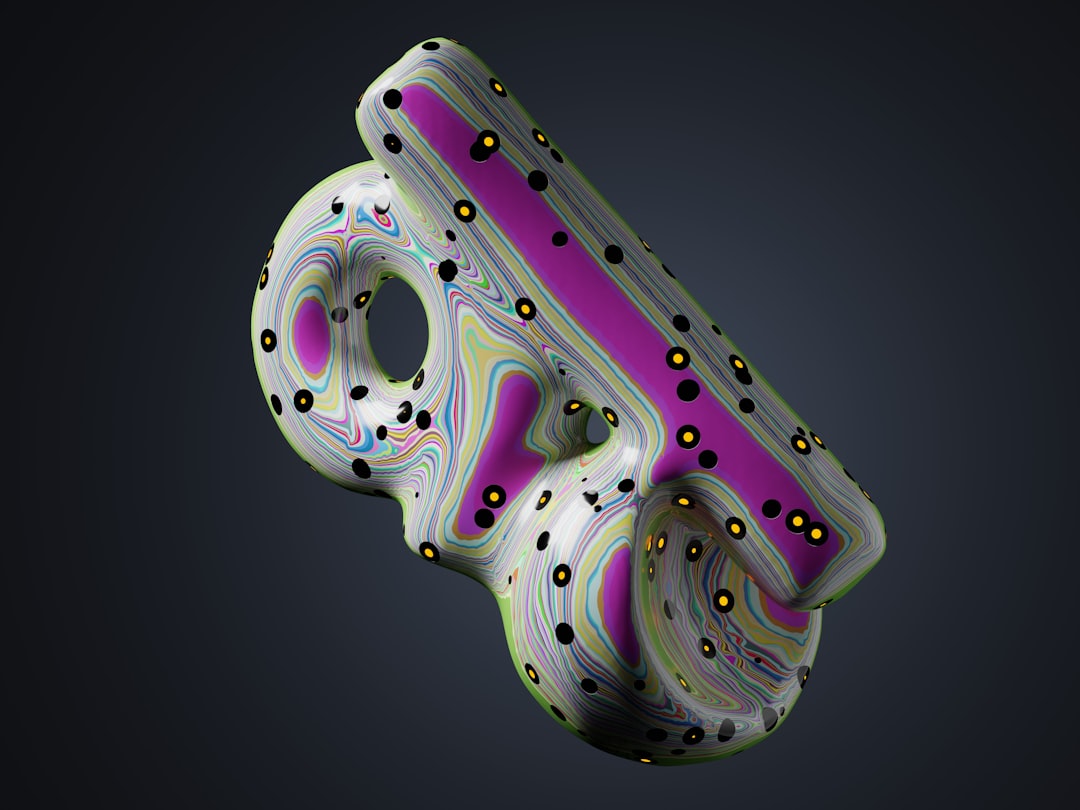
Houdini is famous for:
- Explosions
- Fire simulations
- Water and fluid effects
- Destruction scenes
Many blockbuster movies use Houdini for complex visual effects.
Why?
Because it gives you massive control.
You can adjust one setting and update an entire system. This makes it powerful for technical artists.
It is not the easiest tool to learn. But if you want Hollywood-level effects, Houdini is a beast.
4. Autodesk 3ds Max
3ds Max is another veteran tool.
It is especially popular in:
- Architectural visualization
- Product design
- Game development
It has excellent modeling tools and works beautifully with render engines like V-Ray.
With 3ds Max, you can create:
- Photoreal interior scenes
- Detailed product renders
- Game-ready assets
The lighting and rendering capabilities help create sharp, realistic images. If your focus is architecture or design, this tool shines.
5. Unreal Engine
Unreal Engine started as a game engine.
Now, it’s much more.
It offers real-time rendering that looks almost cinematic.
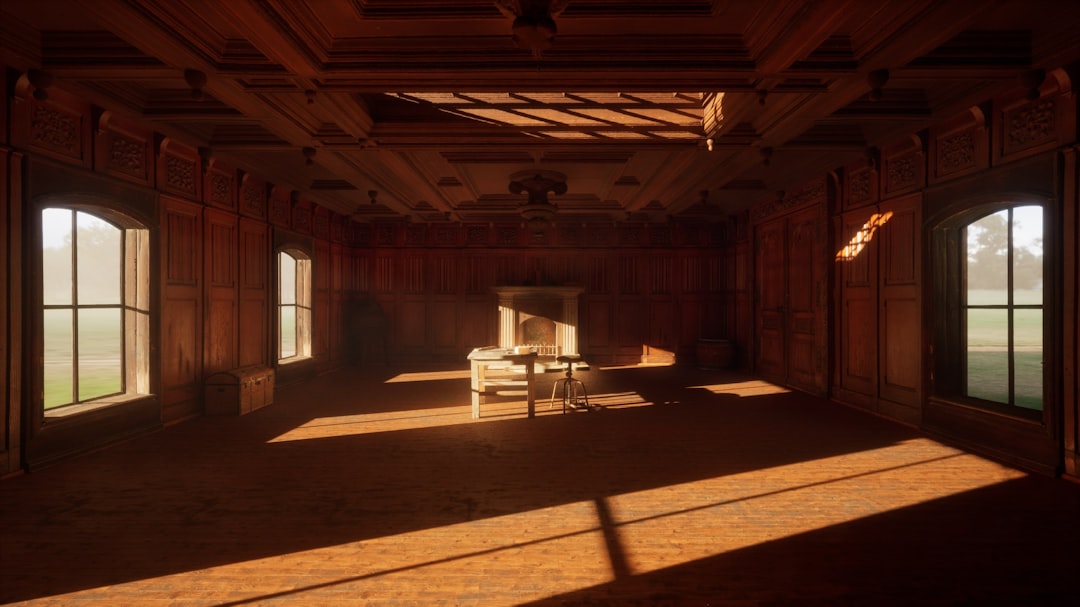
Unreal Engine is used for:
- Video games
- Virtual production
- Animated films
- Architectural walkthroughs
The magic word here is real-time.
You see high-quality lighting and shadows instantly. No long rendering waits.
This makes it perfect for:
- Fast production workflows
- Interactive experiences
- Virtual reality
With tools like Nanite and Lumen, Unreal can create extremely detailed environments and realistic global illumination.
It’s changing the game.
Quick Comparison Chart
| Platform | Best For | Ease of Use | Rendering Quality | Price |
|---|---|---|---|---|
| Blender | All-around projects | Medium | High | Free |
| Maya | Character animation, film | Hard | Very High | Premium |
| Houdini | Visual effects | Very Hard | Very High | Premium (Indie option available) |
| 3ds Max | Architecture, design | Medium | Very High | Premium |
| Unreal Engine | Real-time production | Medium | Extremely High | Free (royalty model) |
How to Choose the Right One
Feeling unsure?
Ask yourself these simple questions:
- Are you a beginner or a professional?
- What is your budget?
- Are you creating films, games, or product renders?
- Do you need real-time results?
If you’re just starting out, Blender is a safe and powerful choice.
If you want a studio career, Maya is valuable.
If you love technical challenges and effects, Houdini is exciting.
If you design buildings or products, 3ds Max is practical.
If you want speed and real-time visuals, Unreal Engine is revolutionary.
The Future of 3D Animation Tools
3D animation keeps evolving.
Rendering engines are getting faster. Real-time tools are becoming more realistic. AI is helping with textures and motion.
Soon, high-quality visuals will be even more accessible.
Small creators will produce film-level animation from home studios.
The gap between indie artists and large studios is shrinking.
That’s exciting.
Final Thoughts
Cinema 4D is fantastic. It’s clean. It’s artist-friendly. It’s powerful.
But it’s not alone.
Blender gives you freedom. Maya gives you industry muscle. Houdini gives you power. 3ds Max gives you precision. Unreal Engine gives you speed.
Each platform can deliver stunning, high-quality visuals. The secret is not just the tool.
It’s the artist behind it.
So pick one. Start learning. Keep creating.
Your next breathtaking 3D scene might be closer than you think.