DaVinci Resolve Studio is the strongest all-around 4K editing software for most professional teams, thanks to its editing, color grading, audio, and visual effects tools in one package. Adobe Premiere Pro remains a safer pick for agencies tied to Creative Cloud. Final Cut Pro is hard to beat for Mac-only editors who want speed without constant setup headaches.
TLDR: The best 4K editing software depends on the workflow, not just the feature list. A solo creator editing weekly YouTube videos may finish exports 20% to 40% faster in Final Cut Pro on an M-series Mac, while a colorist handling a short film will likely get better results in DaVinci Resolve Studio. For example, a small studio cutting 10 client reels per week could use Premiere Pro for After Effects work, but switch final color to Resolve for cleaner grading control.
Best 4K Editing Software at a Glance
- Best overall: DaVinci Resolve Studio
- Best for Adobe users: Adobe Premiere Pro
- Best for Mac performance: Final Cut Pro
- Best for broadcast and film teams: Avid Media Composer
- Best budget choice: DaVinci Resolve Free
- Best simple option: CyberLink PowerDirector
4K editing is not just about opening a large file. The software must handle playback, proxies, color correction, GPU effects, audio sync, multicam edits, and exports without choking. Honestly, it feels like some apps still treat 4K footage as a surprise visitor, especially when mixed codecs land on the same timeline.
1. DaVinci Resolve Studio
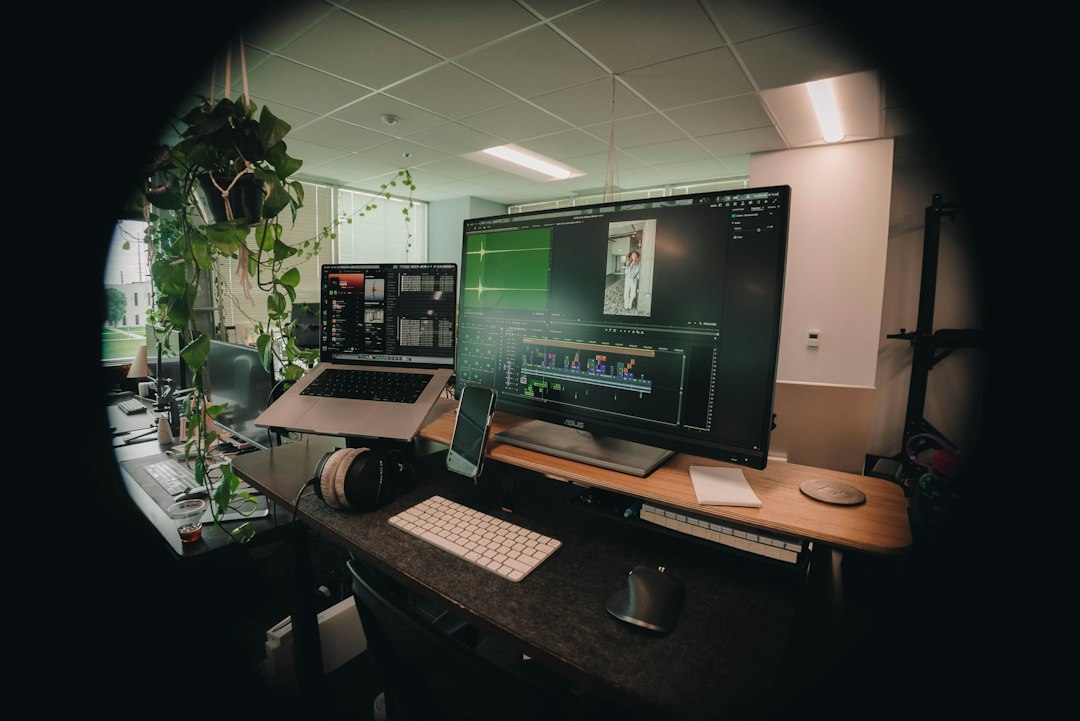
DaVinci Resolve Studio is the best 4K editing software for editors who need serious color grading and full post-production tools. It combines editing, Fusion visual effects, Fairlight audio, media management, and delivery tools inside one application.
Its color tools are the main draw. Editors can use node-based grading, HDR wheels, curves, masks, tracking, noise reduction, and film-style color management. For professional video production, that depth matters. Skin tones can be isolated. Skies can be shaped. Log footage from Sony, Canon, Blackmagic, RED, and ARRI cameras can be matched with fewer ugly surprises.
The free version is unusually strong. It supports many 4K workflows, making it ideal for students, indie filmmakers, and content teams testing a new setup. The Studio version adds better noise reduction, more GPU support, advanced HDR tools, and extra effects.
Best for: color grading, finishing, indie films, commercials, music videos, YouTube production, and post houses.
The catch is… Resolve asks for strong hardware. A weak laptop may stutter during Fusion effects or noise reduction. Proxy workflows help, but setup takes discipline.
2. Adobe Premiere Pro
Adobe Premiere Pro remains one of the most common 4K editors for agencies, marketing teams, and social video producers. Its biggest strength is integration with After Effects, Photoshop, Audition, and Media Encoder.
Premiere Pro handles many formats, including H.264, HEVC, ProRes, and RAW workflows. Its timeline is flexible. Editors can cut interviews, ads, podcasts, reels, documentaries, and corporate videos with familiar tools. Team projects and shared productions also help larger groups stay organized.
Effects work is where Premiere gains value. Motion graphics templates, captions, adjustment layers, Lumetri Color, and easy round trips to After Effects can save time. For teams already paying for Adobe Creative Cloud, it often makes financial sense.
Best for: agency work, social content, branded videos, motion graphics, and mixed-media projects.
It drives some editors mad that Premiere can slow down after a few nested sequences and heavy plugins. Cache files pile up. Relinking media can also eat 10 extra minutes on a bad day.
3. Final Cut Pro
Final Cut Pro is the best 4K editing software for many Mac users. It is fast, stable, and highly tuned for Apple silicon. Editors working on MacBook Pro, Mac Studio, or iMac systems often get smooth playback with less manual tweaking.
The magnetic timeline splits opinion. Some editors love it because it keeps projects tidy. Others dislike the lack of a traditional track-based feel. Still, for fast content creation, it works well. Background rendering, optimized media, smart collections, and strong ProRes support help editors move quickly.
Final Cut Pro is also a strong choice for 4K multicam editing. Wedding editors, event videographers, educators, and YouTube creators can sync angles and cut long footage without constant lag.
Best for: Mac-based creators, fast turnaround edits, event video, YouTube, and ProRes-heavy work.
Weak point: collaboration is not as smooth as in some studio-grade systems. Motion graphics options are also less deep unless paired with Apple Motion or third-party tools.
4. Avid Media Composer
Avid Media Composer is still a trusted option for film, TV, and broadcast work. It is built for long-form editing, shared storage, strict media control, and team-based production.
Avid is not the friendliest program for new editors. The interface can feel stiff compared with modern apps. Yet it shines when large teams must cut hundreds of hours of footage across many workstations. Its bin system, script tools, and project sharing are built for serious editorial pipelines.
Best for: feature films, scripted TV, broadcast news, documentary teams, and high-volume post facilities.
For solo creators, Avid may feel like too much machine for the job. For a network series, it can be exactly right.
5. CyberLink PowerDirector
CyberLink PowerDirector suits editors who want 4K support without a steep learning curve. It includes templates, effects, titles, transitions, screen recording, and quick export options.
It is not the first choice for high-end color grading or broadcast finishing. Still, it performs well for small businesses, educators, hobbyists, and creators producing regular online videos. Its assisted tools reduce setup time, and the interface is easier to learn than Resolve or Avid.
Best for: beginner editors, quick marketing videos, tutorials, family films, and lightweight 4K projects.
Key Features That Matter in 4K Editing
- Proxy editing: Creates lighter files for smoother playback.
- GPU acceleration: Speeds up effects, color work, and exports.
- Codec support: Reduces conversion headaches with camera footage.
- Color tools: Helps match cameras and create a polished look.
- Audio tools: Cleans dialogue, music, and sound effects.
- Collaboration: Keeps teams from overwriting files or losing versions.
- Export presets: Speeds delivery for YouTube, broadcast, ads, and clients.
Hardware Requirements for Smooth 4K Workflows
Good software still needs capable hardware. A practical 4K editing system should have at least 32GB of RAM, a modern multi-core CPU, a strong GPU, and fast SSD storage. For heavy effects, RAW footage, or 6K-to-4K delivery, 64GB of RAM is safer.
Storage speed matters more than many expect. Editing from a slow external drive can cause dropped frames, broken playback, and painful scrubbing. NVMe SSDs are preferred for active projects. Large HDDs can be used for archives.
Which 4K Editing Software Should a Team Choose?
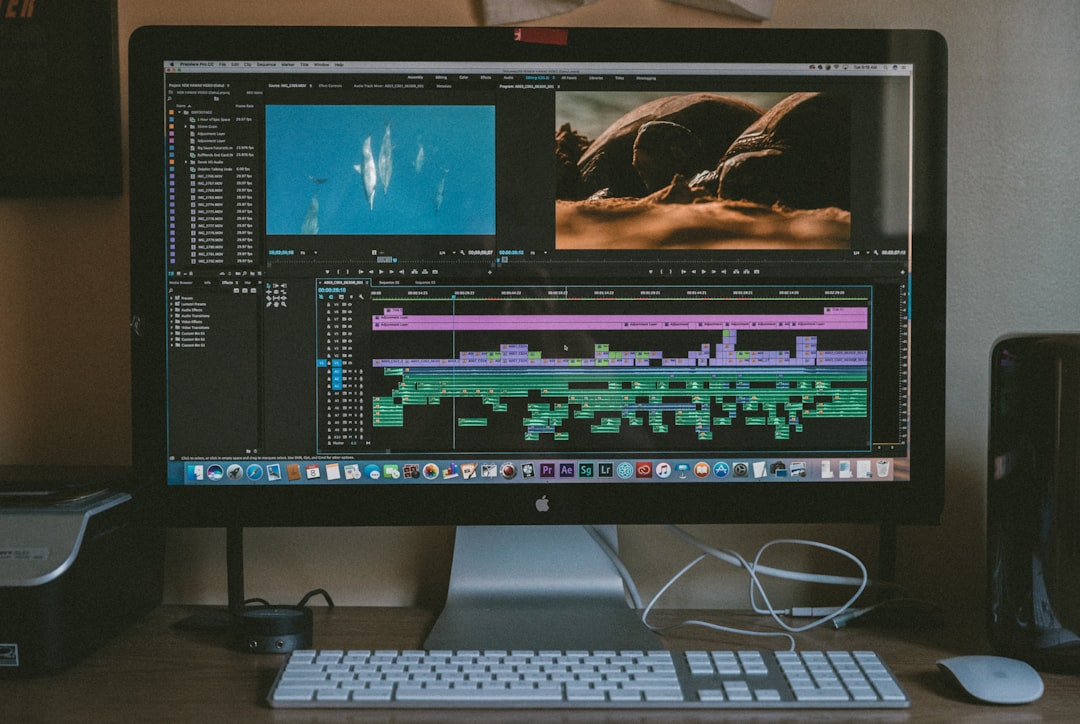
For the best balance of price and professional tools, DaVinci Resolve Studio is the top pick. For Adobe-heavy teams, Premiere Pro is more practical. For Mac creators who value speed, Final Cut Pro is the clean choice. For film and broadcast teams, Avid Media Composer still earns its place.
The right choice depends on footage type, deadline pressure, team size, and delivery format. A creator posting three videos a week needs speed. A colorist needs control. A broadcast editor needs reliable shared workflows. No single program wins every job.
FAQ
What is the best 4K editing software overall?
DaVinci Resolve Studio is the best overall choice for many professional users because it combines editing, color grading, audio mixing, visual effects, and delivery tools.
Is free 4K editing software good enough?
Yes. DaVinci Resolve Free is strong enough for many 4K projects, especially YouTube videos, short films, and training content. Paid tools become more useful for advanced effects, noise reduction, HDR, and team workflows.
Is Premiere Pro better than DaVinci Resolve?
Premiere Pro is better for Adobe-based teams and motion graphics workflows. DaVinci Resolve is stronger for color grading and finishing. The better choice depends on the project.
Which 4K editor is best for Mac?
Final Cut Pro is often the best Mac option due to its speed, Apple silicon support, and smooth ProRes performance.
How much RAM is needed for 4K editing?
32GB of RAM is a practical starting point. Heavy effects, RAW footage, and long projects benefit from 64GB or more.
Does 4K editing require a powerful GPU?
Yes, especially for effects, color grading, noise reduction, and fast exports. A stronger GPU can make playback smoother and reduce render times.