If you’re a content creator, especially one working in a fast-paced environment like YouTube, TikTok, or Instagram, the demand for efficient and high-performing video tools is non-negotiable. Reddit, often regarded as a grassroots hub of honest tech insight, is home to many creators who generously share their favorite tools. Based on threads, upvotes, and real user experiences, certain video tools have surfaced as standouts in daily content creation workflows.
TL;DR
Redditors consistently recommend specific video tools for their reliability, versatility, and ease of use. Among the top picks are CapCut for mobile editing, DaVinci Resolve for professional color workflows, and Descript for AI-powered editing. These tools cover creators at all levels, from beginners to professionals. If you’re starting or scaling your video content, these five tools are mentioned repeatedly across subreddits as daily game-changers.
1. CapCut: Mobile-Friendly and Surprisingly Powerful
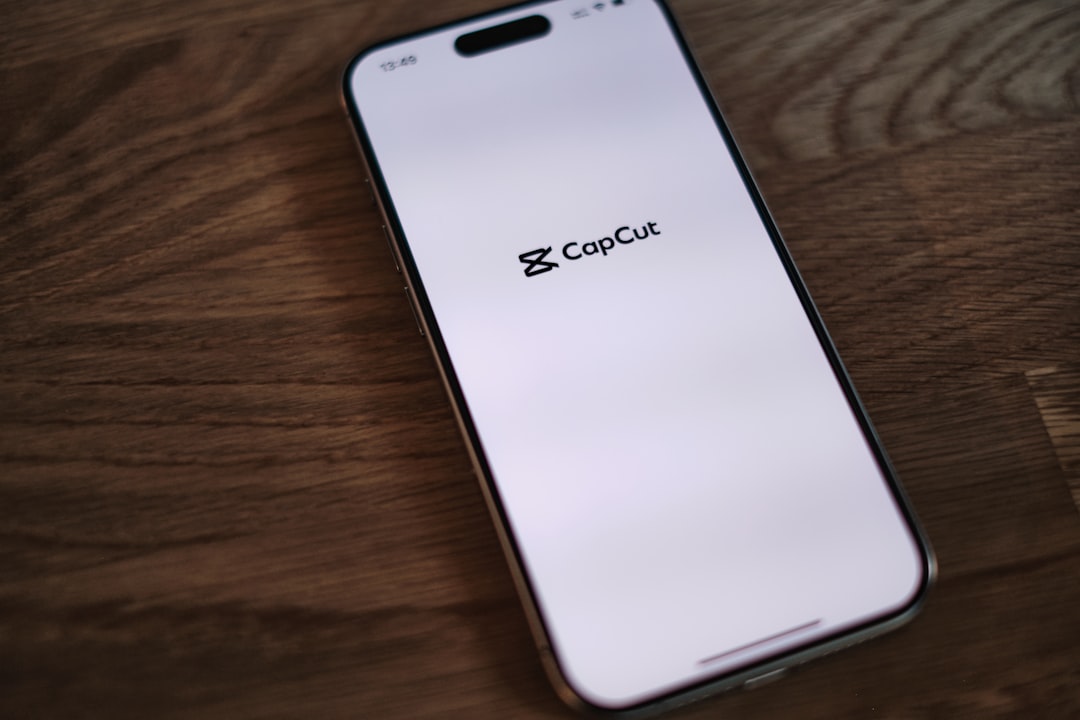
CapCut is perhaps the most frequently mentioned video editor on Reddit when it comes to fast, on-the-go mobile editing. Developed by ByteDance, the creators of TikTok, the app is tailored to short-form video creators but continues to expand its functionality for broader content editing.
- Platform: iOS, Android, and desktop
- Best for: TikTok reels, YouTube Shorts, Instagram content
- Key Features: Auto captions, trending effects, AI background removal, sound library
Many Redditors appreciate CapCut’s intuitive interface, automatic subtitle generation, and how tightly it integrates with TikTok. One r/TikTokMarketing user noted, “I can literally shoot, edit, and post a polished video within 15 minutes. It’s a lifesaver for daily content.”
2. DaVinci Resolve: Industry-Grade Editing for Free
DaVinci Resolve is a professional-grade video editor that has gained a solid reputation on subreddits like r/Filmmakers and r/Videography. It’s especially praised for its advanced color grading suite and robust audio editing tools—all available in its free version.
- Platform: Windows, macOS, Linux
- Best for: Long-form YouTube content, documentaries, cinematic projects
- Key Features: Fusion VFX, Fairlight audio, multi-cam support, professional color correction
Users often mention how DaVinci Resolve outcompetes even paid tools like Adobe Premiere Pro when it comes to color grading. A Redditor posted in r/VideoEditing, “I didn’t believe it at first, but after switching to Resolve, my workflow—and my visuals—improved drastically.”
One drawback some have shared is the steep learning curve, but numerous community tutorials and templates now available ease that burden for beginners.
3. Descript: The AI-Powered Editor for Podcasters and Video Creators
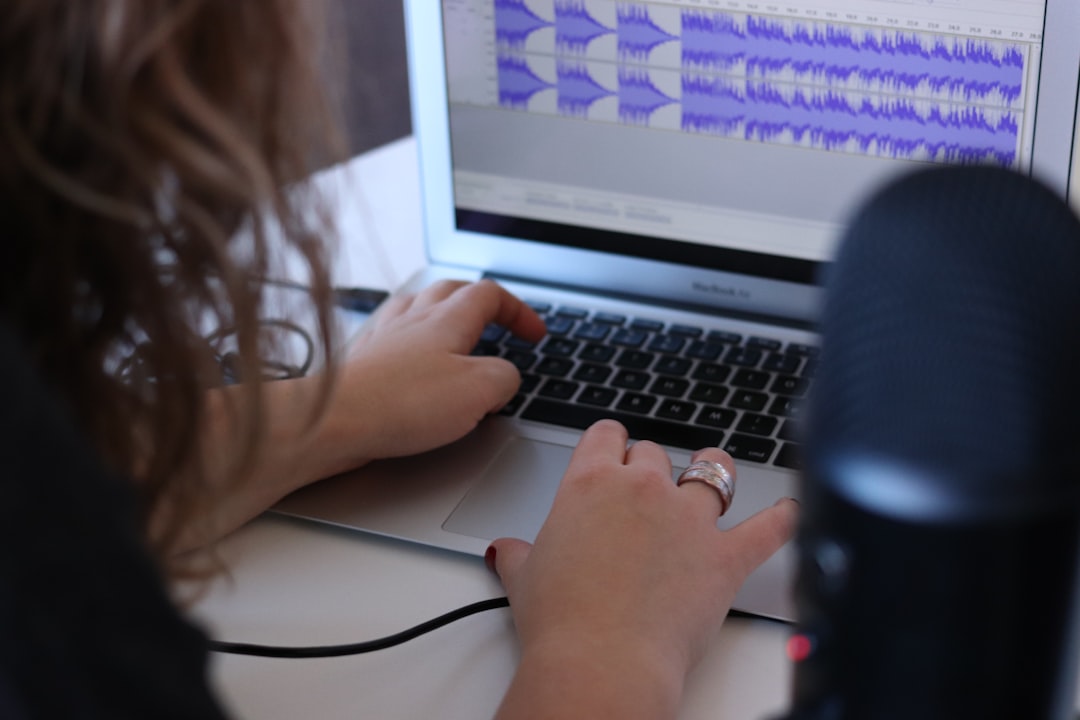
Descript is exploding in popularity among creators who do talking-head videos, podcasts-turned-video, or course content. The software allows editors to cut, rearrange, and modify a video directly through its text-based transcript. This paradigm shift enables a highly efficient editing process, often described as “edit your video like a Google Doc.”
- Platform: Windows, macOS
- Best for: Educational content, podcasts, thought-leadership videos
- Key Features: Automatic transcription, Overdub (AI voice synthesis), multitrack editing, filler-word removal
Creators on subreddits such as r/ContentCreation and r/YouTubers swear by its capacity to reduce editing time by more than half. Comments like “Descript changed my entire workflow—editing audio and video faster than I ever imagined” are frequently seen in discussion threads.
However, creators working on high-fidelity visuals or special effects may find it lacking in granular video editing features. Still, for educational and communication-based content, it remains unmatched.
4. OBS Studio: The Most Trusted Screen Recording Tool
If you’re doing any sort of screen recording—think tutorials, software walkthroughs, or gaming content—you’ve probably already heard of OBS Studio. Subreddits like r/Twitch and r/TechYouTubers are brimming with recommendations for this open-source platform.
- Platform: Windows, macOS, Linux
- Best for: Game streaming, tutorials, webcam overlays
- Key Features: Real-time video/audio capturing, scene transitions, plugin support
What makes OBS Studio stand out? Redditors love its stability, customizability, and open-source nature. The fact that it doesn’t put a time limit on recording, nor does it add watermarks, is often cited as a major plus. According to one user on r/VideoEditing, “Working with OBS taught me more about video production than any class.”
Some Redditors caution that first-time users may find its interface overwhelming, but plugins and community support greatly enhance its usability.
5. Adobe Premiere Pro: A Traditional Powerhouse Still Going Strong
Despite the rise of competitors, Premiere Pro remains a favorite among professionals and semi-pro Redditors. It’s particularly strong in collaborative workflows and integrates flawlessly with other Adobe apps, such as After Effects and Audition.
- Platform: Windows, macOS
- Best for: Commercial work, multi-layer projects, team productions
- Key Features: Lumetri Color, Dynamic Link with After Effects, team project support, flexible format handling
On r/Editors and r/VideoEditing, Premiere is praised for its extensiveness and reliability—when it works. Some users have reported occasional performance issues, especially following updates. However, its consistent evolution keeps it in the toolkit of serious content creators.
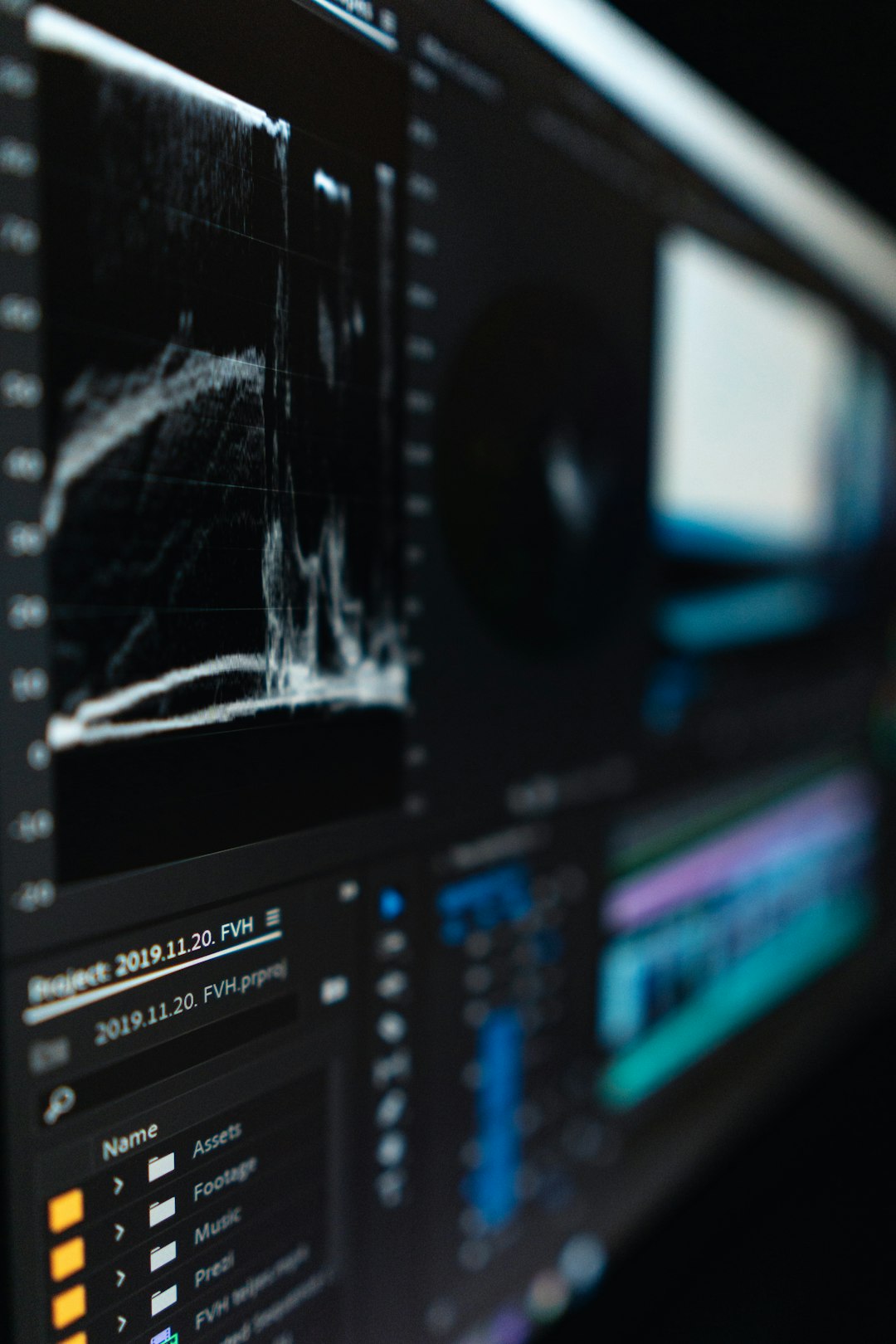
If cost is a concern, many Reddit users mention that discounted student plans or Adobe Creative Cloud bundles make Premiere more accessible. For teams, it’s a productivity enabler thanks to the ecosystem it supports.
Final Thoughts: Choosing What Works for You
Reddit is more than just memes and debates; it’s a goldmine of practical advice for content creators. When it comes to video tools, the community has spoken. Each tool caters to different needs:
- CapCut for short-form, mobile-first posts
- DaVinci Resolve for cinematic quality
- Descript for AI-powered narration and podcast editing
- OBS Studio for rock-solid screen recording
- Premiere Pro for deep, interconnected workflows
The key is to find the tool (or combination of tools) that aligns with your production goals, hardware, and content type. Reddit’s collective recommendations offer not only wisdom but a starting point for any creator looking to elevate their video output on a daily basis.