Freelance designers today are juggling more than just colors and typefaces—client briefs, deadlines, feedback loops, asset handovers, and collaborative team requests are just a few of the many spinning plates. To stay afloat and thrive in this demanding environment, the right set of tools can massively improve both creativity and efficiency. With thousands of design tools available, narrowing down the most effective ones for managing multiple clients can be overwhelming. This guide brings you the top five most recommended tools that have stood the test among freelance designers worldwide.
TLDR:
Freelance designers managing multiple clients need tools that not only support creativity but also help in organization, collaboration, and workflow efficiency. In this article, we recommend five tried-and-true design tools: Figma, Adobe Creative Cloud, Notion, Trello, and Loom. These tools offer a combination of intuitive design interfaces, seamless collaboration features, and robust project management capabilities. Whether you’re creating UI mockups or organizing client feedback, these tools will streamline your design business.
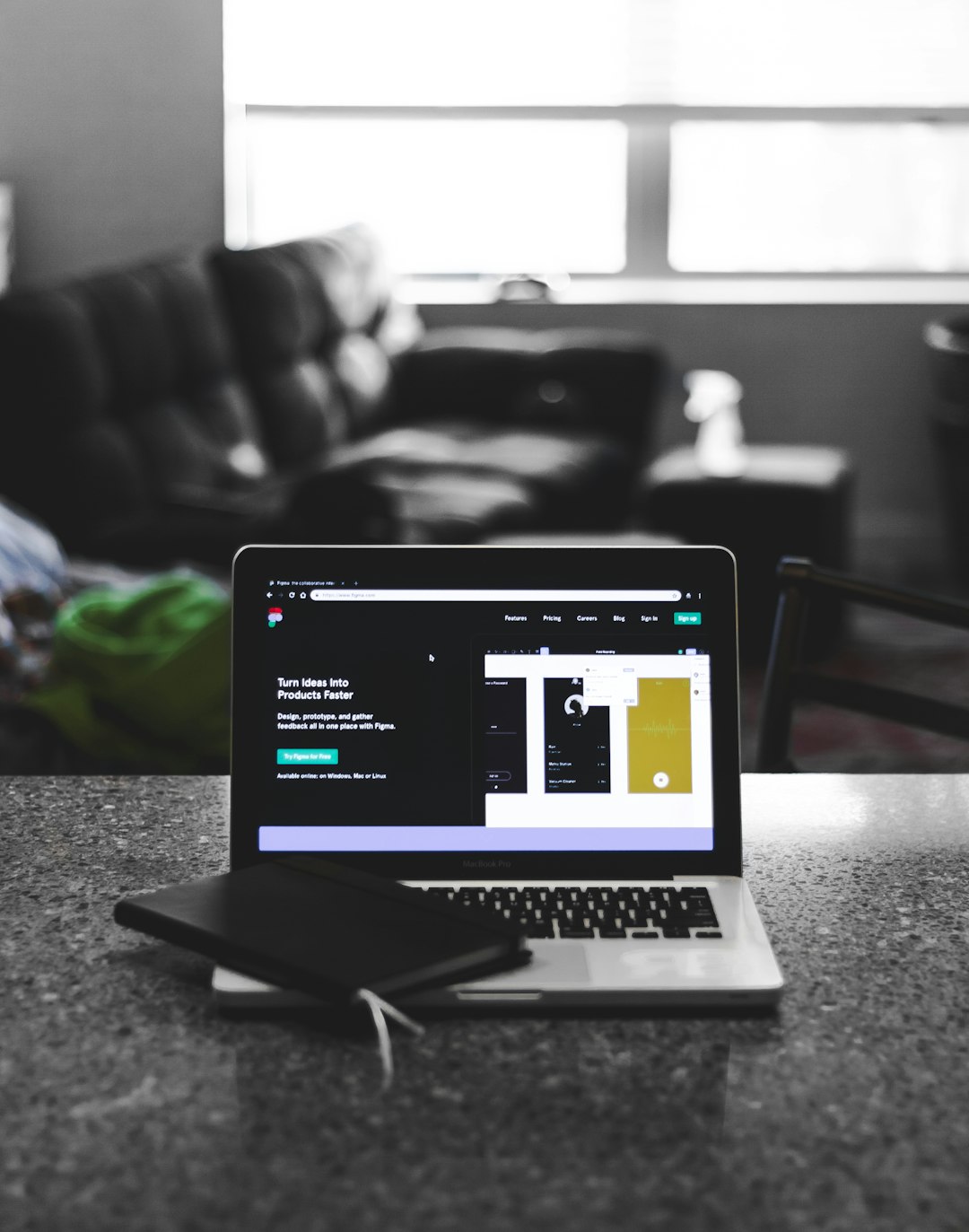
1. Figma – The Ultimate Collaborative Design Platform
Why Figma? Because it is the premier multiplayer workspace for designers. Figma breaks down geographical barriers with its cloud-based interface, enabling real-time collaboration for remote teams and freelancers managing client feedback or revisions. Whether you’re building UI prototypes or wireframes, Figma keeps everyone in sync.
- Cloud-Based: No more saving different versions — everything is live and auto-saved.
- Real-Time Collaboration: Clients or team members can comment directly on your design files.
- Extensive Plugin Library: Extend your workflow with tools like Iconify, Figmotion, or Content Reel.
As a freelance designer, incorporating Figma into your project cycle dramatically reduces time spent on back-and-forth emails. It also allows you to maintain version control with zero complexity, which is invaluable when managing more than one client project at a time.
2. Adobe Creative Cloud – The Industry Staple with Cross-Tool Integration
Adobe Creative Cloud remains the most comprehensive suite for creative professionals. It includes flagship applications like Photoshop, Illustrator, InDesign, Premiere Pro, and After Effects. For a freelance designer juggling different content needs — digital, print, or video — Adobe’s ecosystem offers depth and specialization.
- Photoshop and Illustrator: For pixel-perfect graphic design and vector illustrations.
- InDesign: Excellent for document formatting and editorial work.
- Adobe Fonts and Stock: Save time with ready-to-use assets at your fingertips.
A key advantage is the integration across Adobe apps, where you can easily move assets from Photoshop to After Effects or Illustrator to InDesign. This ensures consistency and smooth transitions between different types of media for each client project. Adobe has also enhanced its collaborative features with shared libraries and cloud documents, helping freelancers sync with clients effortlessly.
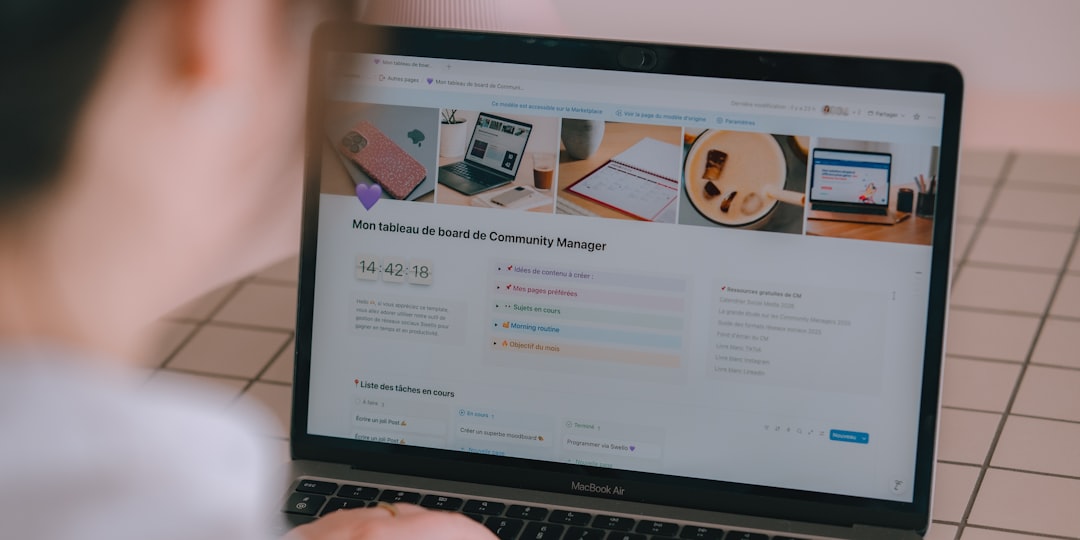
3. Notion – The Multifunctional Workspace for Notes, Tasks, and Wikis
Notion is more than just a note-taking app. It’s a customizable and extensible workspace that lets freelance designers track projects, jot down brainstorms, manage client assets, and collaborate with stakeholders. What makes it especially powerful for freelancers managing multiple clients is its versatility.
- Project Management Templates: Use Kanban boards, calendars, or table views to organize client projects.
- Centralized Communication: Store meeting notes, client goals, and guidelines in one accessible location.
- Knowledge Hub: Create personal design wikis with style guides and reusable assets.
Unlike specialized design tools, Notion bridges the gap between creativity and organization. When you’re switching contexts from one client to the next, having a custom dashboard with all tasks, documents, and timelines laid out helps in maintaining focus and delivering with consistency.
4. Trello – Task Management Made Simple
While Notion offers broad functionality, Trello excels as a lean, visual task manager. If you’re someone who works better with a minimalist interface and loves drag-and-drop functionality, Trello may be your go-to for tracking project progress.
- Kanban-Focused: Boards, Lists, and Cards make complex projects more digestible.
- Automation: Trello’s Butler feature automates recurring tasks and checklists.
- Integrations: Trello plays well with apps like Slack, Google Drive, and Figma.
You can create separate boards for each client or even for different areas of your design business — like marketing, portfolio updates, or admin tasks. With real-time notifications and a highly visual layout, staying on top of deadlines becomes second nature.
5. Loom – Visual Communication for Client Feedback and Walkthroughs
Sometimes, sending design files isn’t enough to explain your thought process — especially when you’re not in the same timezone as your client. Loom solves this by allowing you to record quick, shareable video messages.
- Faster Than Emails: Record a 2-minute explanation instead of writing a 500-word email.
- Client-Friendly: No need for logins or installs — clients can view your Loom instantly.
- Perfect for Walkthroughs: Take clients on a tour of your design with voice, screen, and webcam.
Using Loom for client presentations and feedback makes the communication loop a lot more efficient. It reduces misunderstandings and builds a stronger rapport with each client, especially when you’re working with multiple stakeholders or agencies.
How These Tools Complement Each Other
While each of these tools brings something unique to the table, what makes them most powerful is how they work together in a cohesive freelance workflow.
- Create in Figma or Adobe: Design visual assets with flexible tools made for professionals.
- Manage & Document with Notion: Keep client needs, goals, and deliverables in one hub.
- Track in Trello: Organize tasks and deadlines across various client projects.
- Communicate with Loom: Share feedback, ideas, and iterations visually and clearly.
This ecosystem ensures that you not only deliver stellar design work but also maintain professional project management standards. It’s the combination of creativity and structure that ultimately enables sustainable freelancing.
Final Thoughts
Freelance design isn’t just about artistic skills—it’s about running a smooth, client-facing business. Balancing deliverables for multiple clients becomes a much less daunting task when you empower yourself with the right tools. Figma offers seamless collaboration on UI/UX work, Adobe provides the depth for graphic and artistic flexibility, Notion organizes your thoughts and projects, Trello ensures deadlines are met, and Loom brings your voice directly into the client’s inbox without scheduling a call.
Whether you’re just starting out or looking to upgrade your workflow, these five tools will help you design smarter, communicate better, and manage client expectations with confidence.