Start by searching a competitor’s Facebook Page in Meta Ad Library, then sort their ads by offer, format, message, and landing page. Meta says the Ad Library lets you search ads running across Meta technologies, including Facebook and Instagram [source: Meta].
TLDR: Use Facebook Ad Library to see what competitors are running right now. If a rival has 24 active ads and 15 of them push a 20% discount, that offer is probably working for them. Check their hooks, images, videos, calls to action, and pages. Then make your own better version, not a lazy copy.
Why this tool is so useful
Facebook Ad Library is like a legal spyglass. No trench coat needed. No fake account needed. You type in a brand name, and boom. You see many of their active ads.
It is free. It is simple. And yes, it can feel a bit clunky. Honestly, it feels like the search box sometimes makes you work harder than it should. But once you get used to it, the tool is gold.
You can use it to answer simple questions:
- What are competitors selling?
- Which offers do they repeat?
- Are they using videos or images?
- What pain points do they talk about?
- Where do they send traffic?
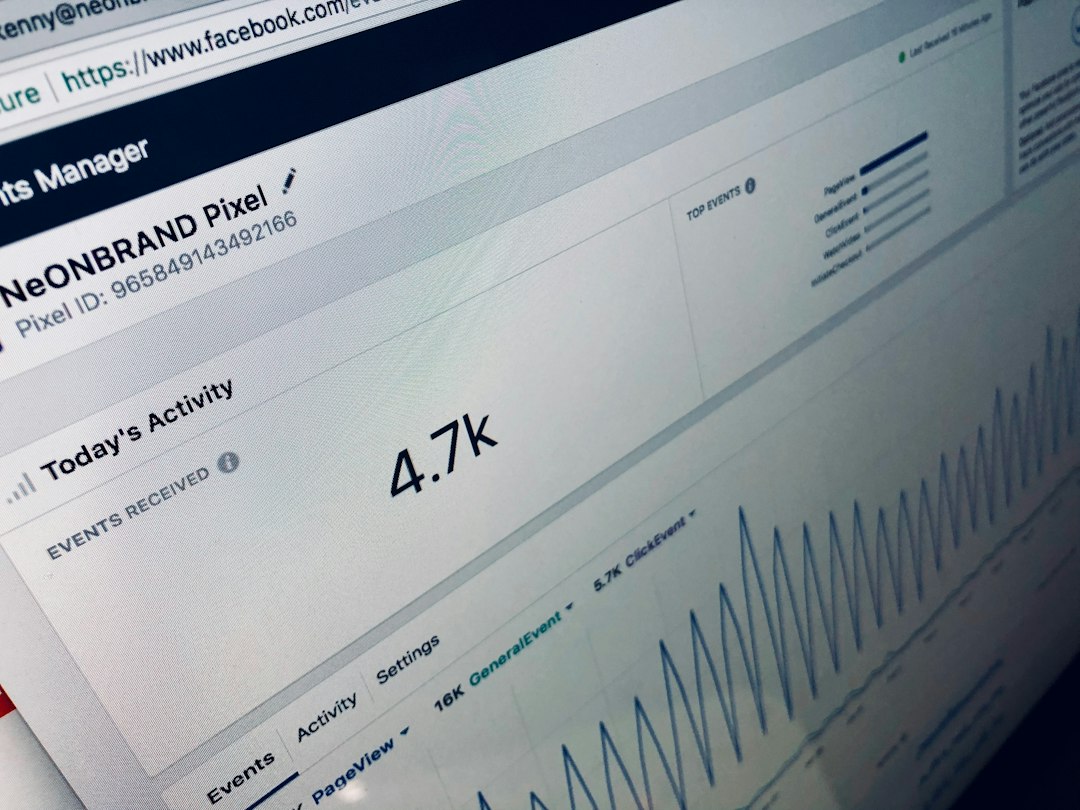
Step 1: Search for the competitor
Go to Meta Ad Library. Select the country you care about. Then choose the ad category. For most brands, pick All ads.
Now type the competitor’s brand name. You may see several pages. Pick the official one. Check the logo. Check the follower count. Check the Page name.
This part matters. Some brands have many pages. Some have reseller pages. Some have fan pages. Expect to waste time on this if the brand name is common. Annoying? Yes. Normal? Also yes.
Step 2: Count the active ads
Do a quick count. You do not need perfect math. Just get a feel.
If a brand has 3 active ads, they may be testing lightly. If they have 50 active ads, they are probably spending more and testing harder.
Look for patterns. Repeated ads matter. Repeated messages matter even more.
- One ad angle repeated 10 times? Pay attention.
- Same product in many creatives? It may be a winner.
- Same discount across ads? That offer may be pulling clicks.
Do not assume every ad is profitable. Some ads are tests. Some are bad. Some are still live because someone forgot to turn them off. It happens.
Step 3: Study the hook
The hook is the first line or first visual idea. It grabs attention. Or it fails and disappears into the scroll.
Look at the opening words. Are they using fear? Curiosity? A deal? A bold claim?
Examples:
- “Tired of slow WiFi?”
- “Your skin routine is missing this.”
- “Get 30% off before midnight.”
- “We compared 5 meal kits.”
Now sort the hooks into buckets. This makes the mess easier to read.
- Problem hooks: They call out pain.
- Discount hooks: They lead with savings.
- Proof hooks: They use reviews or numbers.
- Curiosity hooks: They make you want to know more.
Step 4: Check the creative format
Look at what they use most. Images. Videos. Carousels. Simple product shots. Founder videos. User style clips.
If 70% of their ads are short videos, that tells you something. If every top idea uses a customer quote, that tells you something too.
Pay attention to these details:
- Faces: Are people shown or is it all product?
- Text on image: Is the offer printed big?
- Length: Are videos short and snappy?
- Style: Does it look polished or casual?
Casual ads often work because they feel real. Fancy ads can work too. The key is not beauty. The key is clarity.
Step 5: Read the copy like a customer
Do not read like a marketer at first. Read like a busy human with one thumb and very little patience.
Ask:
- Do I understand the offer in 3 seconds?
- Do I know who this is for?
- Do I believe the claim?
- Is there a clear next step?
Good ads are usually simple. Bad ads try to say everything. They sound like a brochure trapped in a phone.
Step 6: Click through to the landing page
Open the ad link. See where it goes. This is where the real clues live.
Check the page headline. Check the price. Check the offer. Check the sign up form. Check the reviews. Check the button text.
Sometimes the ad is average, but the landing page is strong. Sometimes the ad is great, and the page is a confusing soup. Learn from both.
Step 7: Build a simple competitor sheet
You do not need fancy software. A spreadsheet is enough.
Use columns like these:
- Brand name
- Number of active ads
- Main offer
- Top hook
- Creative format
- Call to action
- Landing page notes
- Ideas to test
After reviewing five competitors, you will see themes. Maybe everyone pushes free shipping. Maybe no one talks about speed. That gap could be your opening.
What not to do
Do not copy ads word for word. That is lazy. It can also hurt your brand.
Instead, borrow the lesson. If competitors use review ads, make your own review ad. If they push bundles, test your own bundle. If they show before and after results, create your own proof.
A quick weekly routine
Set a timer for 30 minutes every Monday. Pick three competitors. Check what changed.
- New ads? Save them.
- Old ads still running? Mark them as possible winners.
- New offer? Watch it closely.
- New landing page? Screenshot it.
This habit keeps you sharp. It also stops weird surprises, like finding out your competitor has been shouting about free trials for six weeks while you were still arguing over button colors.
Use Facebook Ad Library as a clue machine. Not a magic machine. The goal is simple. Spot patterns, find gaps, and create smarter ads than the brands already fighting for your customer’s attention.