Ever watched those amazing videos that zoom out from a street or house, then pull way back until you’re in space looking at Earth from far away? It looks like something out of a Hollywood movie. But guess what? You don’t need a rocket ship, a film studio, or a pile of money to make one. In fact, you can create your own zoom-out-from-Earth video using AI — and the best part? It’s totally free! Sound too good to be true? Read on!
TLDR (Too long, didn’t read)
You can make a cool Earth zoom-out effect using free AI tools online. Tools like Zoom Earth and RunwayML can help you grab satellite views and generate transitions. With movie editing tools like CapCut or Canva, you can stitch everything together and add music. No experience needed — just a little creativity and a bit of your time!
Step 1: Select a Starting Image
Pick a location to begin your zoom-out. This could be your house, a famous landmark, or your favorite park. You’ll want a nice photo taken from the ground or a low aerial view.
Here are a few ideas:
- Your school or workplace
- The Eiffel Tower or Statue of Liberty
- A beach, forest, or mountain scene
You can take your own photo or grab a royalty-free one from a site like Pexels or Unsplash. Make sure it’s clear and big enough — at least 1280×720 pixels.
Step 2: Use Zoom Earth to Get Satellite Layers
Next, you’ll try to create the feeling of zooming out to space. Head over to Zoom Earth. It’s a free website that shows real-time satellite views of Earth.
Search for the location of your image. Once you find it on the map:
- Zoom in as much as possible.
- Take a screenshot.
- Zoom out a bit and repeat.
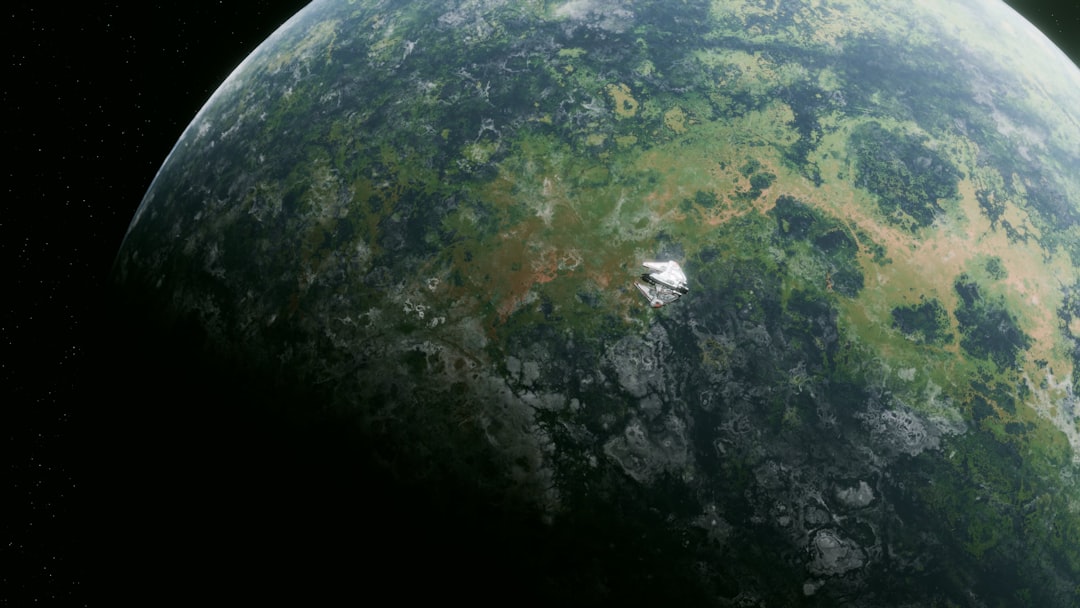
- Do this multiple times until you see the whole globe.
Pro tip: Try to keep every screenshot similar in size for a smoother effect.
Step 3: Animate Using AI Video Tools
Now you’ll need something that can animate those zoom images. Enter RunwayML or Kaiber. These tools use AI to create transitions between still images. Both have free trials or free basic versions.
To use RunwayML:
- Upload all the screenshots in order — from the most zoomed-in to the furthest out.
- Use a transition effect like cross dissolve.
- Adjust speed to make the zoom feel smooth (around 1 second per frame).
Want something even quicker?
Try using CapCut (free on mobile and desktop). It’s beginner-friendly and lets you animate zoom transitions manually by scaling images. You can also add cool sound effects, like rocket sounds or music.
Step 4: Add Space Vibes with AI Images
Want to make the final scene epic — like floating in space above Earth?
Use an AI image generator like Bing Image Creator or Leonardo.ai.
Type a prompt like:
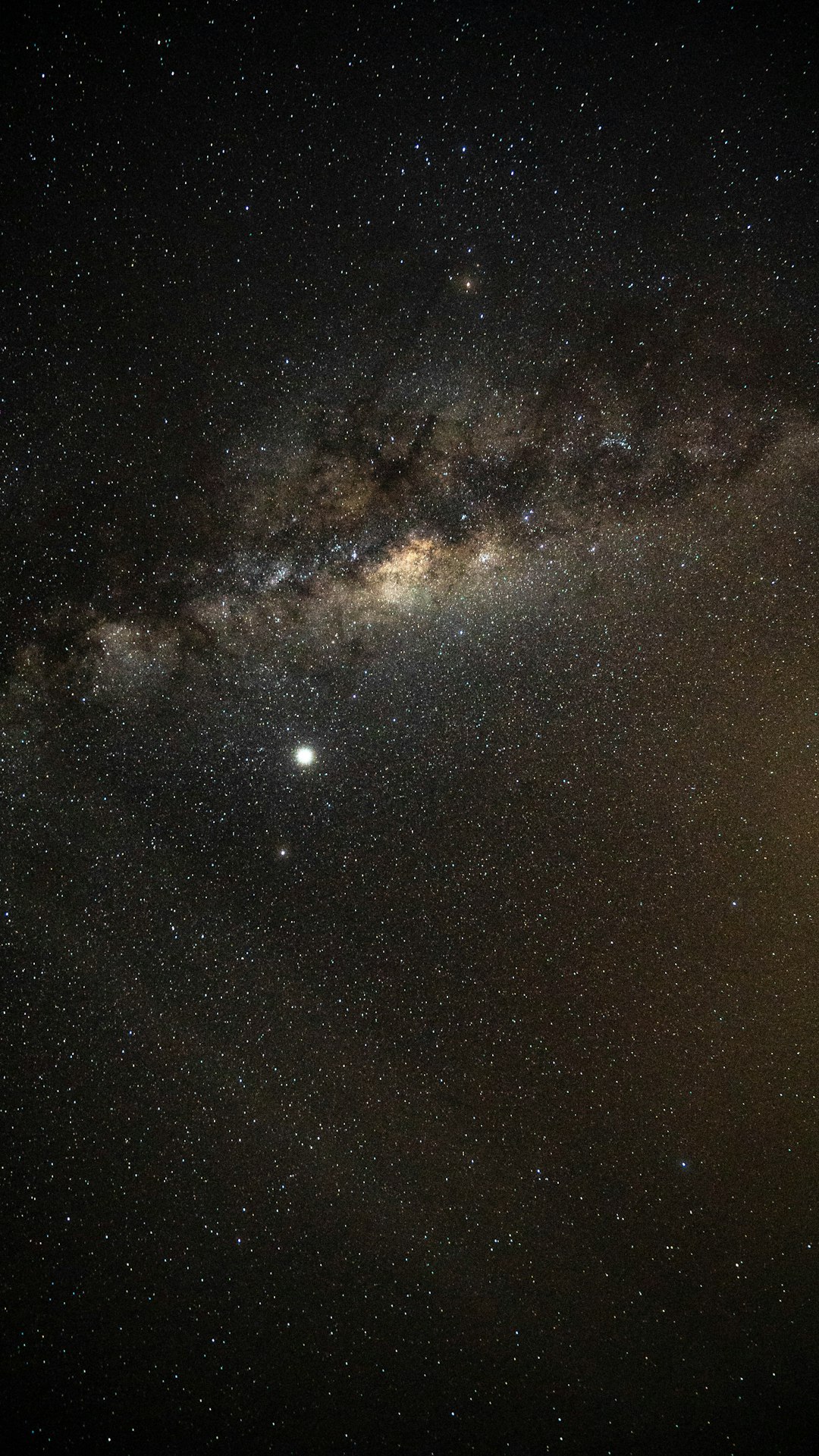
“A view of planet Earth from outer space, stars in the background, realistic quality.”
Download your favorite one and add it as the final frame to your zoom-out video. This makes it feel like you’ve left Earth completely!
Step 5: Add Music and Text
No video is complete without a little audio magic. You can find royalty-free songs at:
Pick a track that fits the vibe. Chill music? Epic space theme? Your choice.
Then, using CapCut or Canva (also free), add some simple text:
- “From home…”
- “…to the whole world”
- “…and beyond!”
Text makes your video feel like a story, not just a slideshow.
Bonus: Add a Voiceover with AI
Want to sound like Morgan Freeman without hiring Morgan Freeman?
Use free AI voice generators like:
- ElevenLabs
- Tome (has built-in narrators)
Write a short script and paste it in. Download the audio and sync it with your video. Boom! Now your zoom-out has a personal voice.
Step 6: Export and Share
You’re ready to show the world your masterpiece!
Export your video in at least 720p (HD). Most editors let you do this for free. If you want higher quality (1080p or 4K), some might ask you to sign up — but it’s not always necessary.
Where to share?
- Post on YouTube or TikTok
- Send to friends or use it in a school project
- Add it to your website or blog
And don’t forget to give yourself a high five. You made a space video — for free!

Extra Pro Tips
- Use AI upscalers: To make low-quality images look sharp, try a tool like Let’s Enhance or Clipdrop.
- Try voice control or narration: Tools like Pictory let you create videos just from talking!
- Make different versions: Day and night, sunrise to stars — endless possibilities!
- Play with speed: Slower zoom = more drama. Faster zoom = more excitement!
Final Thoughts
Creating an AI Earth zoom-out video might sound complex, but it’s actually a fun and simple project. Thanks to free tools and clever AI magic, you don’t need to be a pro to do it.
It’s like time-traveling from your backyard to the final frontier — all from your laptop or phone. Whether you use it for homework, storytelling, or just for fun, it’s a great way to learn creative video editing and explore the power of AI.
So go ahead. Start from your house. Zoom out. And take your viewers on a journey through Earth, space, and imagination.
Happy zooming!