Creating a cosplay costume is no longer just about fabric, foam, and stitching skills. Today, some of the most impressive costumes start on a screen long before they appear on a convention floor. Cosplay design software allows creators to plan every seam, armor plate, fabric texture, and LED placement with precision. Whether you are a beginner mapping out your first build or a seasoned maker refining competition-level details, digital tools can transform your workflow from chaotic to strategic.
TLDR: Cosplay design software helps creators plan costumes down to the smallest detail, from pattern drafting and 3D armor modeling to material lists and fitting simulations. These tools reduce mistakes, save money, and allow for better visualization before cutting into expensive materials. Popular options range from beginner-friendly sketch programs to advanced 3D modeling suites. Using the right combination of tools can dramatically improve accuracy, efficiency, and overall costume quality.
In this guide, we’ll explore how cosplay design software works, what features matter most, and which programs can elevate your creative process.
Why Use Cosplay Design Software?
At first glance, cosplay may seem like a purely hands-on craft. However, planning digitally offers several major advantages:
- Precision: Create accurate measurements and scaled patterns.
- Visualization: See how elements fit together before building.
- Efficiency: Avoid costly material waste due to trial and error.
- Experimentation: Test colors, textures, and layouts instantly.
- Documentation: Keep all references, notes, and revisions organized.
Digital planning reduces guesswork. Instead of hoping that armor proportions look right, you can simulate them. Instead of cutting foam prematurely, you can test angles and curvature in 3D space.
Types of Cosplay Design Software
Not all cosplay software serves the same purpose. In fact, most cosplayers use a combination of programs depending on their specialty. Below are the main categories.
1. Digital Illustration and Concept Art Tools
Before drafting patterns or printing 3D files, many creators sketch their ideas digitally. Illustration software allows you to modify character details, plan custom variations, and test color palettes.
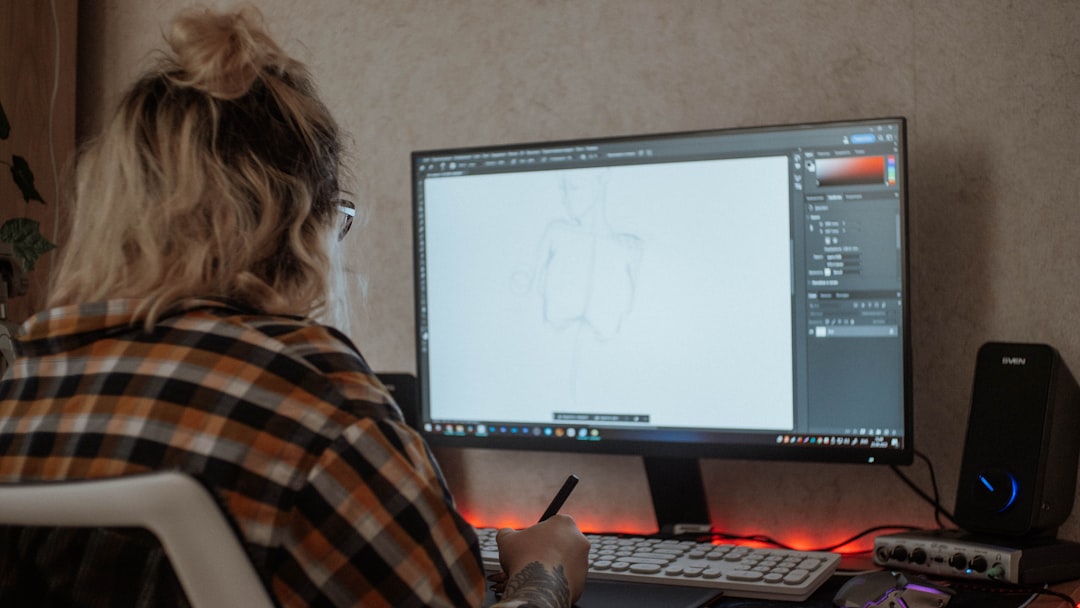
Common features include:
- Layer-based editing
- Custom brush tools for fabric and texture simulation
- Color palette testing
- Pose and body base templates
These programs are especially useful for redesigning characters or adjusting proportions to fit your body type. Instead of guessing how a modification might look, you can create a polished preview first.
2. 2D Pattern Drafting Software
For fabric-heavy costumes, pattern drafting software is a game changer. Instead of manually transferring paper patterns, you can design, alter, and scale them digitally.
Advantages include:
- Automatic scaling to exact measurements
- Symmetry tools for mirrored pieces
- Seam allowance adjustments
- Printable tiled pattern layouts
This is especially helpful when working with historical costumes, intricate coats, or multi-layered garments.
3. 3D Modeling Software for Armor and Props
For armored characters, weapons, or complex props, 3D modeling software is essential. These programs allow you to build detailed digital models that can later be unfolded into foam templates or exported for 3D printing.
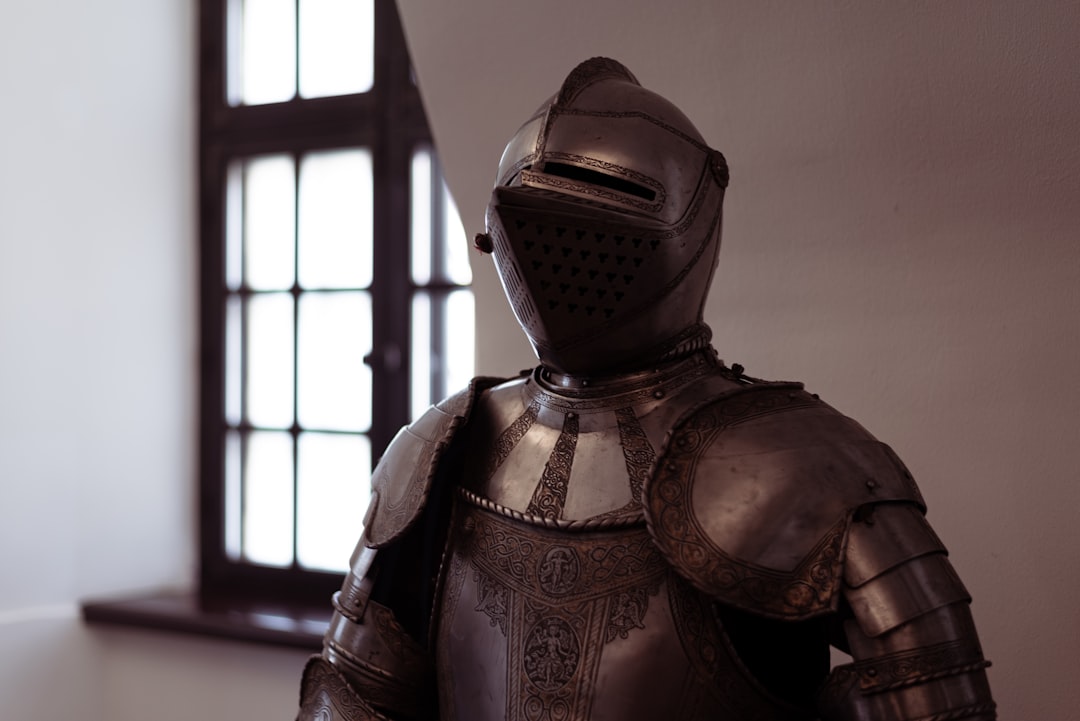
Key benefits:
- Exact measurements and scaling
- Surface curvature adjustment
- Digital unfolding for EVA foam patterns
- Export to STL for 3D printing
Imagine designing a helmet digitally, rotating it in 360 degrees, verifying the fit, and only then committing to printing or foam cutting. That level of accuracy dramatically reduces rework.
4. Fabric Simulation and Garment Visualization
Some advanced programs simulate how fabrics drape and move. This is especially valuable for capes, gowns, or layered outfits where weight and physics matter.
With fabric simulation tools, you can:
- Test different materials (silk vs. leather behavior)
- Simulate gravity and movement
- Adjust tension and seam placement
- Evaluate fit on custom body avatars
This eliminates surprises when the costume is worn for the first time.
Popular Cosplay Design Tools Compared
Here’s a comparison of widely used software options across different needs:
| Software Type | Best For | Skill Level | Key Strength |
|---|---|---|---|
| Digital Illustration Programs | Concept art and color planning | Beginner to Advanced | Creative flexibility |
| Pattern Drafting Software | Fabric costumes and tailoring | Intermediate | Precise garment scaling |
| 3D Modeling Programs | Armor, props, helmets | Intermediate to Advanced | Export for 3D printing or foam templates |
| Garment Simulation Tools | Realistic fabric behavior | Advanced | Physics based movement preview |
| Project Management Apps | Costume planning and budgeting | Beginner | Organization and deadline tracking |
Planning Down to the Smallest Detail
Cosplay competitions often judge craftsmanship at close inspection levels. This is where detailed software planning truly shines.
Here’s how creators use digital tools for fine-level precision:
- Layer Breakdown: Separate costume into build layers to identify what goes underneath.
- Attachment Mapping: Plan exactly where snaps, magnets, or Velcro will be placed.
- Material Calculations: Estimate yardage, foam sheet usage, or filament needs.
- LED Placement: Design wiring paths and battery pack concealment.
- Weathering Tests: Digitally test dirt, shading, and aging effects.
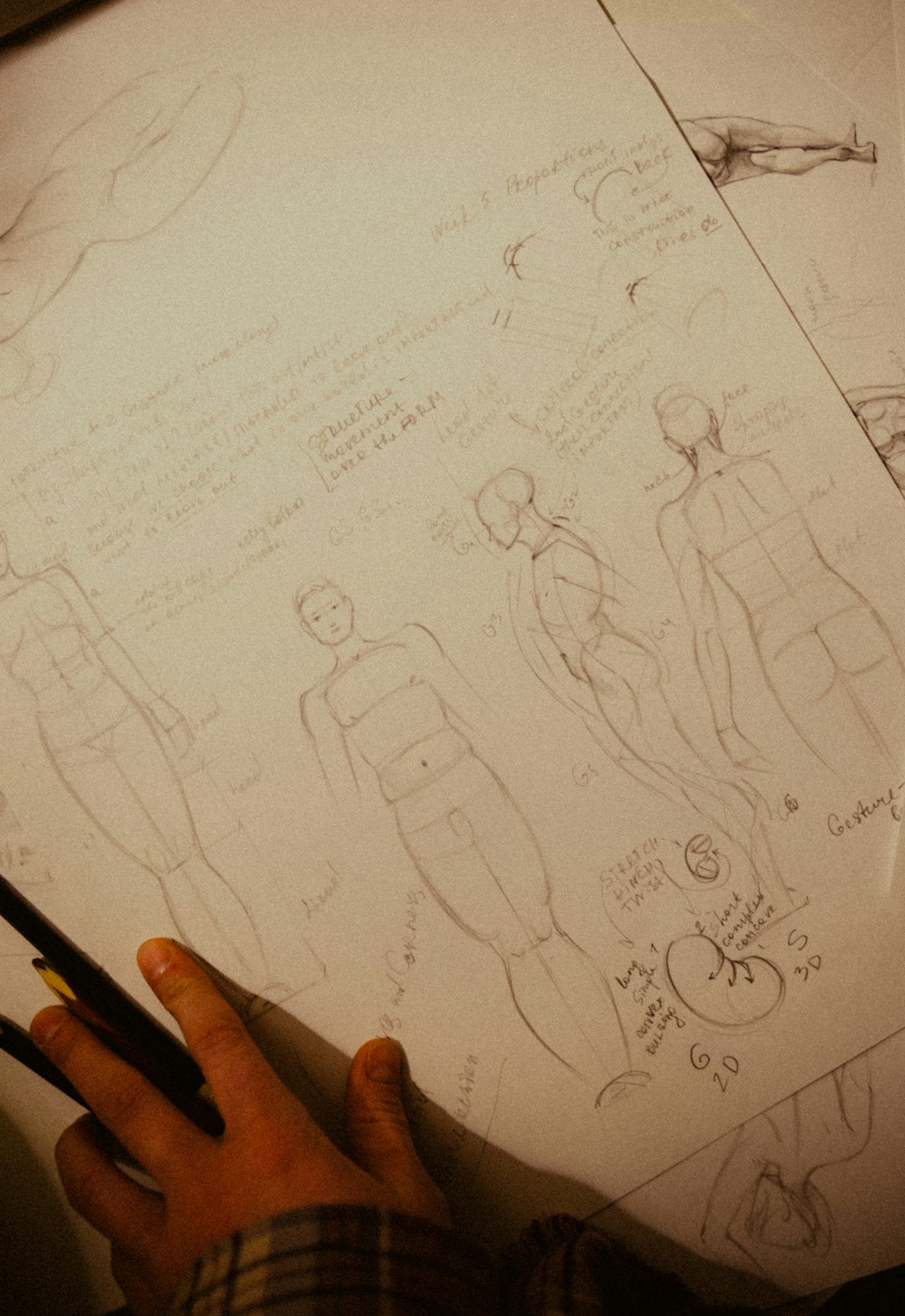
Some cosplayers even create blueprint-style layouts that include part numbers and assembly instructions. This level of organization is particularly useful for large builds like mech suits or elaborate fantasy armor.
How Software Saves Time and Money
Many beginners hesitate to learn design programs, assuming they will slow down the process. In reality, they often do the opposite.
Cost reduction benefits include:
- Fewer wasted materials due to incorrect sizing
- Better insulation for electronics planning
- Avoiding reprints of 3D pieces
- Reduced impulse material purchases
By simulating fit and proportions first, you minimize expensive mistakes.
Blending Digital and Physical Workflows
The most successful cosplayers rarely rely on software alone. Instead, they blend digital planning with real-world prototyping.
A common workflow might look like this:
- Reference Gathering: Collect character screenshots and official art.
- Digital Sketching: Create a concept adjusted for personal proportions.
- 3D Modeling: Build armor pieces scaled to body measurements.
- Pattern Export: Print templates for foam or fabric.
- Prototype Build: Test with cheap materials.
- Final Construction: Assemble with premium materials.
This approach minimizes stress before convention deadlines.
Choosing the Right Software for Your Needs
Not everyone needs advanced 3D modeling or physics simulation. Your choice depends on your costume style and goals.
Ask yourself:
- Are you building mostly fabric-based characters?
- Do you frequently create armor or 3D printed props?
- Are you entering craftsmanship competitions?
- Do you enjoy detailed technical planning?
Beginners may start with digital sketching and simple pattern tools. Advanced builders often incorporate at least one 3D modeling program into their workflow.
The Future of Cosplay Design Technology
Technology continues to evolve. Emerging tools are introducing:
- AI-assisted pattern generation
- Body scanning for automatic scaling
- Augmented reality fitting previews
- Cloud collaboration between cosplay teams
In the future, cosplayers may preview full costumes through augmented reality mirrors before ever cutting fabric. Entire builds could be virtually assembled and tested for mobility in simulated environments.
Final Thoughts
Cosplay is both art and engineering. While craftsmanship skills will always matter, digital design software adds a powerful planning layer that elevates your work. From sketching initial concepts to mapping intricate attachment points, these tools enable unprecedented precision.
By integrating the right software into your creative process, you can move from guesswork to intentional design. The result is not just a costume that looks impressive from stage distance—but one that withstands close scrutiny, long convention hours, and the test of time.
Whether you’re crafting your first anime uniform or constructing an elaborate sci-fi exosuit, cosplay design software empowers you to plan every detail with confidence and creativity.