
For most product teams in 2026, Figma Make is the best AI wireframe generator if your work already lives in Figma; Uizard is better when speed matters more than pixel control. The serious choice is not “which AI looks coolest.” It is which tool turns a plain prompt into usable screens, then lets a designer clean them up without rebuilding everything from scratch.
TL;DR: Choose Figma Make for product teams, design systems, stakeholder reviews, and handoff-ready UI work. Choose Uizard for founders, marketers, students, and early discovery sessions where a rough clickable mockup is enough. In a typical 5-screen onboarding flow, Figma Make may save a design team 30–45% of setup time, while Uizard can turn a written idea into a presentable draft in under 10 minutes. For example, a startup founder testing a pet care booking app could use Uizard for the first investor demo, then move to Figma Make once the product needs real components and brand rules.
What Makes a Good AI Wireframe Generator in 2026?
The best prompt-to-UI tools do more than draw boxes. They understand intent. If you ask for “a mobile checkout flow for a meal delivery app with guest checkout, coupon code, and order tracking,” the tool should generate a logical set of screens. It should not give you a pretty mess.
A strong AI wireframe generator needs five things:
- Accurate layout generation from short and long prompts.
- Editable output, not flat images that trap your work.
- Component awareness for buttons, forms, nav bars, cards, and modals.
- Fast iteration when you ask for changes.
- Export or handoff options for design, product, and engineering teams.
Honestly, it feels like some AI UI tools still confuse “wireframe” with “random SaaS dashboard.” You get a polished screen, but the user flow makes no sense. That is why the best tool is the one that can be corrected quickly.
Figma Make: Best for Teams That Need Serious UI Control
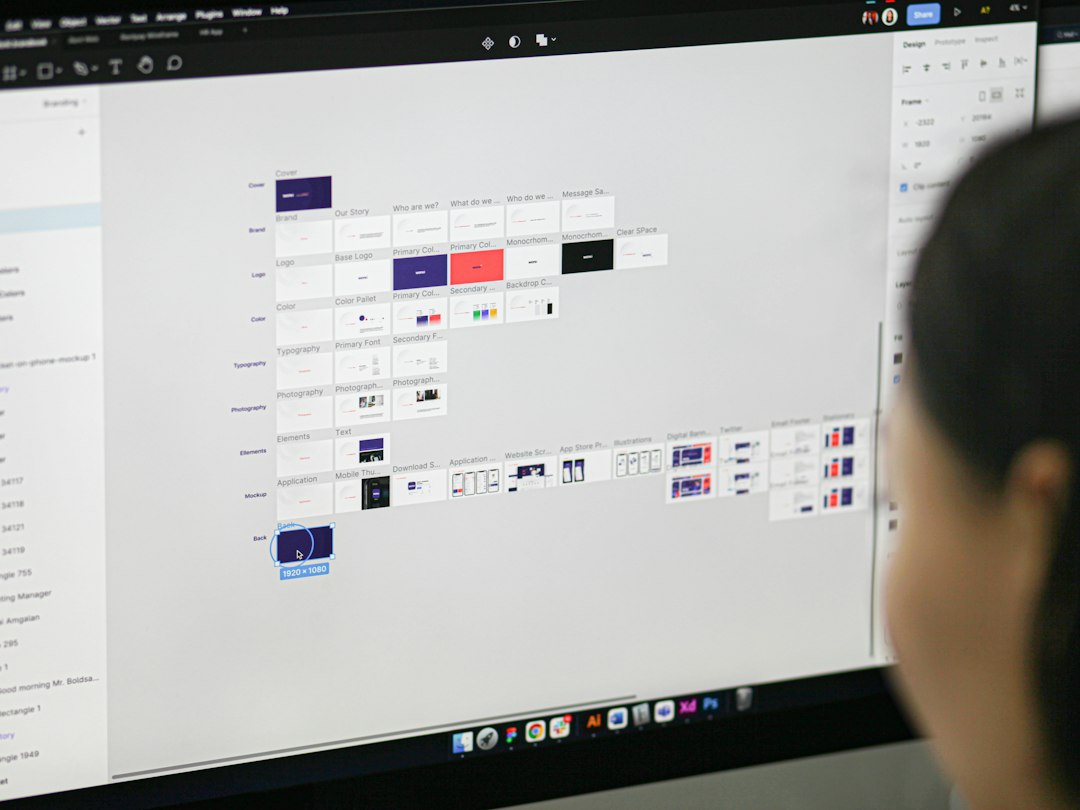
Figma Make is the strongest pick for teams already using Figma for product design. Its main advantage is continuity. You can start with a prompt, generate screens, then refine them inside the same design environment where your team already manages files, components, comments, and prototypes.
This matters. A rough AI draft is rarely finished work. Designers still need to adjust hierarchy, spacing, interaction states, accessibility, and copy. With Figma Make, the path from AI concept to production-ready design is shorter because the output fits into a familiar workflow.
Best use cases for Figma Make:
- Product teams creating new feature concepts.
- UX designers testing several layout options.
- Teams with an established Figma design system.
- Agencies preparing structured first drafts for clients.
- Design leads who need editable UI, not static mockups.
The catch is that Figma Make is most useful when someone on the team understands design. It speeds up the first pass, but it does not replace judgment. If your prompt is vague, the output will reflect that. “Create a finance app” is too broad. “Create a 4-screen mobile savings app for young professionals with balance overview, savings goal setup, automatic transfers, and weekly progress” works much better.
Uizard: Best for Fast Concepts and Non-Designers
Uizard remains one of the easiest tools for turning prompts, sketches, or screenshots into wireframes. Its strength is speed. It is friendly to people who are not professional designers, which makes it useful for founders, product managers, teachers, and business teams.
Uizard is especially good when you need a quick visual to explain an idea. You can describe an app, generate screens, adjust text, and share a simple prototype. That can be enough for a pitch, a workshop, or an early user interview.
Where Uizard works well:
- Early app ideas with limited budget.
- Workshop prototypes during planning sessions.
- Simple landing pages and mobile flows.
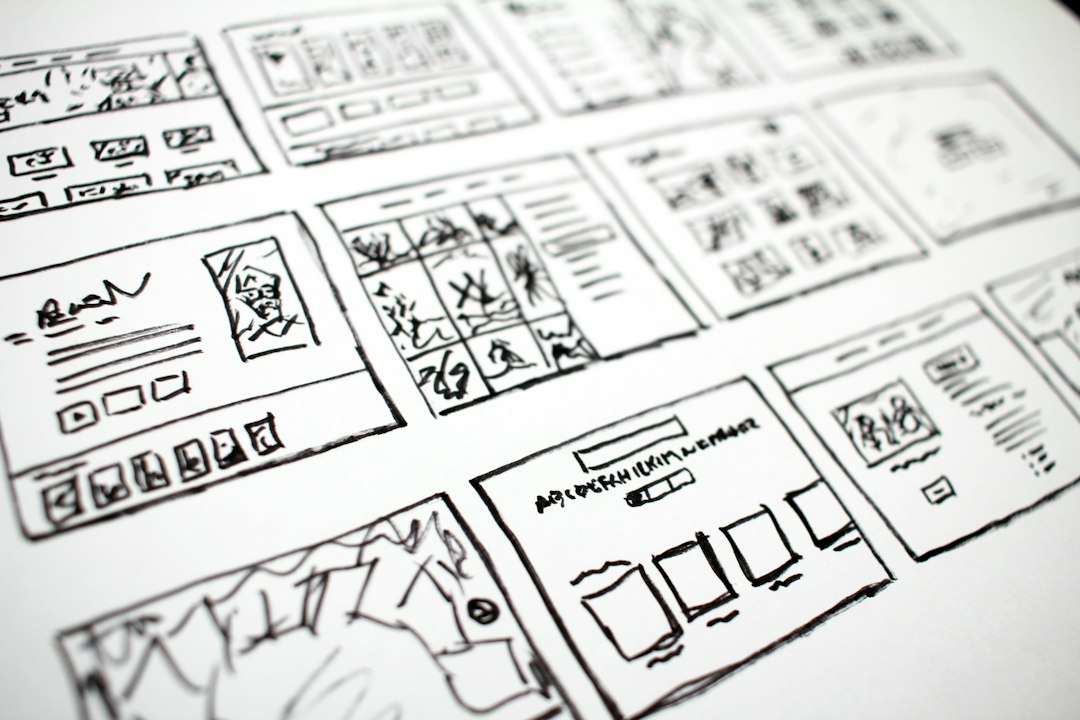
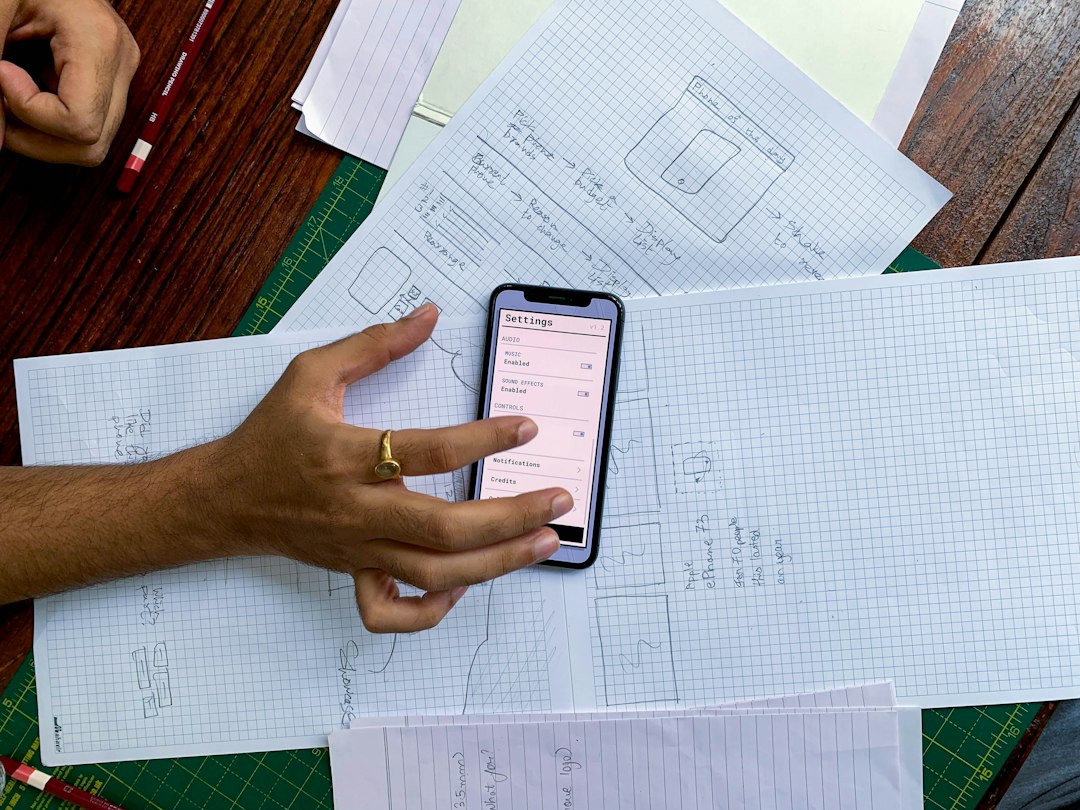
- Converting hand-drawn sketches into digital screens.
- Quick feedback from clients or investors.
Expect to waste time on cleanup if the project becomes serious. Uizard can generate a convincing draft, but larger teams may find the design control limited compared with Figma. Spacing, component reuse, and system-level consistency can become painful once you move past the concept stage.
Figma Make vs Uizard: Which One Should You Pick?
| Category | Figma Make | Uizard |
|---|---|---|
| Best for | Design and product teams | Founders and non-designers |
| Speed | Fast, with stronger editing depth | Very fast for first drafts |
| Design control | High | Medium |
| Learning curve | Moderate | Low |
| Best output | Editable product UI | Clickable concept mockups |
If you are building a product that will go through design review, engineering review, and user testing, start with Figma Make. If you need to explain an idea by Friday and nobody on the team uses design software, start with Uizard.
Other AI Wireframe Tools Worth Considering
Galileo AI is strong for polished UI concepts. It often creates modern screens with product-ready visual direction. It is useful for inspiration and early interface exploration, though teams still need to rebuild or refine details before production.
Visily is a practical option for business teams. It supports screenshots, templates, diagrams, and AI generation. It is less intimidating than advanced design platforms, which makes it useful for product managers who need clear wireframes without heavy design training.
Relume is excellent for website structure. It can generate sitemaps and wireframes from prompts, especially for marketing sites and service businesses. If your main need is a website plan rather than an app interface, Relume deserves serious attention.
Framer AI fits teams that want to move from prompt to website quickly. It is stronger for landing pages and live web experiences than complex app wireframes. Designers who care about motion and publishing speed may prefer it for campaign sites.
v0 by Vercel is a strong option for developer-led teams. It can generate UI with code-oriented output, often using React patterns. It is not a classic wireframing tool, but it is powerful when engineers want a working interface draft rather than a design file.
How to Get Better Results From Prompt-to-UI Tools
Bad prompts create bad wireframes. The best results come from clear constraints. Mention the user, device, goal, screen count, key actions, and tone.
Weak prompt: “Make a banking app.”
Better prompt: “Create a 5-screen mobile banking wireframe for first-time users. Include login, account overview, transfer money, spending insights, and card settings. Use a clean layout with large buttons and simple labels.”
That second prompt gives the AI enough structure to produce something useful. You can then ask for changes such as “make the transfer flow simpler,” “add an empty state,” or “reduce the number of form fields.”
Final Recommendation
Figma Make is the best overall AI wireframe generator for 2026 if your goal is credible product design. It fits real team workflows, supports detailed editing, and reduces the gap between AI draft and usable interface.
Uizard is the better first-step tool for quick concepts, workshops, and early validation. It is faster for non-designers and easier to use when the goal is communication, not final design quality.
The smartest setup may be both. Use Uizard to test raw ideas. Use Figma Make to turn the winning idea into a structured product experience. AI can save hours, but the best results still come from clear product thinking, strong prompts, and careful human review.








