Amazon Simple Email Service, commonly known as AWS SES, is often attractive to growing businesses because it offers reliable email infrastructure without the high base fees common in many email platforms. However, low unit pricing does not mean costs should be ignored. As email volume increases, expenses can come from message sending, receiving, attachments, dedicated IP addresses, deliverability tools, monitoring, and operational overhead. A serious cost estimate should look beyond the headline “per thousand emails” rate and model how your business actually sends email.
TLDR: AWS SES is usually very cost efficient, with outbound email commonly priced around a small fee per 1,000 messages, but total cost depends on volume, attachments, dedicated IPs, deliverability features, and architecture. A startup sending tens of thousands of emails may spend only a few dollars per month, while a business sending millions may need a more detailed forecast. The best estimate separates core sending cost from optional services and operational requirements. Always confirm current regional pricing in the AWS pricing page before using estimates for budgeting.
Why AWS SES Pricing Matters for Growing Businesses
Email is not just a technical channel. It supports account verification, password resets, invoices, order confirmations, marketing campaigns, onboarding sequences, and customer retention. As a company grows, email volume often grows faster than expected. A business with 5,000 customers may send 50,000 messages per month, while a business with 500,000 customers may send several million.
The advantage of AWS SES is that it provides a usage based pricing model. You generally pay for what you send or receive, rather than committing to a large monthly subscription. This can be excellent for early stage companies and cost conscious teams. The tradeoff is that budgeting requires discipline, because optional services and sending patterns can change the final bill.

The Core AWS SES Cost Components
At a high level, AWS SES costs can be divided into several categories:
- Outbound email charges: the cost to send messages to recipients.
- Inbound email charges: the cost to receive emails if your application uses SES for incoming mail.
- Attachment and data related charges: additional costs related to message size, especially when sending attachments.
- Dedicated IP costs: monthly charges or managed IP fees if you need more control over sender reputation.
- Deliverability tools: optional services that help monitor and improve inbox placement.
- Supporting AWS services: costs from CloudWatch, SNS, S3, Lambda, Kinesis, or other services connected to your email workflow.
For many businesses, the largest and easiest cost to estimate is outbound email. If AWS charges, for example, $0.10 per 1,000 outbound emails in your region, then 100,000 sent emails would cost approximately $10 before optional features and related services. That simplicity is one reason SES is popular for transactional email at scale.
A Practical Formula for Estimating SES Costs
A useful first estimate can be built with this formula:
Total monthly SES cost = outbound sending cost + inbound receiving cost + attachment or data cost + dedicated IP cost + deliverability tool cost + supporting AWS service cost
This formula prevents a common budgeting mistake: focusing only on the message sending line item. For example, a company sending 2 million transactional emails per month may calculate only the basic sending fee and overlook dedicated IPs, monitoring, bounce processing, logs, and alerting.
To make your estimate credible, define your assumptions clearly:
- Monthly email volume: number of messages sent and received.
- Email type: transactional, marketing, lifecycle, or internal notifications.
- Average message size: plain text, HTML, images, PDFs, invoices, or other attachments.
- Sending pattern: steady daily sending or large campaign spikes.
- Deliverability requirements: shared IPs, dedicated IPs, or managed dedicated IPs.
- Monitoring requirements: basic logs or detailed event pipelines.
Example Cost Scenarios
The following examples are simplified and should be used for planning only. Pricing can vary by AWS region and service configuration, so final budgets should be validated against official AWS pricing.
| Monthly Volume | Estimated Basic Sending Cost | Likely Business Stage | Cost Considerations |
|---|---|---|---|
| 50,000 emails | About $5 | Startup or small SaaS | Shared IPs may be sufficient; monitoring can remain simple. |
| 500,000 emails | About $50 | Growing business | Deliverability tracking, bounce handling, and reputation management become more important. |
| 5,000,000 emails | About $500 | Scaled platform or marketplace | Dedicated IPs, advanced monitoring, and compliance operations may be justified. |
These numbers show why SES is often viewed as economical. Even at several million messages per month, the direct sending cost can remain modest. However, the operational environment around that sending volume may add meaningful expense.

Outbound Email: The Main Cost Driver
Outbound email includes any email your application sends to users or customers. This may include authentication emails, receipts, shipping notices, product recommendations, abandoned cart emails, newsletters, and account alerts.
Transactional email is usually predictable because it follows user activity. Marketing email can be less predictable because campaigns may send to an entire list over a short period. A business should estimate both average monthly volume and peak daily volume. Peak sending may not dramatically change the SES price per message, but it can affect deliverability, throttling strategy, and infrastructure design.
For example, a company with 200,000 users might send:
- 300,000 transactional emails per month
- 400,000 onboarding and lifecycle emails per month
- 800,000 promotional emails per month
That is 1.5 million outbound emails per month. At an illustrative rate of $0.10 per 1,000 emails, the basic sending cost would be about $150. If the company adds deliverability tools, dedicated IPs, and detailed event logging, the total monthly email infrastructure cost could be higher.
Inbound Email Costs
Some businesses use SES to receive email. Common examples include support ticket ingestion, reply handling, inbound document processing, and automated workflows. Inbound email can introduce additional costs because messages may be stored in Amazon S3, processed by AWS Lambda, published to SNS, or routed through other services.
If your product relies on inbound email, estimate:
- Number of incoming messages per month
- Average message size
- Storage requirements
- Processing workflow costs
- Retention period for compliance or audit purposes
For a support heavy business, inbound processing can become an important part of the total email budget. It is still often inexpensive, but it should not be excluded from forecasts.
Attachments and Message Size
Message size matters. A plain text password reset email has a very different cost profile from a monthly invoice email with a PDF attachment. Larger emails can increase data related charges and may also affect deliverability performance. Heavy attachments can slow processing, trigger filtering, and create a poor customer experience.
Businesses should consider replacing large attachments with secure links. For example, instead of attaching a 2 MB invoice PDF to every message, store the invoice securely and include an authenticated download link. This can reduce email size, improve deliverability, and make cost forecasting easier.
As a rule of thumb, keep operational emails lightweight unless there is a strong business or legal reason to attach files directly.
Dedicated IP Addresses and Sender Reputation
SES can send through shared IP pools, but some businesses choose dedicated IP addresses. Dedicated IPs can provide more control over sender reputation, especially for high volume senders. They can also create responsibility: if your sending practices are poor, your reputation is affected directly.
Dedicated IPs may be useful when:
- You send high and consistent monthly volume.
- You need tighter control over reputation and deliverability.
- You separate transactional and marketing streams.
- You have strict compliance or brand protection requirements.
However, dedicated IPs are not always necessary. Low volume senders can struggle to build reputation on dedicated IPs because mailbox providers prefer consistent sending patterns. For many smaller senders, shared infrastructure may be more practical at the beginning.
Deliverability and Monitoring Costs
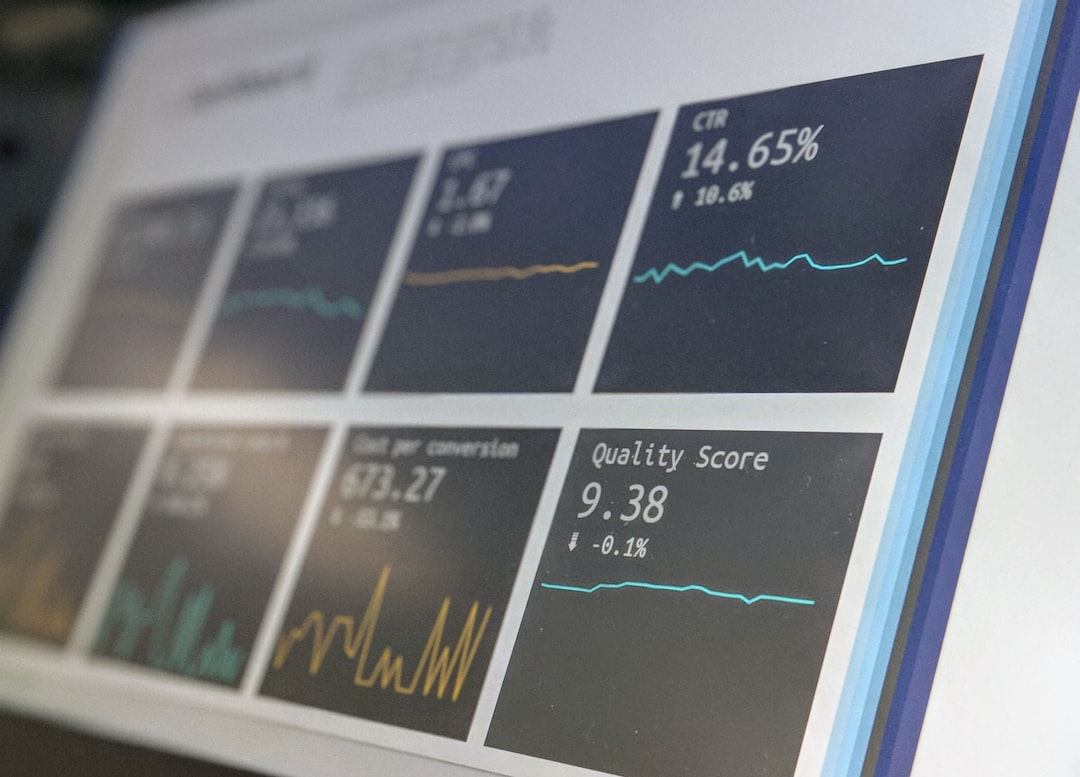
At scale, email cost is not only about sending. It is about successful delivery. A cheap email that lands in spam has little value. Growing businesses should monitor bounces, complaints, opens, clicks, deferrals, unsubscribe rates, and domain reputation.
A serious SES implementation often includes:
- SPF, DKIM, and DMARC configuration for authentication.
- Bounce and complaint handling through SNS or event destinations.
- CloudWatch metrics and alarms for operational visibility.
- Suppression list management to avoid repeatedly emailing bad addresses.
- Segmentation between transactional and promotional traffic.
These systems may add modest AWS charges, but they also require engineering time. For budgeting, include both direct cloud costs and internal labor. A well maintained email system reduces risk, customer frustration, and revenue leakage.
Hidden Expenses Businesses Often Miss
Several costs do not appear obvious during the first SES estimate:
- Engineering setup: domain verification, identity configuration, template management, and deployment work.
- Compliance management: unsubscribe handling, consent records, privacy requirements, and audit processes.
- List hygiene: removing invalid, inactive, or risky addresses.
- Testing: rendering checks, seed inbox testing, and QA for templates.
- Incident response: investigating spikes in bounces, complaints, or blocked mail.
These expenses are not reasons to avoid SES. They are reasons to budget realistically. Email is a production system, and production systems require ownership.
How to Build a Reliable Monthly Forecast
For a growing business, the best approach is to build a simple forecast model with three cases: base case, growth case, and high volume case. Each case should include expected outbound volume, inbound volume, average message size, optional SES features, and related AWS services.
A practical process looks like this:
- Measure current volume from application logs or your existing email provider.
- Separate email categories such as transactional, lifecycle, and marketing.
- Estimate growth based on customer count, order volume, or monthly active users.
- Add optional services such as dedicated IPs or deliverability monitoring.
- Include supporting AWS usage for logs, storage, notifications, and processing.
- Review monthly and compare actual AWS bills against the forecast.
This approach gives finance, engineering, and leadership a shared view of email costs. It also helps teams make informed decisions before launching major campaigns or entering new markets.
Final Assessment
AWS SES can be one of the most cost effective ways to send email at scale, particularly for businesses with technical teams that can manage configuration and monitoring properly. The direct sending price is usually low, but the real cost depends on the complete operating model around email.
For early stage businesses, SES may cost only a few dollars per month. For high growth companies, the bill may still be reasonable, but dedicated IPs, deliverability services, logging, processing, and compliance workflows should be included in the budget. The most trustworthy estimate is transparent about assumptions and updated regularly.
In short: AWS SES offers strong economics for growing businesses, but responsible cost planning requires more than multiplying email volume by a headline rate. Treat email as critical infrastructure, model the full cost stack, and review your assumptions as your audience, product, and sending strategy evolve.