
Use Adobe Firefly for clean, client-safe wig concepts, and use Midjourney when you want bold hair ideas that feel like fashion editorials. Firefly is easier for commercial projects. Midjourney is better for wild inspiration.
TLDR: Adobe Firefly is best for product mockups, salon previews, and safer brand work. Midjourney is best for fantasy wigs, avant-garde looks, and fast mood boards. For example, a wig seller could create 30 curly bob color ideas in one hour, then pick 6 to show customers. That can cut early concept time by around 60% compared with sketching each idea by hand.
Why AI Wig Design Tools Are So Useful
Wig design is visual. Very visual. A tiny change in bangs can change the whole vibe.
AI tools help you test ideas before you spend money on hair, lace, dye, styling, or photography. You can try a copper pixie. Then a silver body wave. Then a neon green blunt bob. No mannequin needed yet.
This is great for wig makers, hair brands, drag artists, cosplay designers, theater teams, and beauty content creators. It is also useful for customers who say, “I want something soft, but edgy, but not too edgy.” Ah yes. Very helpful.
With AI, you can turn that vague sentence into images. Then people can point and say, “That one.”
Adobe Firefly: Best for Clean and Practical Wig Concepts
Adobe Firefly is a strong pick if you want polished images without too much chaos. It works well for beauty brands, salons, and e-commerce teams.
Firefly is built with commercial use in mind. That matters if you plan to use your images in ads, social posts, lookbooks, or client presentations. It also connects nicely with Photoshop and Illustrator. So you can create a wig idea, then clean it up fast.
Firefly shines when you need:
- Natural wig colors, like chocolate brown, ash blonde, jet black, and auburn.
- Simple product mockups for online shops.
- Client previews for lace fronts, closures, and hairline ideas.
- Safer brand visuals with fewer strange surprises.
The catch is that Firefly can feel a bit polite. Sometimes too polite. If you ask for a high fashion ice blue wig with sculpted waves, it may give you something pretty, but not very daring. You may need several tries to get drama.
Still, Firefly is friendly. It is simple to explain to a team. It fits well into normal design work. For many wig businesses, that is a big win.
Midjourney: Best for Big Hair Energy
Midjourney is the tool to use when you want the wig to enter the room before the person does.
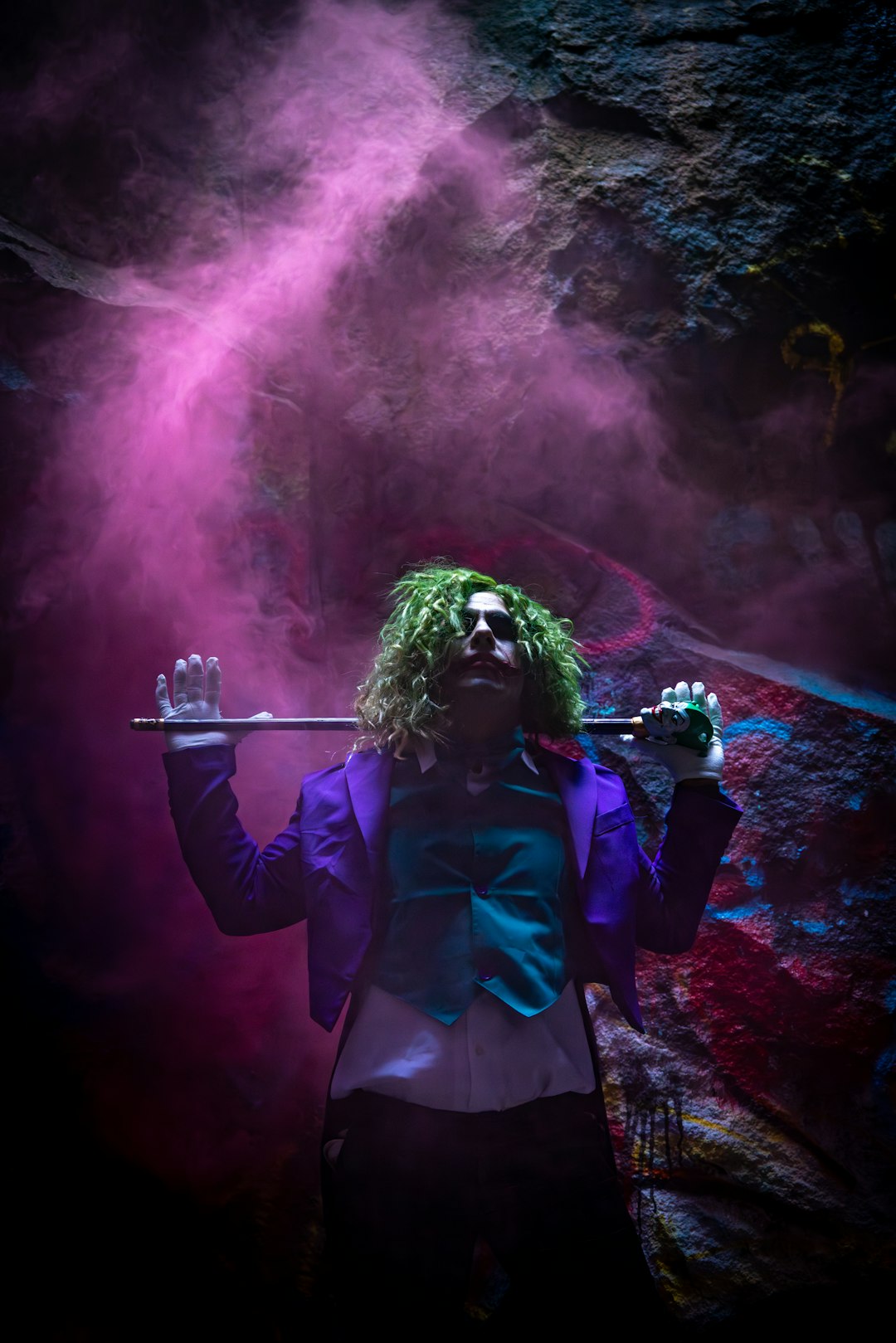
It is amazing for fantasy hair, fashion shoots, music videos, drag looks, anime-inspired wigs, and runway concepts. It understands mood very well. Words like glamorous, punk, ethereal, retro, and cyber beauty can produce strong images.
Midjourney is great for:
- Editorial wig concepts with bold shapes.
- Color experiments, like pink roots with lavender ends.
- Fantasy styles for cosplay or performance.
- Mood boards for hair campaigns.
Honestly, it feels like Midjourney is a genius stylist who refuses to read the full brief. You ask for a shoulder-length wig, and it may give you hair down to the ankles. Beautiful? Yes. Useful? Maybe not.
It also takes practice. Prompting matters a lot. You need to mention length, parting, texture, density, color, lighting, and face angle. If you skip details, Midjourney starts making its own choices. It loves doing that.
Firefly vs Midjourney: Simple Comparison
| Feature | Adobe Firefly | Midjourney |
|---|---|---|
| Best use | Commercial wig previews | Creative hair concepts |
| Style | Clean and controlled | Bold and artistic |
| Learning curve | Easy | Medium |
| Editing | Strong with Adobe apps | Needs extra tools |
| Best for clients | Yes | Sometimes |
If you sell wigs online, start with Firefly. If you build fantasy looks, start with Midjourney. If you can use both, even better. Use Midjourney for ideas. Use Firefly and Photoshop to refine them.
Other AI Tools Worth Trying
Firefly and Midjourney are not the only options. Some other tools are helpful, especially when you want speed or specific edits.
Canva AI
Canva AI is easy. Very easy. It works well for social posts, simple ads, and quick wig promo graphics. It is not the best for detailed hair structure. But it is great when you need a fast Instagram carousel.
ChatGPT Image Tools
ChatGPT with image generation is useful for brainstorming prompts and creating clean concepts. You can ask for “12 wig ideas for a bridal hair collection” and then turn the best ones into images. It is also handy for naming wig styles. Names matter. “Soft Honey Wave” sounds much better than “blonde wig number 4.”
Leonardo AI
Leonardo AI is popular for character design and stylized looks. It can be great for cosplay wigs, game characters, and theme collections. It also offers good control if you like testing models and settings.
Stable Diffusion
Stable Diffusion is powerful, but it can be fussy. It gives you more control if you know what you are doing. It is useful for teams that want custom workflows. Expect to waste time on setup if you are new. Sometimes one tiny setting ruins the hair texture. Annoying, but fixable.
Photoshop Generative Fill
Photoshop Generative Fill is perfect for edits. Want to add bangs? Try it. Want to change a middle part to a side part? Try it. Want to remove flyaways? Yes, please.
It is not always perfect. Hair is hard. AI can turn curls into noodles if you push it too far. But for small changes, it is very useful.
Prompt Tips for Better Wig Images
Good prompts save time. Bad prompts create plastic hair helmets. Nobody wants that.
Use clear details like these:
- Hair type: kinky curly, loose wave, body wave, straight, yaki, deep wave.
- Length: pixie, chin length, shoulder length, 18 inch, waist length.
- Cap style: lace front, full lace, closure wig, frontal wig.
- Color: honey blonde, burgundy, silver gray, ombre brown.
- Finish: glossy, soft, natural, wet look, fluffy.
- Use case: bridal, cosplay, daily wear, stage, editorial.
Here is a simple prompt:
“A shoulder length lace front wig, soft body wave texture, warm chestnut brown color, natural baby hairs, studio lighting, beauty product photo, clean background.”
Here is a bolder one:
“High fashion fantasy wig, sculpted white curls, silver roots, dramatic volume, glossy finish, editorial beauty portrait, black background.”
What AI Still Gets Wrong
AI hair can look amazing at first glance. Then you zoom in. Oops.
Common problems include:
- Strange hairlines.
- Uneven lace edges.
- Hands melting into hair.
- Curls that repeat too much.
- Shine that looks like plastic.
- Textures that do not match real hair bundles.
This is why AI should be used for concepts, not final truth. A generated wig image is not a technical pattern. It does not tell you weft spacing, density, cap size, knot type, or ventilation direction.
You still need a skilled wig maker. AI gives the idea. The maker gives it life.
Best Workflow for Wig Designers
Here is a simple workflow that works well:
- Brainstorm 10 to 20 wig themes.
- Generate rough images in Midjourney or Firefly.
- Pick the best 3 to 5 concepts.
- Edit colors, edges, and details in Photoshop.
- Show clients a small concept board.
- Build only the approved wig designs.
This saves money. It also reduces awkward client calls. The ones where someone says, “I thought the burgundy would be more… royal.” Now they can see it first.
Final Pick
Choose Adobe Firefly if you need safe, neat, brand-ready wig concepts. It is great for salons, shops, and client-facing previews.
Choose Midjourney if you want bold ideas and eye-catching hair art. It is the better choice for fantasy, fashion, and performance looks.
For the strongest setup, use both. Let Midjourney create the spark. Let Firefly and Photoshop clean up the mess. That combo gives you speed, style, and control without turning your wig planning process into a three-day headache.








