Abine Blur has always been a slightly unusual privacy tool: part password manager, part identity shield, and part “don’t give websites your real information” service. In 2026, that mix still makes Blur interesting, especially for people who care less about flashy vault design and more about email masking, tracker blocking, and payment privacy.
TLDR: Abine Blur is best viewed as a privacy protection suite with password management included, not as a top-tier standalone password manager. Its strongest features are masked emails, masked phone numbers, masked cards, and tracker blocking, while its password vault feels more basic than competitors like 1Password, Bitwarden, or Dashlane. If your priority is hiding personal data online, Blur is still worth considering in 2026; if you mainly need polished password management, there are better alternatives.
What Is Abine Blur?
Abine Blur is a privacy-focused service from Abine, the company also known for DeleteMe, a data removal service. Blur is designed to reduce how much personal information you expose when signing up for websites, shopping online, or managing accounts across the web.
Instead of giving every company your real email address, phone number, credit card number, and password, Blur lets you use masked or generated details. The idea is simple: if a site is hacked, sells your data, or starts spamming you, your real identity is better protected.
That makes Blur different from traditional password managers. It can store and autofill passwords, but its main appeal is broader: privacy by substitution.
Password Management: Useful, but Not Best in Class
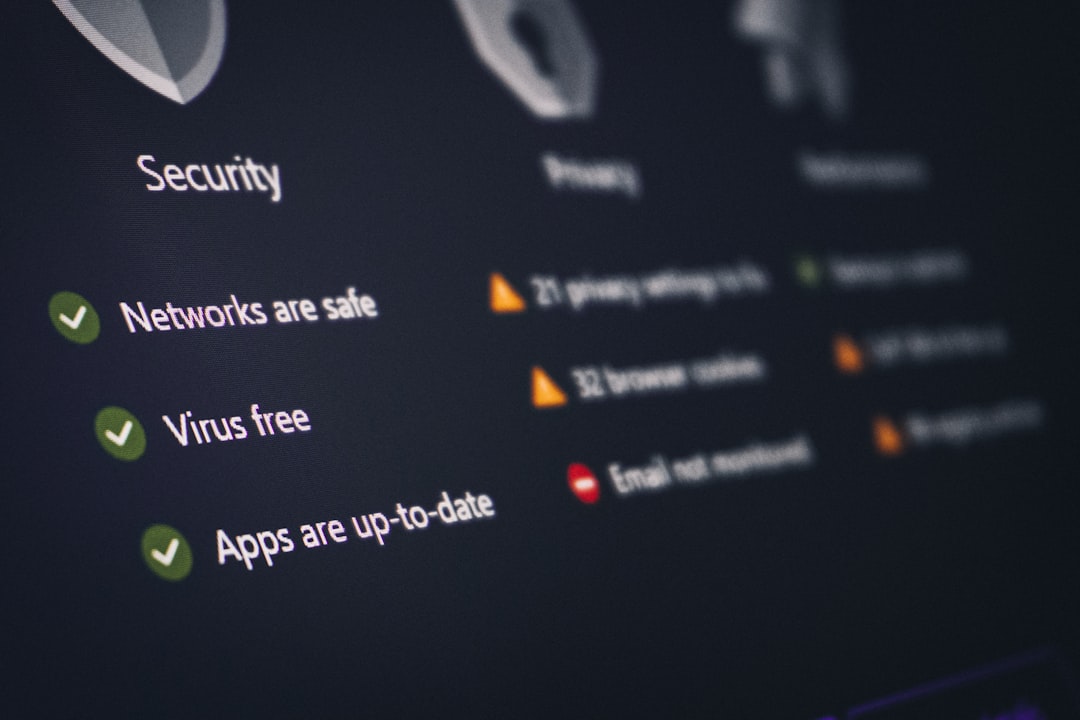
Blur includes the core password management features most users expect. You can save logins, generate strong passwords, autofill credentials, and sync data across devices depending on your plan. For basic users, this may be enough to replace browser-saved passwords.
However, compared with dedicated password managers, Blur’s vault experience can feel less refined. Tools like 1Password, Bitwarden, NordPass, and Dashlane tend to offer smoother interfaces, stronger organization, richer sharing options, better family controls, and more advanced security reporting.
Blur is competent for storing credentials, but it is not especially elegant. If you manage hundreds of logins, need secure item templates, want business-level admin tools, or rely heavily on password sharing, Blur may feel limited.
- Good for: basic password storage, password generation, autofill, users who also want privacy masking.
- Less ideal for: teams, families, advanced vault organization, frequent secure sharing, polished app design.
In short, Blur’s password manager is convenient because it sits alongside its privacy tools. But if passwords are your main concern, a specialized password manager will usually be the better long-term choice.
Privacy Protection: Blur’s Real Strength
The reason people choose Blur is not just to remember passwords. It is to avoid handing out real personal data. This is where the service remains compelling in 2026.
Masked emails let you create unique email aliases for websites. Messages can be forwarded to your real inbox without exposing your actual address. If an alias starts receiving junk, you can disable it. This is extremely useful for newsletters, free trials, ecommerce accounts, and sites you do not fully trust.
Masked phone numbers, where available, help reduce unwanted calls and texts. Instead of giving your real number to every service, you can use a proxy number. This feature is especially valuable for classifieds, temporary signups, dating apps, and lead forms.
Masked cards are one of Blur’s most distinctive features. They allow you to shop online without giving merchants your real credit card number. This can reduce the impact of merchant breaches and make it easier to control charges from sites you do not fully trust.
Blur also offers tracker blocking, helping reduce the amount of behavioral data collected as you browse. While many browsers and extensions now include similar features, Blur’s combination of account masking and tracker control still makes it feel like a practical privacy toolkit.

Security and Trust
Blur’s security model matters because it stores sensitive information. Like any password manager, it is only as useful as its ability to protect your vault. Users should enable two factor authentication, use a strong master password, and keep recovery details safe.
It is also important to understand the tradeoff: Blur can hide your details from third-party websites, but you are trusting Blur itself with sensitive account and forwarding infrastructure. That is not necessarily a problem, but it means Blur should be evaluated as both a password manager and a privacy intermediary.
For privacy-conscious users, this raises a familiar question: do you prefer to centralize protection in one service, or spread risk across separate tools? Blur’s convenience is that it combines many functions. Its weakness is that not every function is the best in its category.
Pricing and Value in 2026
Blur’s value depends heavily on which features you use. If you only need password storage, there are cheaper and more polished options. Bitwarden, for example, offers excellent password management at a very low cost, including a strong free tier.
But if you actively use masked emails, masked cards, and masked phone features, Blur becomes much more attractive. These privacy features can replace a patchwork of separate alias, payment, and blocking tools. For users who frequently sign up for services or shop online, the convenience may justify the subscription.
The key question is not “Is Blur the cheapest password manager?” It is not. The better question is: How much is it worth to keep your real email, phone number, and card details away from random websites?
Abine Blur vs Alternatives
Blur vs 1Password: 1Password is the more polished password manager. It has excellent apps, vault organization, family plans, business features, passkey support, and secure sharing. Blur wins on privacy masking, especially if you want payment and identity shielding.
Blur vs Bitwarden: Bitwarden is better for users who want a secure, affordable, open-source-oriented password manager. It is cleaner, more flexible, and excellent value. Blur is better if you want privacy aliases and masked payment tools built in.
Blur vs Dashlane: Dashlane offers a modern password manager experience, dark web monitoring, and user-friendly security tools. It may be easier for beginners. Blur is less sleek but more focused on preventing exposure of personal data at the point of signup or purchase.
Blur vs Firefox Relay or SimpleLogin: These email alias services are strong alternatives if your main need is masked email. SimpleLogin, in particular, is powerful for alias management. But Blur offers a wider privacy bundle because it can include masked cards and phone features.
Blur vs Privacy.com: Privacy.com is a strong option for virtual payment cards in supported regions. If payment masking is your main concern, it may be a better dedicated tool. Blur is broader, combining card masking with email, phone, passwords, and tracker protection.
Pros and Cons
- Pros: Excellent masked email functionality, useful payment masking, phone masking options, tracker blocking, all-in-one privacy concept.
- Pros: Helps reduce spam, data broker exposure, merchant risk, and signup-related privacy leaks.
- Cons: Password manager is not as polished as leading competitors.
- Cons: Interface and user experience may feel dated compared with newer apps.
- Cons: Best features may require a paid plan, and availability can vary by region.
Who Should Use Abine Blur?
Abine Blur is a good fit for users who often think, “I don’t want this website to have my real information.” If you sign up for many online services, test software, shop from unfamiliar stores, or want more control over spam and unwanted calls, Blur can be genuinely useful.
It is also a good choice for people who want a single service that handles several privacy tasks at once. Instead of using one app for passwords, another for aliases, another for virtual cards, and another for tracker blocking, Blur brings much of that under one roof.
However, if you mainly want the best password manager in 2026, Blur is not the first recommendation. Most users focused on password security alone will be happier with 1Password, Bitwarden, Dashlane, or NordPass.
Final Verdict
Abine Blur remains relevant in 2026 because it solves a problem that has only become more urgent: websites keep asking for personal data, and users need better ways to say no without breaking the signup process. Its password manager is useful, but the real value is in masking your identity before your data spreads.
If you want a beautiful, feature-rich password vault, look elsewhere. If you want to reduce spam, protect your card details, hide your email, and make your online identity harder to trace, Blur is still one of the more interesting privacy tools available. It is not perfect, but for the right user, it offers a practical layer of protection that ordinary password managers do not.