Small businesses should use mobile device management before the first lost phone becomes a real security problem. A team of 10, 25, or 50 people can quickly end up with a messy mix of iPhones, Android phones, iPads, Macs, and Windows laptops. Microsoft lists Intune Plan 1 at $8 per user per month, which gives small teams a clear starting point for budgeting [source: Microsoft]. SimpleMDM, on the other hand, is often a cleaner fit for Apple-heavy teams that do not want a giant admin console.
TLDR: For most small businesses, Microsoft Intune is best when the company already uses Microsoft 365, Windows laptops, and Entra ID. SimpleMDM is better when the business mainly uses Apple devices and wants setup to feel simple. For example, a 25-person firm using Intune Plan 1 could spend about $200 per month before taxes, while an Apple-only team may prefer paying per device with a tool built around macOS, iOS, and iPadOS. The right choice depends less on brand name and more on device mix, staff skills, and support time.

Why Small Businesses Need MDM
Mobile device management, or MDM, helps a business control phones, tablets, and computers from one place. It can enforce passcodes, install apps, block risky settings, remove company data, and track device compliance.
That sounds boring until someone leaves a phone in a taxi. Or a salesperson quits and still has customer files on a personal iPad. Or an employee installs a sketchy app that asks for too much access. This is where MDM earns its keep.
For small businesses, the goal is not to build a giant IT department. The goal is simpler: keep work data safe without slowing everyone down.
Microsoft Intune: Strong, Broad, and Sometimes Annoying
Microsoft Intune is one of the most common device management tools for small and mid-sized businesses. It works with Windows, macOS, iOS, iPadOS, and Android. It also connects well with Microsoft 365, Entra ID, Defender, Teams, Outlook, and SharePoint.
If your company already lives in Microsoft tools, Intune makes sense. You can set rules like:
- Require a PIN or biometric unlock.
- Block access from jailbroken or rooted devices.
- Push Wi Fi, VPN, and email settings.
- Wipe company data from a lost or retired device.
- Limit access to Microsoft 365 apps on noncompliant devices.
The catch is that Intune can feel heavy. A simple policy change can take more clicks than expected. Some settings hide inside menus that feel like they were named by three different teams. Expect to waste time on testing, especially if you support both Windows and Apple devices.
Still, Intune is powerful. It is not just an MDM tool. It can become part of a full security setup. That matters for companies handling client records, health data, financial files, contracts, or private employee data.
SimpleMDM: Apple Device Management Without the Bloat
SimpleMDM focuses on Apple devices. That alone makes it attractive to creative agencies, consulting firms, clinics, field teams, and startups that run mostly on Macs, iPhones, and iPads.
The product name is fair. It really is simpler than many enterprise tools. Admins can enroll devices, push apps, apply restrictions, and manage Apple Business Manager connections without feeling buried in settings.
SimpleMDM is a good fit when you need to:
- Set up new Macs for staff quickly.
- Install required apps from the App Store or custom packages.
- Lock down iPads used in front desks, retail spaces, or field work.
- Separate business data from personal use.
- Retire or reassign Apple devices without a long checklist.

Honestly, it feels like Apple-only teams often get punished by larger platforms. They pay for features they do not need. SimpleMDM avoids much of that. The tradeoff is clear: if your business has many Windows laptops or Android phones, SimpleMDM will not cover the full picture.
Other Device Management Tools Worth Knowing
Intune and SimpleMDM are not the only options. A few others may fit certain small business needs.
- Jamf Now: Good for small Apple-focused teams that want quick setup and basic controls.
- Kandji: Strong Apple management with polished automation, but usually aimed at teams with higher budgets.
- Mosyle: Popular in education and useful for Apple device fleets.
- Miradore: A lighter option for mixed device management.
- Google Endpoint Management: Useful for companies built around Google Workspace.
The same buying logic applies here as with other business platforms. A home care agency may compare scheduling and compliance tools, just as described in this guide to home care software solutions. A funded startup may care more about security and ownership records, much like teams reviewing equity management software. A travel agency may need client data protected across laptops and phones, similar to teams choosing a CRM for travel agencies.
How to Choose Between Intune and SimpleMDM
Start with your devices. Count them. Then group them by operating system. This sounds obvious, but many small businesses skip it and buy the wrong tool.
- Choose Intune if you use Microsoft 365, Windows laptops, Teams, Outlook, and mixed devices.
- Choose SimpleMDM if most or all devices are Apple and you want less admin friction.
- Consider Jamf Now or Kandji if Apple management is central and you want more Apple-specific options.
- Consider Google Endpoint Management if Google Workspace is your main work hub.
Also think about support. If one office manager handles IT between payroll and customer calls, keep the system simple. If you have an IT provider or a technical admin, Intune becomes easier to justify.
Practical MDM Policies to Set First
You do not need 80 policies on day one. Start with the basics:
- Require strong passcodes.
- Turn on encryption where supported.
- Block rooted or jailbroken devices.
- Enable remote wipe for lost or stolen devices.
- Push required work apps automatically.
- Separate personal and company data where possible.
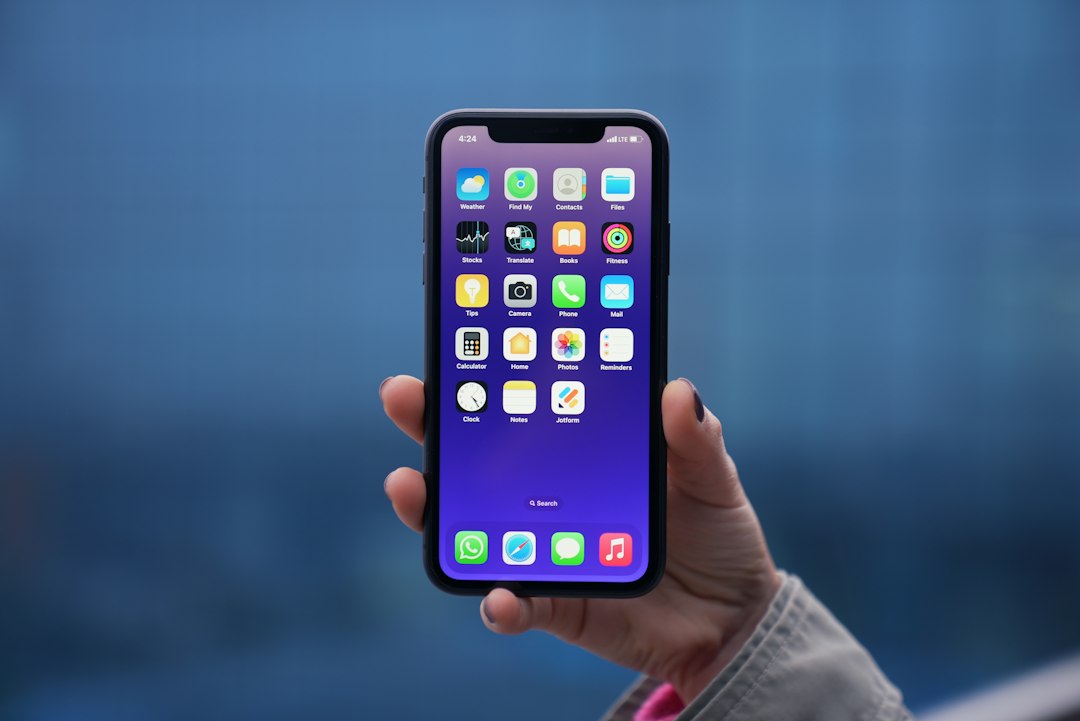
Then test everything with two or three devices before rolling it out to the whole team. This prevents angry Monday morning surprises. Nobody wants to hear that email stopped working because a policy was too strict.
The best MDM tool is the one your business will actually use. Intune gives broad control and deep Microsoft ties. SimpleMDM gives Apple teams a cleaner path. Pick based on your devices, your staff, and the amount of time you can spend managing it.