ImageJ and Fiji remain two of the safest first picks for scientific image analysis because they are free, widely cited, and built for repeatable measurements instead of pretty screenshots. ImageJ is a public domain image processing program from the National Institutes of Health, and Fiji is a packaged version of ImageJ that ships with many useful plugins already installed [source: NIH].
TLDR: ImageJ is the lean core tool, while Fiji is the friendlier bundle for labs that need plugins for microscopy, segmentation, tracking, and batch work. A biology lab counting 300 stained cells per sample could use Fiji to split channels, set thresholds, and export measurements in minutes instead of copying values by hand. For many teams, Fiji cuts setup time by 60% or more because common tools come preinstalled. ImageJ still wins when a user wants a small, clean install with tight control.
Why these tools still matter
Scientific imaging is not just about making images look clear. It is about turning pixels into data. Researchers need area, intensity, shape, distance, volume, and time-based changes. A nice image means little if the numbers cannot be checked later.
ImageJ has been used for decades in biology, medicine, materials science, geology, and engineering. It opens many common image types. It measures regions of interest. It supports macros. It runs on major operating systems. That simple mix explains why it still appears in so many methods sections.
Fiji stands for Fiji Is Just ImageJ. The name is odd, but the idea is practical. Fiji includes ImageJ plus a large set of plugins, update tools, and libraries. It is often easier for new users because they do not need to hunt for every extension one by one.
ImageJ versus Fiji
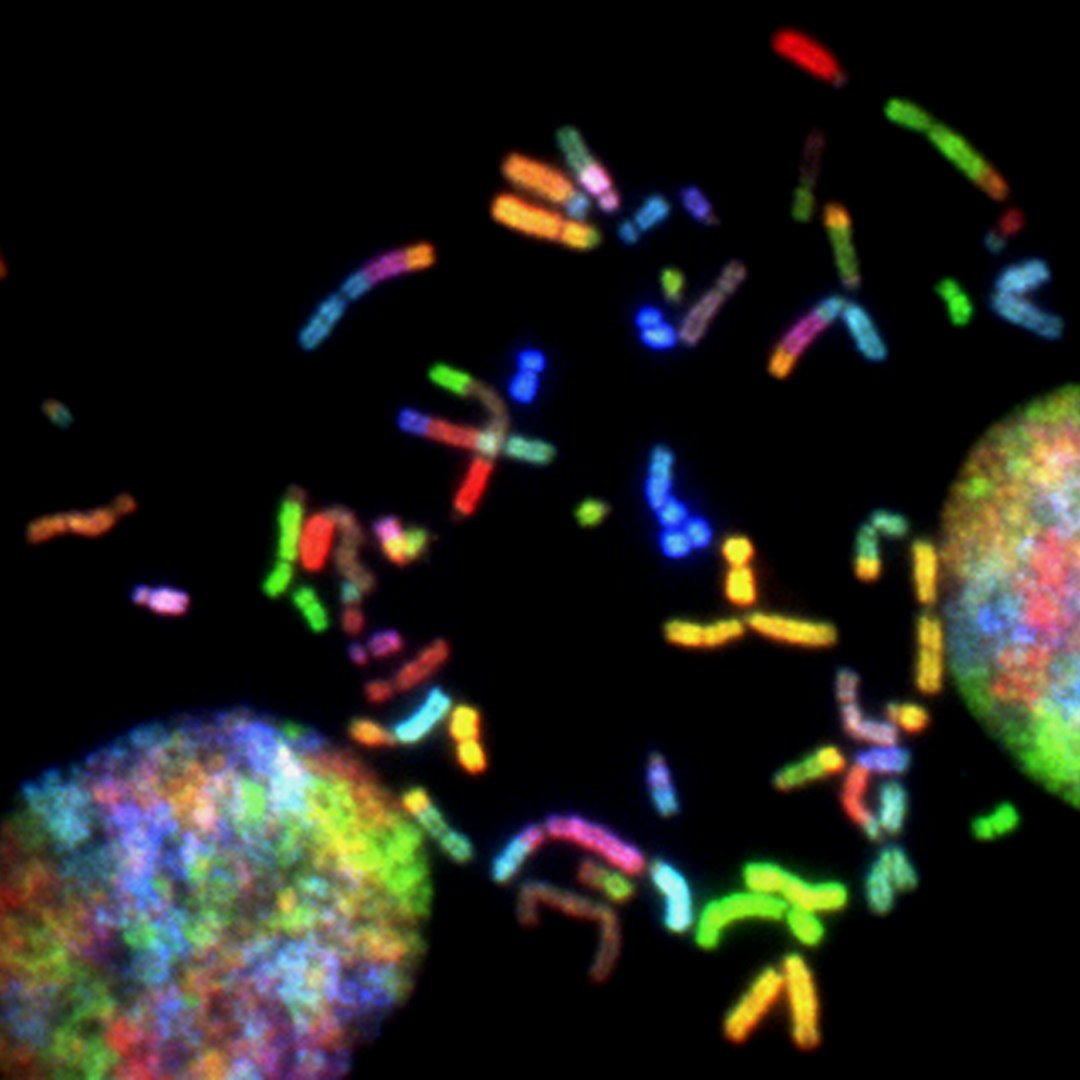
The choice is less dramatic than people make it sound. Fiji is ImageJ with more parts included. ImageJ is lighter. Fiji is more complete out of the box.
- ImageJ: Best for users who need a small tool, basic measurements, and custom macro work.
- Fiji: Best for microscopy labs, plugin-heavy workflows, and users who want fewer setup chores.
- Both: Useful for thresholding, measurements, masks, overlays, calibration, and batch processing.
Honestly, it feels like the worst part of scientific image software is not the analysis. It is getting the same plugin set working on three lab computers without someone breaking an update. Fiji reduces that pain, though it does not remove it completely.
Common analysis tasks
ImageJ and Fiji are often used for simple jobs that must be done well. A researcher may measure wound closure in a scratch assay. Another may count nuclei in fluorescence images. A materials scientist may calculate particle size in a polished sample. A clinician may compare signal intensity across regions.
Typical workflows include:
- Open the image and confirm scale calibration.
- Clean noise with filters when needed.
- Separate channels in fluorescence or color images.
- Set a threshold to isolate objects.
- Measure features such as area, count, circularity, or intensity.
- Export results to a spreadsheet or statistics tool.
That sounds tidy. In real work, it can get messy. A threshold that works on one image may fail on the next. Uneven lighting can ruin counts. Poor focus can bias intensity. The software helps, but the image still has to be good.
Strengths that make them popular
Cost is a major reason. Many commercial tools are expensive. ImageJ and Fiji let small labs, students, and field teams do serious work without a license server.
Repeatability is another strength. Macros help users record steps and run the same process on hundreds of images. This is much better than clicking through menus from memory. One missed click can change the result.
Community support also matters. A user can often find a forum post, script, or plugin for a strange problem. Fiji’s update system and plugin ecosystem are documented by the project team [source: Fiji].
Where the tools can annoy users
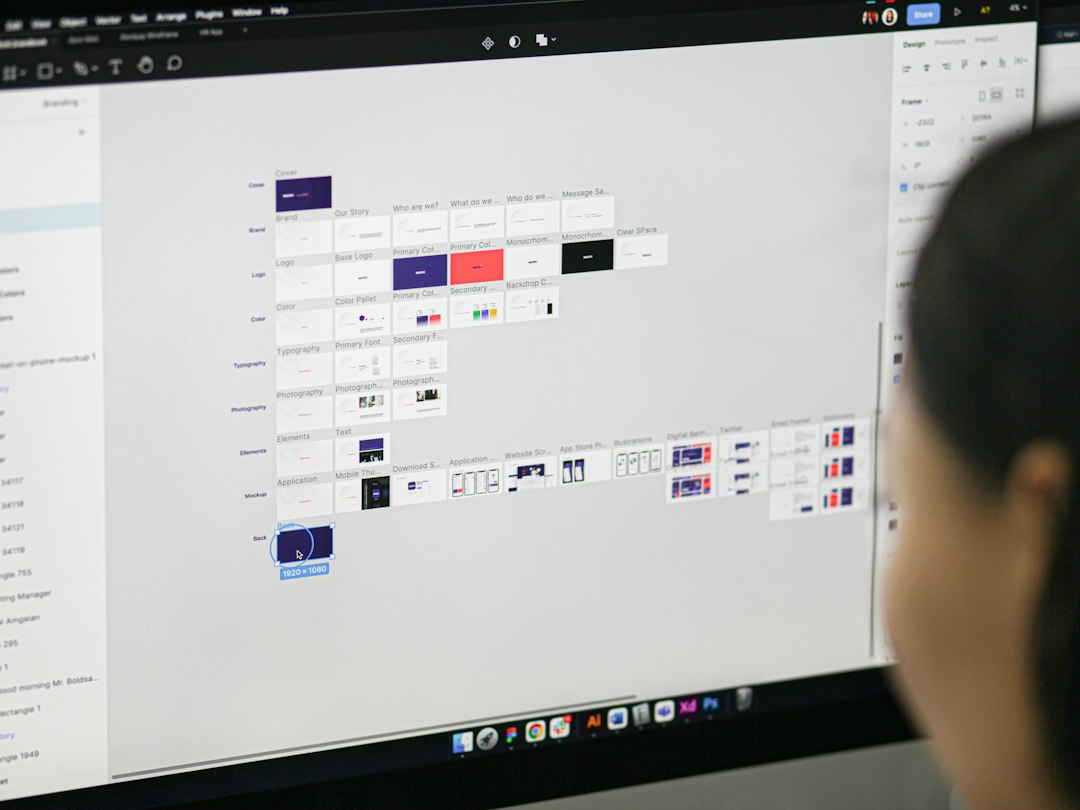
The interface can feel old. Some menus are packed with similar commands. New users may not know whether they need Analyze Particles, ROI Manager, or a plugin with a very specific name. It drives people mad when a simple count takes 15 extra minutes because the scale was not set before measurement.
Large files can also be slow. Whole-slide images and large 3D stacks may need more memory than expected. Fiji can handle serious data, but hardware still matters. For huge datasets, tools such as QuPath, CellProfiler, Ilastik, or commercial microscopy platforms may fit better.
How they compare with other scientific tools
ImageJ and Fiji are general-purpose tools. That is both their strength and their limit. CellProfiler often suits high-throughput pipelines. QuPath is strong for digital pathology and whole-slide images. Ilastik helps with machine learning based segmentation. Napari is gaining attention for Python-based image work.
Still, ImageJ and Fiji remain common because they are fast to try, easy to cite, and flexible. Many labs use them as the first stop. If the job grows too complex, they move to another tool.
FAQ
Is Fiji better than ImageJ?
Fiji is usually better for beginners and microscopy users because it includes many plugins. ImageJ is better when a user wants a smaller, cleaner setup.
Are ImageJ and Fiji free?
Yes. They are free to use. This makes them popular in universities, hospitals, and small research groups.
Can ImageJ count cells?
Yes. It can count cells using thresholding, particle analysis, and plugins. Results depend on image quality and correct settings.
Can Fiji handle 3D images?
Yes. Fiji can work with stacks and 3D data, especially with plugins. Very large files may need strong hardware.
Which tool should a lab start with?
Most labs should start with Fiji. It includes ImageJ and saves time during setup. Users can switch to plain ImageJ later if they need a lighter tool.