Pick Plexamp if you want the slickest ride, Feishin if you love desktop control, and Finamp if your music lives in Jellyfin. Self-hosted music is simple in theory. You run a server, point an app at it, and stream your own songs. Jellyfin, for example, is a free media server that can stream personal media from your own machine [source: Jellyfin].
TLDR: Plexamp feels the most polished, especially for big libraries and quick radio-style mixes. Feishin is great on desktop if you use Jellyfin, Navidrome, or a Subsonic-style server. Finamp is the clean Jellyfin phone app for people who want offline albums without drama. Example: if you have 25,000 tracks, Plexamp may feel faster for discovery, while Feishin gives you more “power user” control at the desk.
Why these apps matter
Streaming your own music is oddly fun. It also gets annoying fast. One app looks pretty but hides basic buttons. Another plays FLAC files fine but takes eight taps to download an album. That drives me a little mad.
The good news? You have choices. Here are five music players worth trying for self-hosted streaming and personal collections.

1. Plexamp: the smooth one
Plexamp is the fancy player for people using Plex Media Server. It looks great. It feels fast. It also has smart mixes, mood radios, loudness leveling, and clean artist pages.
It is best for people who want their library to feel like Spotify, but without renting every song forever. Plexamp is especially strong when your tags are clean. If your library is a mess, expect some weird artist matches and odd album grouping.
- Best for: polished streaming and smart music discovery.
- Works with: Plex Media Server.
- Great feature: artist radio and sonic-style mixes.
- Annoyance: some features sit behind Plex’s account system or paid extras.
2. Feishin: the desktop nerd’s favorite
Feishin is a lovely desktop music player. It works with servers like Jellyfin, Navidrome, and Subsonic-compatible setups. It gives you a real app window. Not just a browser tab pretending to be one.
Honestly, it feels like the app you install when you are tired of web players. You get queues, search, playlists, keyboard control, and a clean library view. It is great at a desk. It is less useful if most of your listening happens on a phone.
- Best for: desktop listening with strong library control.
- Works with: Jellyfin, Navidrome, Subsonic-style servers.
- Great feature: fast browsing for albums and artists.
- Annoyance: setup can feel a bit “bring your own server knowledge.”
3. Finamp: the Jellyfin phone buddy
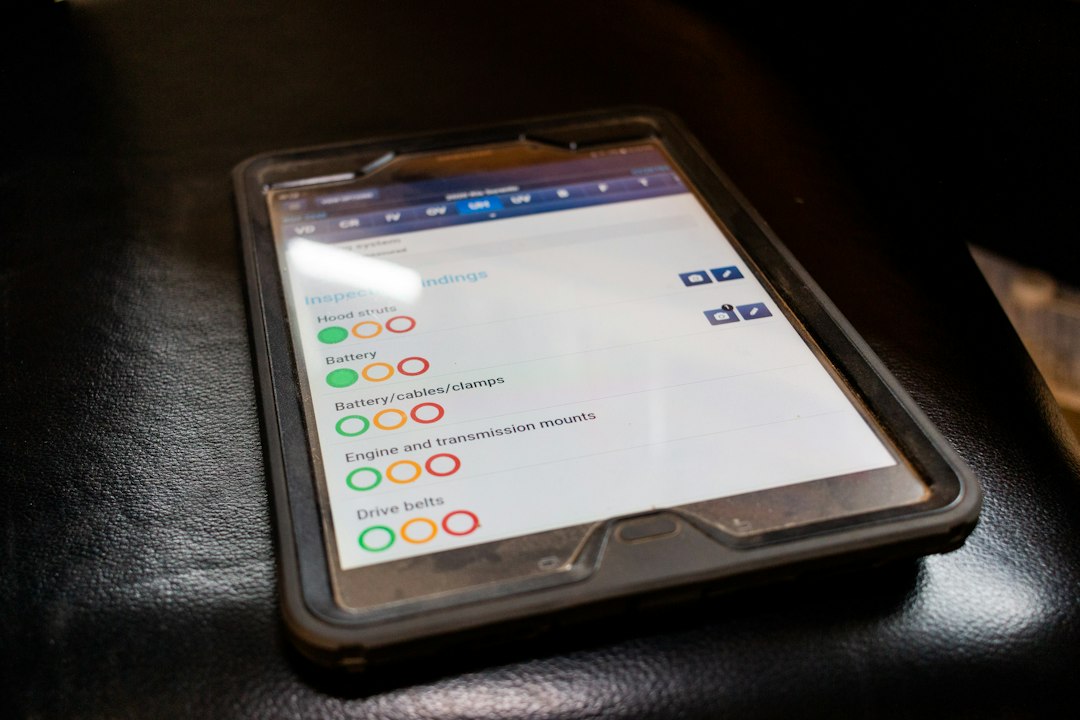
Finamp is made for Jellyfin music. It is a mobile app, and its big trick is simple: it lets you stream and download your songs from Jellyfin.
This is the app for train rides, flights, and bad hotel Wi-Fi. Download five albums before you leave. Hit play later. Done.
The catch is that Finamp is more focused than flashy. Do not expect Plexamp-level magic mixes. Expect a simple, useful app that respects your Jellyfin library.
- Best for: Jellyfin users on iPhone or Android.
- Works with: Jellyfin.
- Great feature: offline music downloads.
- Annoyance: not as rich for discovery or smart playlists.
4. Symfonium: the Android powerhouse
Symfonium is a strong Android music player for people who use more than one server type. It can connect to several self-hosted music sources, including Plex, Jellyfin, Emby, and Subsonic-style servers.
It feels made for serious listeners. You get offline playback, Android Auto support, casting, playlists, and a lot of settings. Maybe too many settings. But if you like tuning things, that is not a problem.
- Best for: Android users with mixed servers.
- Works with: Plex, Jellyfin, Emby, Subsonic-style servers.
- Great feature: flexible offline sync.
- Annoyance: it may feel busy at first.
5. Navidrome Web Player: the no-fuss option
Navidrome includes a built-in web player. It is not the prettiest app here. Still, it is very handy. Open a browser. Log in. Play music.
This is perfect for shared homes, small servers, or old laptops. You do not need to teach everyone which app to install. You can also pair Navidrome with other Subsonic apps later, which gives you room to grow.
- Best for: simple browser playback.
- Works with: Navidrome.
- Great feature: no install needed for basic use.
- Annoyance: less polished than dedicated apps.
Quick pick guide
- Choose Plexamp if you want the most polished music app.
- Choose Feishin if you listen on desktop and want control.
- Choose Finamp if you use Jellyfin and need offline mobile music.
- Choose Symfonium if you use Android and have several servers.
- Choose Navidrome Web Player if you want simple browser playback.
Final verdict
Plexamp wins on style. It is the easiest to love. Feishin wins on desktop. It makes a self-hosted library feel serious. Finamp wins for Jellyfin mobile use. It does the job without making a fuss.
If you are just starting, try one server and two apps. For example, use Jellyfin with Feishin at your desk and Finamp on your phone. If music discovery matters more, try Plex with Plexamp. Your ears will know fast.