Shut down new agent registrations first, then audit every account, form, and login path before you clean anything. Fake agent accounts are not just spam. They can publish scam listings, collect buyer leads, and damage trust fast. WordPress runs about 43% of all websites, so attackers keep testing weak registration pages at scale [source: W3Techs].
TLDR: If fake real estate agents are appearing in your WordPress dashboard, treat it as an active security incident. For example, if your site normally gets 3 agent signups per week and suddenly gets 48 in two days, block registration, review user roles, and add bot protection immediately. Install and configure Advanced Google reCAPTCHA on login, registration, and password reset pages. Then check logs, remove fake users, reset exposed accounts, and monitor new attempts for at least 14 days.
1. Freeze the Damage First
Do not start by deleting users at random. That can hide useful evidence. First, stop the bleeding.
- Disable open registration if your agency does not need public signup.
- Turn off auto approval for agent accounts.
- Block new listing submissions from newly registered users.
- Back up the site before making major changes.
- Put the site behind a security plugin or firewall if attacks are still coming in.
It drives me crazy that many real estate themes allow “agent registration” with weak checks by default. A bot can create a fake profile in seconds, add a stolen headshot, and look real enough to fool a buyer.
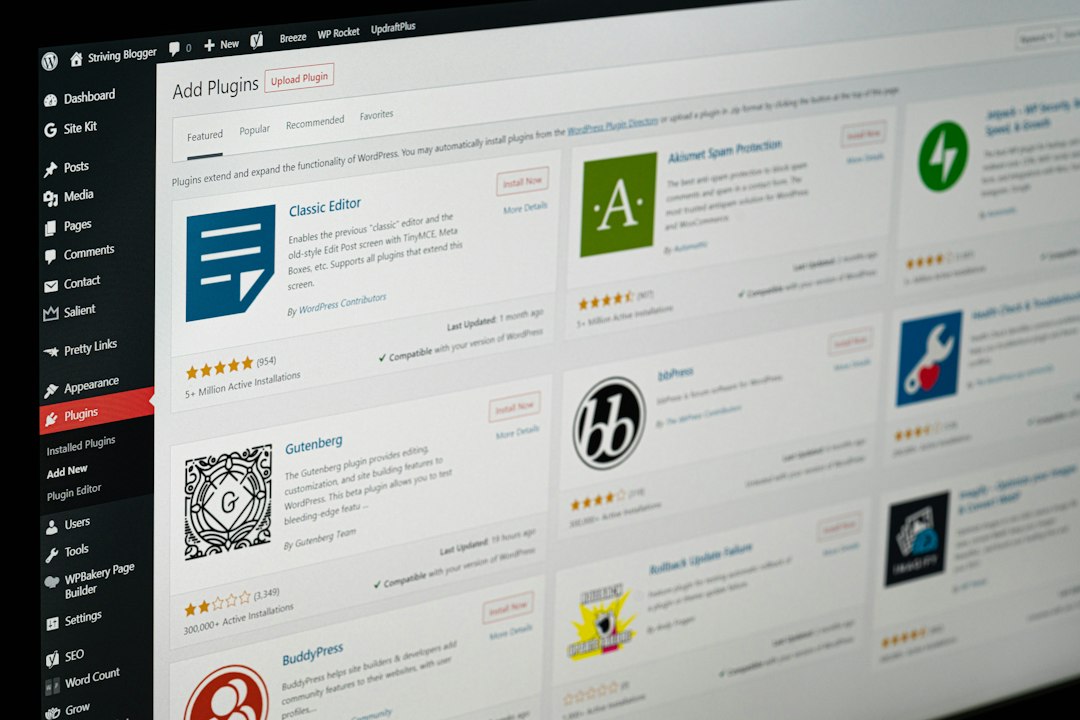
2. Install Advanced Google reCAPTCHA on the Right Pages
The specific fix here is to stop automated account creation. The Advanced Google reCAPTCHA plugin is built for this job. It protects key WordPress entry points where bots attack.
After installing it, secure these areas:
- Login form to reduce brute force attempts.
- Registration form to stop fake agent accounts.
- Lost password form to block reset abuse.
- Comment forms if spam is also showing up.
- WooCommerce forms if your site uses paid listings or memberships.
Also review the plugin settings carefully. Use reCAPTCHA v2 or v3 based on your site needs. If you use v3, watch the score threshold. Too low and bots slip through. Too high and real agents may get blocked. Test it yourself on mobile, desktop, and a slow connection.
For a deeper audit, use this WordPress AI security audit to check risky areas that are easy to miss.
3. Audit Every Agent Account
Now inspect the user list. Focus on accounts created near the first fake signup. Export the user list if your site has many agents.
Look for these warning signs:
- Email addresses with random letters or free mailbox domains.
- Agent bios copied from other real estate sites.
- Phone numbers that do not match the listed state or city.
- Profiles with no license number where one should be required.
- Many accounts created from the same IP address.
- Users with higher roles than expected, such as Editor or Administrator.
Fake agents should usually be moved to a blocked role or deleted after evidence is saved. Real agents should be verified by email and, if possible, phone. If any fake user had access to listing tools, review every listing they touched.
4. Check Roles, Permissions, and Listing Access
A real estate website often has custom roles like Agent, Agency, or Property Manager. These roles can be risky if they allow uploads, listing edits, or contact form access.
Check what each role can do. An agent should not be able to install plugins, edit other users, change theme files, or access full lead exports. If your theme or membership plugin created broad permissions, tighten them now.

5. Review Logs and Find the Entry Point
You need to know how the accounts were created. Check security logs, hosting logs, form logs, and registration records.
- Time pattern: Were accounts created every few seconds?
- IP pattern: Did many signups come from one network?
- User agent: Do requests come from odd scripts instead of normal browsers?
- URL path: Are bots hitting /wp-login.php?action=register or a theme signup page?
Expect to waste time on messy logs. Some hosts make you click through five screens just to see one request. Still, this step matters. If the attack came through a theme registration form, protecting only the default WordPress form may not be enough.
6. Clean Listings, Leads, and Media Files
Fake agents often add more than profiles. Review property listings, uploaded images, contact forms, and saved leads.
Remove scam listings first. Then inspect links in descriptions. Watch for shortened URLs, strange WhatsApp numbers, crypto payment requests, and rental deals that sound too cheap. Check media uploads for scripts hidden in file names or files that are not images.
7. Reset and Harden
After cleanup, reset passwords for admins, editors, and real agents. Force strong passwords. Remove unused plugins and themes. Update WordPress core, plugins, and your theme.
Keep Advanced Google reCAPTCHA active on all account forms. Add manual approval for agents. Require license details if your market uses them. Add a clear “Report suspicious agent” link on profiles.
8. Monitor for Two Weeks
Do not assume the attack is over after one quiet day. Track new registrations, failed logins, blocked CAPTCHA attempts, and listing edits for at least 14 days. If fake accounts return, raise the reCAPTCHA strictness and block the attack IP ranges at the firewall or hosting level.
A serious audit is not just cleanup. It proves how the fake agents got in, closes that path, and helps buyers trust the site again.