Use opt-in anyway. That is the safest answer, even though the U.S. CAN-SPAM Act does not require people to opt in before you send a marketing email. The law focuses on honest headers, clear subject lines, your physical address, and a working unsubscribe link that is honored within 10 business days [source: FTC]. Mailchimp and Brevo both go stricter than the law, because they want clean lists and fewer spam complaints.
TLDR: CAN-SPAM allows cold commercial email, but Mailchimp and Brevo prefer permission-based email. So yes, get consent before sending campaigns. Example: if a small shop imports 5,000 old contacts and 2% complain, that is 100 spam complaints, which can hurt delivery fast. For most marketers, Mailchimp is stricter and more polished, while Brevo is flexible and often cheaper, but both expect clean consent.
CAN-SPAM in plain English
CAN-SPAM is not a “you must ask first” law. That surprises people. It is more like a rulebook for sending commercial email without being sneaky.
Think of it as the email version of basic manners.
- Do not fake who you are. Your “From” name must be real.
- Do not trick people with the subject line. “Your invoice” cannot mean “Buy my course.”
- Include a real postal address. A P.O. box can work.
- Give people a clear unsubscribe link. No treasure hunt.
- Honor unsubscribes fast. The legal limit is 10 business days.
- Watch vendors you hire. You are still responsible.
So where does opt-in come in? From your email platform. Also from good sense. And from other laws, like GDPR or CASL, if you email people in Europe or Canada.
Mailchimp’s approach: “Show me the permission”
Mailchimp is famous for being picky about list quality. That can feel annoying. It also protects your sender reputation.
Mailchimp expects you to use contacts who gave permission to receive marketing from you. Purchased lists are a bad idea there. Scraped lists are also a bad idea. If you upload a list and it performs badly, Mailchimp may pause your account or ask questions.
Mailchimp says its users must follow permission-based email rules and avoid lists that were bought, rented, scraped, or collected without clear consent [source: Mailchimp].
What Mailchimp does well:
- Signup forms are polished. They are easy to place on websites.
- Double opt-in is available. This adds a confirmation email.
- Audience tools are strong. Tags, groups, and segments help you track consent.
- Unsubscribe handling is automatic. That saves headaches.
What can bug you:
- Audience settings can feel fussy.
- Tags and groups confuse new users.
- Finding the right opt-in setting may take longer than it should.
- Import warnings can feel dramatic, even when your list is clean.
Honestly, it feels like Mailchimp sometimes assumes you are guilty until your list proves it is innocent. That is irritating. But it is also why many campaigns sent through Mailchimp land well.
Brevo’s approach: flexible, but still consent-first
Brevo, formerly Sendinblue, is also permission-based. It expects contacts to have agreed to hear from you. It does not want spam traps, bought lists, or random emails from a dusty spreadsheet named “leads final final 2021.”
Brevo requires valid consent for marketing email and says purchased or third-party lists are not allowed [source: Brevo].
What Brevo does well:
- Contact management is simple. Lists and attributes are easy to grasp.
- Pricing is friendly for many small teams. It often costs less at higher contact counts.
- Transactional and marketing email can live together. That is handy.
- Forms and automation are solid. Good enough for most teams.
What can bug you:
- Some settings feel buried.
- Templates can feel less slick than Mailchimp’s.
- Approval checks may slow you down during imports.
- The interface can feel a bit boxy.
Expect to waste time on small setup choices if your consent data is messy. Brevo gives you room. But it still wants proof that subscribers asked for your emails.
So, which one is better for CAN-SPAM compliance?
For pure CAN-SPAM basics, both are fine. They both support unsubscribe links. They both store contact data. They both can include your physical address. They both help prevent silly mistakes.
The bigger question is not, “Which one follows CAN-SPAM?”
The better question is, “Which one helps my team avoid doing dumb email stuff at 4:55 p.m. on a Friday?”
Here is the simple split:
- Pick Mailchimp if you want a cleaner design experience, strong brand polish, and stricter guardrails.
- Pick Brevo if you want flexible pricing, practical automation, and email plus SMS options.
- Pick either if you already collect clear consent and keep tidy records.
Single opt-in vs. double opt-in
Single opt-in means someone fills out a form and joins your list right away. It is fast. It grows lists quickly.
Double opt-in means someone fills out a form, then clicks a confirmation link in an email. It is slower. But it creates cleaner proof.
For CAN-SPAM alone, double opt-in is not required. Still, it helps. It cuts fake signups. It reduces typos. It also gives you better evidence if someone complains.
A simple example:
- Single opt-in list: 10,000 signups, 28% open rate, 0.25% complaint rate.
- Double opt-in list: 8,200 signups, 35% open rate, 0.08% complaint rate.
The smaller list may make more money. Weird, right? Not really. Clean lists are like clean kitchens. Less junk. Less stink.
What consent should look like
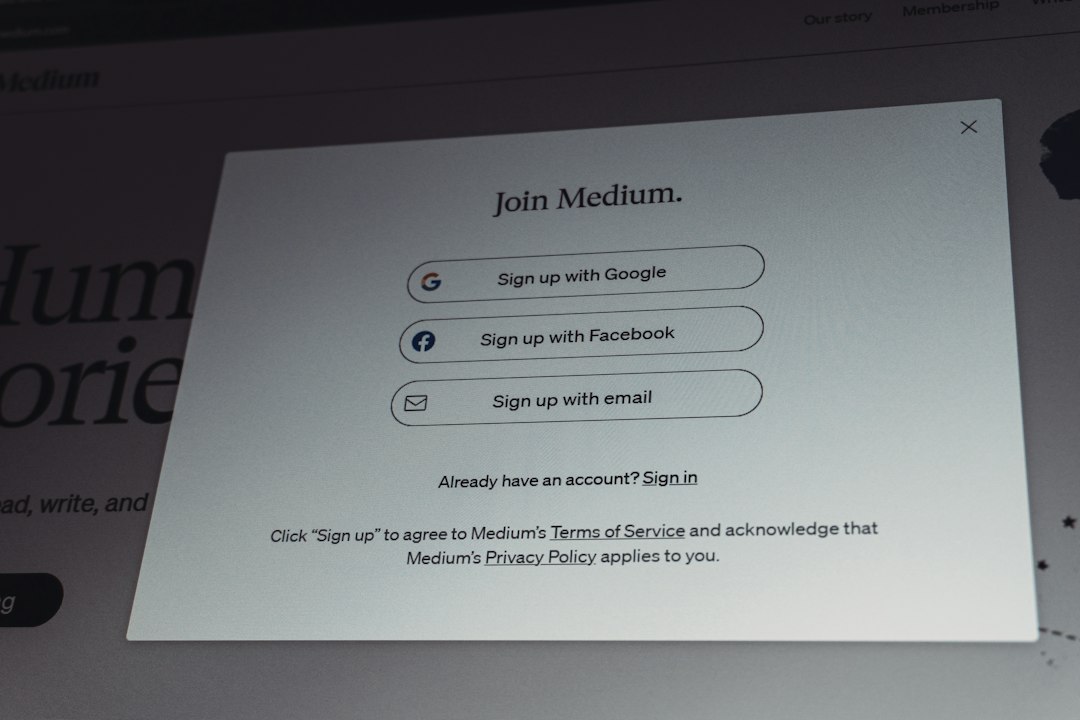
Do not overthink it. A good signup form says what people will get.
Good example:
“Join our list for weekly coffee deals, brewing tips, and product news. You can unsubscribe anytime.”
Bad example:
“Submit.”
That tells the user almost nothing. If the person is surprised later, you did it wrong.
Keep simple records too.
- Date of signup.
- Signup source.
- Form language used.
- IP address, if available.
- Consent status.
Imported lists deserve extra care
This is where teams get into trouble.
Maybe you have contacts from trade shows. Maybe sales has a CRM full of leads. Maybe someone found a list from 2019 and got excited. Please breathe first.
Ask three questions:
- Did these people ask for marketing emails?
- Do we know when and where they signed up?
- Would they recognize our brand?
If the answer is no, do not blast them. Send a careful re-permission campaign only if allowed by your platform and local law. Or leave them out. Painful? Yes. Better than torching your sender reputation? Also yes.
Best setup for compliant marketing emails
Use this setup with either Mailchimp or Brevo:
- Use forms that say exactly what people will receive.
- Turn on double opt-in for risky sources. Use it for giveaways, events, and partner campaigns.
- Never buy lists. They are cheap for a reason.
- Segment by consent source. Website subscribers are not the same as event leads.
- Make unsubscribing easy. Do not guilt people.
- Clean inactive contacts. If someone has ignored 20 emails, take the hint.
- Keep your address updated. CAN-SPAM cares about this.
The practical verdict
Mailchimp is the better fit if compliance guardrails matter most. It is stricter. It nudges you toward safer habits. That can be annoying, but useful.
Brevo is the better fit if you want value and flexibility. It still requires consent. It just feels a bit more practical for teams that send both marketing and transactional email.
But the tool is not the real hero. Your consent process is. Use clear forms. Keep records. Respect unsubscribes. Send email people actually wanted.
That is the boring answer. It is also the one that keeps your campaigns out of the junk folder.