Retailers are increasingly using computer vision to understand stores, shelves, shoppers, products, and operations in real time. By combining cameras, edge devices, AI models, and analytics dashboards, retail teams can improve accuracy, reduce losses, and create smoother customer experiences without relying only on manual observation.
TLDR: Computer vision in retail helps businesses automate shelf monitoring, loss prevention, checkout, customer analytics, and inventory control. For example, a supermarket using shelf cameras may detect out-of-stock items within minutes and reduce lost sales by 10% to 20%. When implemented responsibly, it can improve operational speed, merchandising decisions, and shopper satisfaction while supporting staff instead of replacing them.
What Computer Vision Means in Retail
Computer vision is a branch of artificial intelligence that allows systems to interpret images and video. In retail, it can identify products, recognize empty shelves, count foot traffic, analyze queues, detect suspicious activity, and verify planogram compliance. The technology is usually connected to existing cameras, point-of-sale systems, inventory platforms, and business intelligence tools.
Its value comes from turning visual data into actionable alerts. Instead of waiting for a store associate to notice a missing price tag, misplaced product, or long checkout line, the system can flag the issue immediately.
25 Real-World Use Cases of Computer Vision in Retail
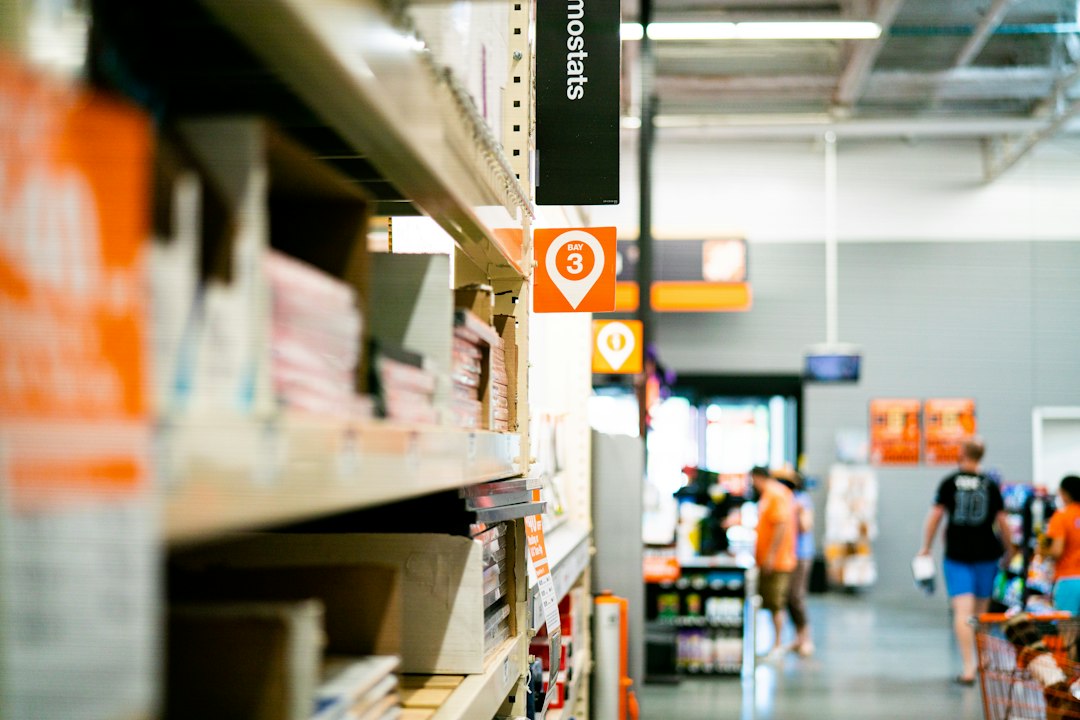
- Automated shelf monitoring: Cameras detect empty or low-stock shelf spaces and notify staff.
- Out-of-stock detection: Systems identify unavailable products before customers complain or leave.
- Planogram compliance: AI checks whether products are arranged according to approved layouts.
- Price tag verification: Computer vision compares shelf labels with product data to find pricing errors.
- Product misplacement detection: It identifies items placed in the wrong aisle, shelf, or display.
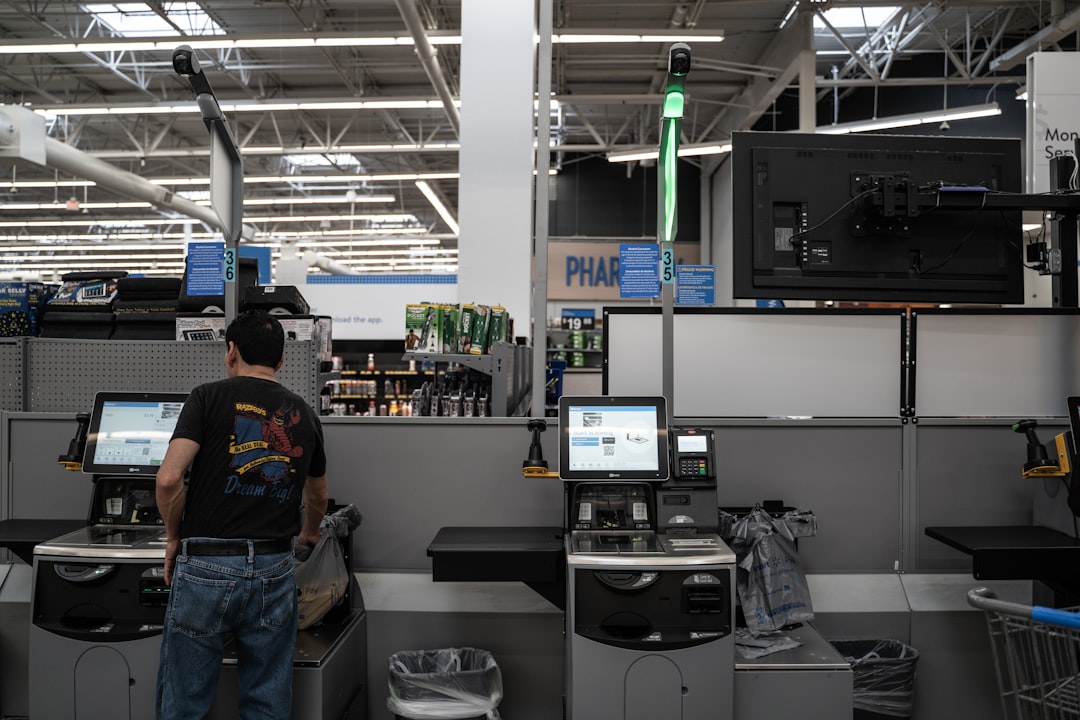
- Self-checkout monitoring: AI detects missed scans, incorrect barcode use, or potential fraud.
- Cashierless checkout: Cameras track selected items so customers can leave without traditional checkout.
- Queue length analysis: Stores receive alerts when checkout lines exceed acceptable limits.
- Foot traffic counting: Retailers measure how many people enter, exit, and move through departments.
- Heatmap analysis: Visual analytics show which zones attract the most or least shopper attention.
- Customer journey mapping: Retailers track common movement paths to improve store layouts.
- Loss prevention: AI flags suspicious gestures, concealment behavior, or unusual movement patterns.
- Employee safety monitoring: Systems detect falls, blocked emergency exits, or unsafe activity.
- Age verification support: Vision systems can assist staff when selling restricted products.
- Fresh produce quality checks: AI can identify bruising, discoloration, or spoilage in fruits and vegetables.
- Bakery and deli freshness monitoring: Cameras help track product appearance and display quality.
- Inventory counting: Computer vision helps count visible products in aisles, stockrooms, or warehouses.
- Receiving verification: AI checks delivered goods against purchase orders or manifests.
- Display performance tracking: Retailers measure whether promotional displays are stocked and visible.
- Digital signage optimization: Cameras can measure engagement and help adjust promotional content.
- Fitting room analytics: Apparel stores can analyze usage rates and abandoned items.
- Parking lot monitoring: Systems detect occupancy, traffic flow, and safety incidents.
- Store cleanliness detection: AI identifies spills, trash, or clutter that require attention.
- Returns fraud detection: Vision tools can compare returned goods with purchase and packaging records.
- Workforce optimization: Insights from traffic, queues, and departments help managers schedule staff more effectively.
Key Benefits for Retailers
The most immediate benefit is operational visibility. Retail managers gain a near real-time view of stores without walking every aisle constantly. This reduces delays and helps staff focus on customer service.
Computer vision also improves inventory accuracy. Traditional inventory data may say a product is in stock, while the shelf is actually empty. Vision systems help close that gap by validating what customers can physically see and buy.
Another major advantage is loss reduction. Retail shrinkage remains a costly issue, and AI-enabled monitoring can detect patterns that traditional security cameras only record passively. When integrated with alerts and trained personnel, it can help reduce theft, scanning errors, and policy violations.
For customers, the benefits include shorter lines, better product availability, cleaner stores, and more convenient checkout options. For headquarters teams, computer vision provides analytics that support merchandising, pricing, supply chain planning, and store design.
Implementation Best Practices
- Start with one high-value problem: Retailers should avoid deploying computer vision everywhere at once. A focused pilot, such as out-of-stock detection or queue monitoring, is easier to measure and refine.
- Define clear success metrics: Teams should track metrics such as stock availability, shrinkage reduction, response time, queue length, or labor efficiency.
- Use existing infrastructure where possible: Many stores already have camera networks. However, image quality, angles, lighting, and connectivity must be assessed before deployment.
- Choose the right processing model: Some use cases work best with edge computing for speed and privacy, while others can use cloud processing for deeper analytics.
- Train models on real store conditions: Retail environments include reflections, crowded aisles, seasonal packaging, and changing displays. Models should be tested with realistic data.
- Integrate alerts into workflows: A shelf alert is only useful if it reaches the right employee through a task management app, handheld device, or dashboard.
- Protect customer privacy: Retailers should minimize personally identifiable data, use anonymization where possible, display clear notices, and follow local regulations.
- Prepare employees: Staff should understand that computer vision is designed to assist operations, safety, and service. Clear training reduces resistance and misuse.
- Monitor model performance: Accuracy can decline when layouts, products, or lighting change. Regular audits and model updates are essential.
Challenges to Consider
Computer vision is powerful, but it is not a plug-and-play solution. Poor camera placement, low lighting, obstructed shelves, and inconsistent product packaging can reduce accuracy. Retailers may also face integration challenges when connecting visual data with inventory, POS, and workforce systems.
Privacy is another critical concern. Retailers should avoid unnecessary facial recognition unless there is a strong legal and ethical basis. In many cases, anonymized movement tracking, object detection, or shelf-level analysis can deliver value without identifying individuals.
Cost should also be evaluated carefully. The investment may include cameras, edge devices, software licenses, integration work, employee training, and ongoing support. A phased rollout can help prove return on investment before expansion.
The Future of Computer Vision in Retail
The next phase of retail computer vision will likely combine visual intelligence with predictive analytics. Instead of only reporting that a shelf is empty, systems will predict which products are likely to run out, when staff should restock them, and how that shortage may affect revenue.
Stores may also see closer links between computer vision, robotics, smart carts, RFID, and digital twins. Together, these technologies can create a more responsive retail environment where physical stores operate with the speed and precision of digital platforms.
FAQ
What is computer vision in retail?
Computer vision in retail is the use of AI-powered image and video analysis to understand store conditions, shopper behavior, product availability, checkout activity, and operational risks.
Is computer vision only useful for large retailers?
No. Large retailers often deploy it at scale, but smaller stores can use targeted solutions such as queue monitoring, loss prevention, or shelf availability tracking.
Does computer vision replace retail employees?
In most cases, it supports employees rather than replacing them. It helps staff respond faster to stock issues, checkout delays, safety risks, and customer needs.
What is the biggest benefit of computer vision in retail?
The biggest benefit is real-time visibility. Retailers can detect problems as they happen instead of relying only on manual checks, delayed reports, or customer complaints.
How can retailers protect customer privacy?
They can use anonymized analytics, avoid unnecessary identification, limit data retention, secure video feeds, and clearly communicate how visual data is used.
Which use case should a retailer start with?
A retailer should start with a measurable business problem, such as out-of-stock detection, checkout queue reduction, or shrinkage control. The best first use case is usually the one with a clear cost, frequent occurrence, and easy workflow integration.