Canva has become a default choice for quick visual content, and for good reason: it is approachable, fast, and broad enough for many everyday marketing tasks. Still, teams and independent creators often reach a point where they need more control, stronger collaboration, better data visualization, or a workflow that fits professional design production. If you are evaluating alternatives, the goal should not be to find a “Canva clone,” but to identify the tool that best supports the type of design work you actually produce.
TLDR: Canva remains useful, but it is not the only reliable option for creating social graphics, presentations, reports, brand assets, and web visuals. Adobe Express, Figma, Visme, VistaCreate, Snappa, Piktochart, Affinity, and Genially all serve different needs, from quick templates to advanced design control. Choose based on your team size, brand requirements, collaboration needs, and whether your work is mostly marketing content, interface design, or data-heavy communication.
Why Consider a Canva Alternative?
The best reason to look beyond Canva is not dissatisfaction; it is specialization. A small business creating weekly social posts may value speed and templates. A product team may need editable interface mockups, design systems, and developer handoff. A nonprofit may care most about clean infographics and reports. A marketing department may need strict brand control across multiple contributors.
Before choosing a platform, consider these practical criteria:
- Ease of use: Can non-designers produce polished work without constant support?
- Brand management: Does the tool support logos, colors, fonts, templates, and usage consistency?
- Collaboration: Can reviewers comment, edit, approve, and share files efficiently?
- Export options: Does it support the formats you need, including print-ready files, SVGs, videos, or presentations?
- Scalability: Will it still work when your team, asset library, or content volume grows?
Adobe Express: A Strong Choice for Brand and Content Work
Adobe Express is one of the most credible alternatives for users who want template-based design while staying close to the Adobe ecosystem. It is particularly useful for marketing teams already using Photoshop, Illustrator, Lightroom, or Adobe Stock. The interface is more accessible than traditional Adobe software, but it still benefits from Adobe’s long-standing strength in visual production.
Adobe Express is well suited for social media graphics, short videos, flyers, branded templates, and quick promotional assets. Its brand kit features are helpful for maintaining consistency, and its content creation tools are improving quickly. The main consideration is that users who need highly detailed layout control may still prefer Adobe’s professional desktop applications. However, for a business that wants a serious, easy-to-learn design platform, Adobe Express deserves attention.
Figma: Best for Interface Design and Team Collaboration
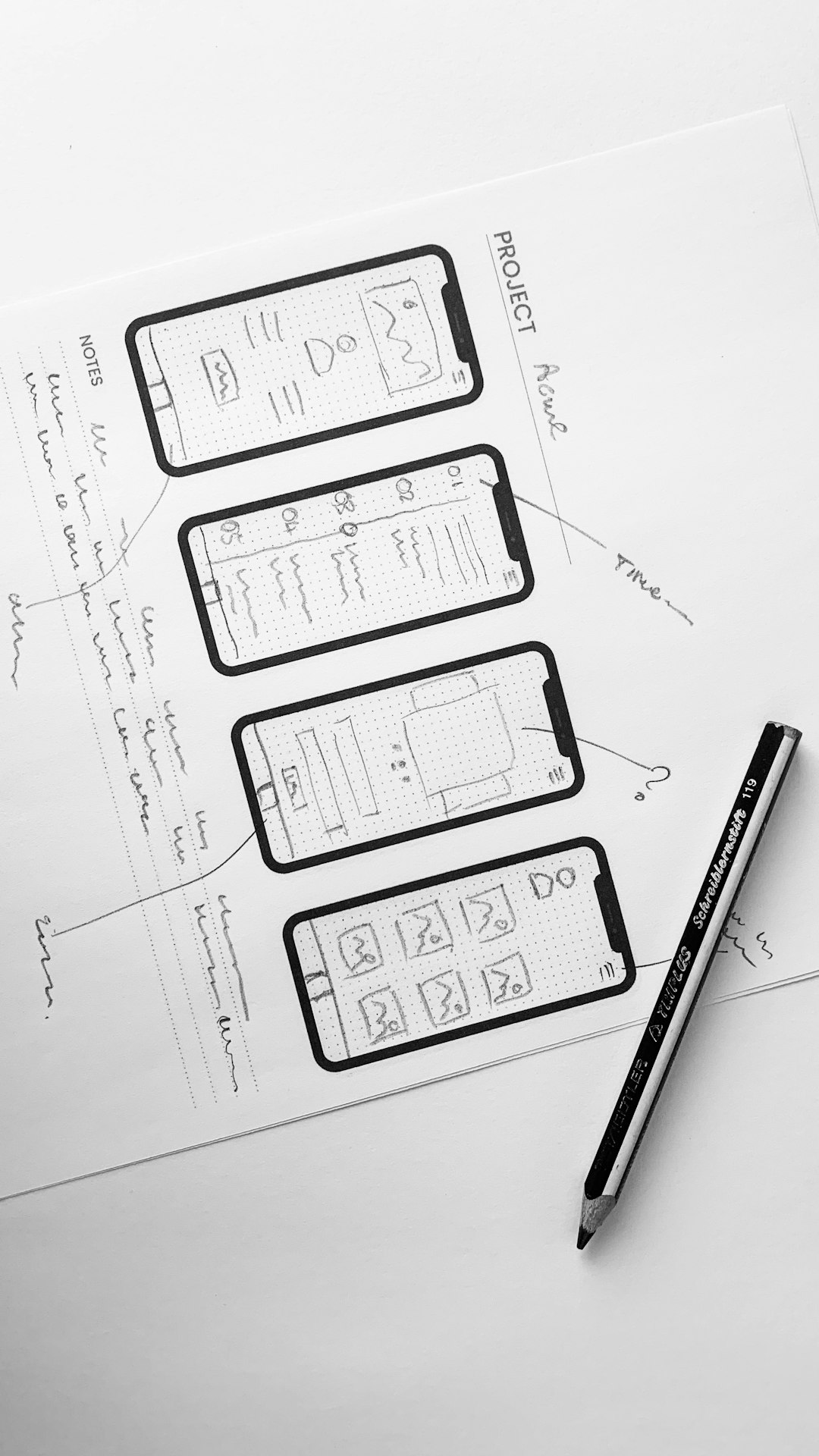
Figma is not primarily a social media design tool. Its strength lies in interface design, prototypes, wireframes, design systems, and real-time collaboration. If your work involves websites, mobile apps, dashboards, or digital product experiences, Figma is often a better fit than general-purpose template platforms.
Its collaborative environment is one of its strongest advantages. Multiple users can work in the same file, leave comments, manage components, and create reusable design systems. This makes it valuable for product teams, agencies, UX designers, and developers. Figma does have a learning curve, especially for users who are used to drag-and-drop templates, but it offers far greater structure for complex digital design projects.
Visme: Reliable for Presentations and Business Communication
Visme is a strong option for organizations that create presentations, reports, infographics, charts, and internal communications. It balances visual design with business storytelling, making it useful for marketers, educators, consultants, and corporate teams.
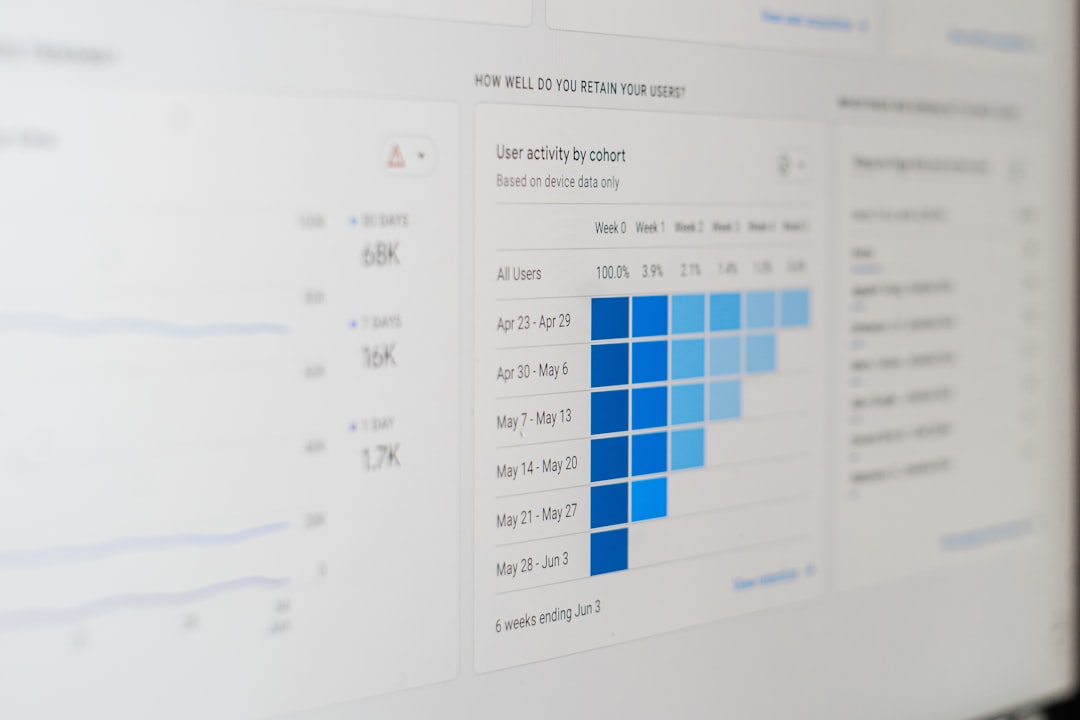
One of Visme’s advantages is its emphasis on data visualization. If you regularly turn statistics, survey results, or performance metrics into polished visuals, Visme can be more appropriate than tools focused mainly on social posts. It also supports interactive content, branded templates, and professional presentation formats. For teams that need to communicate information clearly and credibly, Visme is worth testing.
VistaCreate: Familiar, Fast, and Template Rich
VistaCreate is a practical alternative for users who like the template-driven approach but want a different library, interface, or pricing structure. It is especially useful for social media graphics, ads, posters, announcements, and simple animated content.
The platform is approachable for small businesses, creators, and marketing generalists. It offers a wide range of ready-made layouts and visual assets, which makes it efficient for producing frequent content. While it may not offer the same level of advanced control as professional design suites, it can be a dependable choice when speed and ease matter most.
Snappa: Simple Design for Fast Marketing Graphics
Snappa is built for speed. It is a good fit for bloggers, small teams, and marketers who mainly need graphics for social media, ads, blog headers, and email visuals. The platform is intentionally simple, which can be an advantage if your team does not need complex editing features.
Snappa’s main appeal is that it reduces friction. Users can choose a format, select a template, adjust text and images, and export quickly. It may not be the best choice for large organizations with detailed brand governance needs, but for straightforward marketing production, it is efficient and easy to adopt.
Piktochart: A Practical Tool for Infographics and Reports
Piktochart is particularly strong for infographics, reports, posters, and visual summaries. It is often used by educators, nonprofits, communications teams, and professionals who need to turn information into readable visual content.
Its greatest value is clarity. Piktochart helps users structure information in a way that is visually accessible without requiring advanced design experience. If your work involves public reports, educational materials, annual summaries, or advocacy campaigns, Piktochart can help improve presentation quality while keeping the workflow manageable.
Affinity Suite: Professional Design Without a Subscription
For users who want more traditional design power, the Affinity suite is a serious contender. Affinity Designer, Affinity Photo, and Affinity Publisher cover vector illustration, image editing, and page layout. These applications are closer to professional desktop software than online template tools.
The learning curve is higher, but the trade-off is greater control. Affinity is suitable for designers creating logos, brochures, print layouts, digital illustrations, photo compositions, and multi-page publications. It is also attractive to individuals and studios that prefer a one-time purchase model rather than subscription-based access. If your work demands precision, layered editing, and print-quality output, Affinity is well worth considering.
Genially: Useful for Interactive and Educational Content
Genially stands out for interactive presentations, learning materials, visual guides, quizzes, and microsite-style experiences. It is not merely about static design; it helps creators build content that users can click through and explore.
This makes it valuable for educators, trainers, HR teams, and organizations that rely on engagement. Interactive annual reports, onboarding materials, lesson content, and event guides are all good use cases. Genially may not replace a professional design platform, but it fills an important gap for interactive communication.

How to Choose the Right Tool
The right choice depends on your actual workflow. If your priority is quick branded marketing content, Adobe Express, VistaCreate, or Snappa may be the most practical. If your team builds websites, apps, or digital products, Figma is the more serious option. If your content is heavy on statistics, reports, and visual explanation, Visme or Piktochart may serve you better. If you need professional-level control for print and advanced graphics, Affinity deserves a close look.
It is also wise to test export quality, template flexibility, and collaboration features before committing. A tool can look impressive in a demo but become frustrating if it cannot handle your file types, approval process, or brand standards. For teams, involve both designers and non-designers in the trial period. The best platform is not necessarily the most powerful one; it is the one your team can use consistently and correctly.
Final Thoughts
Looking beyond Canva can lead to better results when your design needs become more specific. The market now includes serious tools for business communication, product design, data visualization, interactive learning, and professional production. Rather than choosing based on popularity alone, define your main use cases and match them to the strengths of each platform.
Canva may still remain part of your workflow, but it does not need to be the only option. A thoughtful mix of tools can give your team more flexibility, better quality control, and a more professional design process overall.