Your IT team is not just fixing laptops. It is guiding a tiny circus of devices, apps, licenses, cables, contracts, and cloud services. Some are new and shiny. Some are old and grumpy. A good IT service management platform helps you run the show without dropping the flaming hoops.
TLDR: The best IT service management platforms do more than track tickets. They also track assets from purchase to retirement. This helps teams fix issues faster, control costs, and avoid mystery hardware hiding in closets. Choose a platform that connects people, tickets, devices, software, and lifecycle data in one clear place.
What Is an IT Service Management Platform?
An IT service management platform, often called an ITSM platform, helps IT teams manage help requests. A user says, “My laptop is making whale noises.” The system creates a ticket. The IT team tracks it, assigns it, fixes it, and closes it.
Simple enough.
But modern ITSM tools do much more. They handle incidents, service requests, changes, approvals, knowledge articles, workflows, and reports. They can also track every asset your company owns or uses.
This is where things get powerful.
A ticket alone says, “Sam’s laptop is broken.” An asset record says, “Sam’s laptop is a Dell, bought in 2021, warranty expired, has 8 GB RAM, runs Windows 11, and has had three battery issues.”
Now the story is clear. The laptop is not just broken. It is ready for retirement.

What Is Asset Lifecycle Tracking?
Asset lifecycle tracking means following an asset from start to finish. Think of it like a passport for every device, license, and service.
The lifecycle usually looks like this:
- Plan: Decide what the business needs.
- Buy: Purchase the asset.
- Receive: Log it into inventory.
- Deploy: Give it to a user or team.
- Support: Track issues and maintenance.
- Refresh: Upgrade or replace it.
- Retire: Wipe, recycle, resell, or store it.
Without lifecycle tracking, assets become ghosts. Nobody knows where they are. Nobody knows who owns them. Nobody knows if they are still needed.
That is how a company ends up paying for 400 software licenses when only 220 people use them. Ouch.
Why Tickets and Assets Belong Together
Tickets and assets are best friends. They should not live in separate houses.
When a ticket is linked to an asset, IT gets context. Fast. That means less guessing. It also means fewer questions like, “Can you send me the serial number?” or “What model is it?”
Users like this too. They do not want to become part-time hardware detectives.
Here is a simple example. A printer keeps jamming. Every week, someone opens a ticket. If those tickets connect to the printer asset record, IT can see the pattern. The printer is not having a bad day. It is having a bad life.
Now the team can replace it. No drama. No endless paper tantrums.
What to Compare in ITSM Platforms
Not all ITSM tools are built the same. Some are ticketing experts. Some are asset tracking champions. Some try to do both and wear a cape.
When comparing platforms, look at these areas.
1. Asset Discovery
Asset discovery finds devices on your network. It may scan computers, servers, printers, routers, and cloud resources.
This matters because manual tracking is hard. People forget things. Spreadsheets grow weird. Someone names a laptop “Bob.” Chaos follows.
A strong platform can detect assets automatically. It can update details like operating system, installed software, IP address, user, and location.
Better discovery means better data.
2. Ticket and Asset Linking
The tool should let agents connect tickets to assets easily. Ideally, it should suggest the right asset based on the user.
For example, if Nina opens a ticket, the system should show Nina’s assigned laptop, phone, monitor, and software. The agent clicks one. Done.
This saves time. It also builds history. Over months, the platform shows which assets are noisy troublemakers.
3. Lifecycle Workflows
A good ITSM platform should support asset lifecycle steps. That includes requests, approvals, purchasing, receiving, deployment, audits, and retirement.
Workflows keep people honest. They create a path. They prevent random buying and mystery devices.
For example, a new hire workflow might do this:
- Manager requests laptop and apps.
- Finance approves the cost.
- IT assigns available equipment.
- Security checks required access.
- Asset record updates automatically.
- Employee starts with everything ready.
That is smooth. Like butter on toast.

4. Software License Management
Hardware is only half the party. Software matters too.
License tracking helps teams know what is installed, what is used, and what is paid for. This can cut waste. It can also help during audits.
A strong platform can show unused licenses. It can warn about renewals. It can track compliance. It can help avoid surprise bills with scary numbers.
If your company uses many apps, this feature is not extra. It is survival gear.
5. Contract and Warranty Tracking
Assets come with paperwork. Contracts. Warranties. Renewal dates. Support agreements. Tiny legal confetti.
Your platform should track these details. It should send reminders before dates arrive. Nobody wants to discover that a server warranty expired yesterday.
Warranty data also helps with ticket handling. If a laptop is still under warranty, IT may send it for repair. If not, replacement may be smarter.
6. Reporting and Dashboards
Reports turn asset data into decisions.
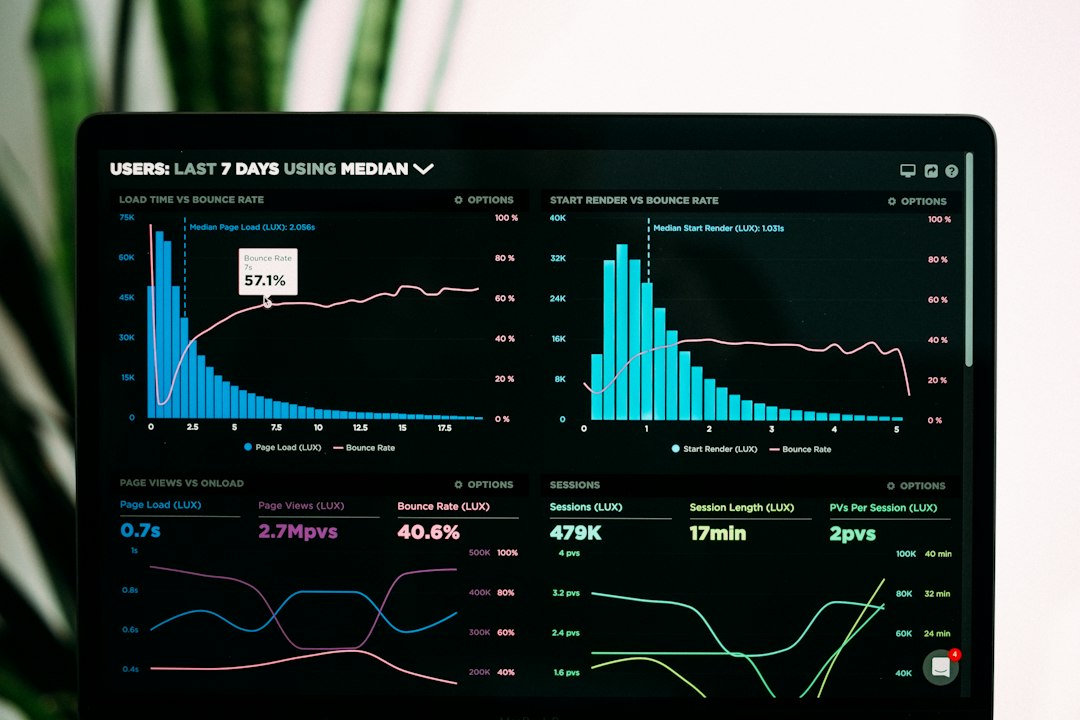
Useful dashboards can show:
- How many assets are active.
- Which devices are near end of life.
- Which models fail most often.
- How much is spent on software.
- Which teams use the most equipment.
- Which assets are missing or unassigned.
Good reports help leaders plan budgets. They also help IT prove value. That is nice. IT deserves applause and snacks.
Common Platform Types
There are a few common types of ITSM platforms. Each has strengths.
Enterprise ITSM Suites
These are large, powerful platforms. They support complex workflows, deep reporting, strong automation, and big company needs.
They are great for mature IT teams. They can handle global processes and many departments. But they may take more time to set up. They can also cost more.
Choose this type if your organization is large, regulated, or process heavy.
Mid Market ITSM Tools
These platforms balance power and ease. They often have clean interfaces, built-in asset tracking, automation, and good ticketing.
They are popular with growing companies. Setup is usually faster. The learning curve is friendlier.
Choose this type if you want solid ITSM without building a spaceship.
Help Desk Tools With Asset Add Ons
Some tools start as ticketing systems. Then they add asset management features.
This can work well for smaller teams. The ticketing experience may be easy and fast. But asset lifecycle tracking may be lighter.
Choose this type if your asset needs are simple and your main pain is ticket volume.
Dedicated Asset Management Tools
These tools focus deeply on assets. They may track hardware, software, contracts, depreciation, audits, and compliance.
They are useful when asset data is the main priority. But ticketing may be basic or require integration with another help desk.
Choose this type if finance, procurement, or compliance needs detailed asset control.
Integrated Platform vs Separate Tools
Should you use one integrated platform or separate tools? It depends.
Integrated platforms are easier for daily work. Agents see tickets and assets together. Data flows smoothly. Reports are more complete. Fewer systems need care and feeding.
But integrated platforms may not be the strongest at every single feature. A dedicated asset tool may offer deeper financial tracking. A dedicated ticketing tool may feel faster for agents.
Separate tools can be powerful. But integrations must be maintained. Data can drift. One system says the laptop is assigned to Maya. Another says it is assigned to Kevin. Now everyone is confused, including the laptop.
For most teams, integrated is simpler. For very specialized needs, separate tools may be worth it.
Key Questions to Ask Before Choosing
Before buying a platform, ask practical questions. No buzzword fog. Just clear stuff.
- Can it discover assets automatically?
- Can tickets link to users and assets?
- Can it track the full asset lifecycle?
- Can it manage software licenses?
- Can it store contracts and warranties?
- Can it support approvals and workflows?
- Can it create useful reports?
- Is it easy for agents to use?
- Is it easy for employees to request help?
- Does it integrate with identity, endpoint, and finance tools?
Also ask about data quality. A beautiful platform with bad data is just a shiny junk drawer.
Benefits of Integrated Asset Lifecycle Tracking
When ticketing and asset management work together, good things happen.
- Faster fixes: Agents know the device history right away.
- Lower costs: Teams find unused assets and licenses.
- Better planning: Leaders see what needs replacement.
- Stronger security: Unknown devices are easier to spot.
- Cleaner audits: Asset records are ready when needed.
- Happier users: Requests move faster and with less confusion.
The biggest benefit is visibility. You can manage what you can see. You can improve what you can measure.
Watch Out for These Traps
Even great platforms can fail if the rollout is messy.
Trap one: importing old, dirty data. Clean it first. Remove duplicates. Fix names. Standardize categories.
Trap two: tracking too much too soon. Start with important assets. Laptops, phones, servers, key apps, and licenses. Add more later.
Trap three: ignoring process. A tool does not magically create discipline. Define who updates records. Define what happens when assets move. Define retirement steps.
Trap four: forgetting users. Make the request portal simple. If users cannot find the right button, they will email someone named Dave. Poor Dave.
Final Thoughts
Asset management and ticketing systems are better together. Tickets show problems. Assets show context. Lifecycle tracking shows the bigger story.
The right ITSM platform helps IT move from reactive firefighting to smart service delivery. It turns scattered details into useful signals. It helps teams know what they own, where it is, who uses it, and when it should retire.
Choose a platform that fits your size, goals, and process maturity. Keep it simple at first. Build clean data habits. Automate the boring stuff.
Then enjoy the magic. Fewer mystery devices. Fewer surprise renewals. Faster support. Happier people.
And maybe, just maybe, that whale-noise laptop can finally sail into retirement.