Sharing Netflix with family used to be as simple as handing over a password and saying, “Pick a profile and try not to mess up my recommendations.” Today, Netflix sharing is more structured because the platform now centers accounts around a Netflix Household. That does not mean family sharing is gone, but it does mean you need to understand who counts as part of your household, how profiles work, what happens when someone travels, and when an “extra member” may be required.
TLDR: Netflix is designed to be shared mainly with people who live in the same household. Family members in the same home can use separate profiles under one account, while people outside the home may need to be added as extra members if your plan allows it. You can still watch while traveling, but Netflix may ask you to verify the device. The best way to avoid interruptions is to set your Netflix Household correctly, manage profiles carefully, and choose the right plan for your family’s viewing habits.

What “Netflix Household” Means
A Netflix Household is the group of devices connected to the internet at the main location where you watch Netflix. In everyday terms, it usually means the people who live with you: your partner, children, roommates, or other family members under the same roof. Netflix uses signals such as your internet connection, devices, and viewing activity to determine whether devices are part of that household.
This is different from the old, informal idea of “family sharing,” where a sibling across town, a parent in another state, and a cousin at college might all use the same login indefinitely. Netflix now expects an account to serve one primary household, not an unlimited network of relatives in different locations.
Who Can Use Your Netflix Account?
In general, Netflix accounts are intended for people who live together. If your family members share the same home, they can usually watch Netflix under the same account without issue. Each person can have their own profile, watch on supported devices, and receive personalized recommendations.
Common household users may include:
- Spouses or partners living at the same address
- Children in the home, including those using tablets or phones
- Parents or grandparents who live with you
- Roommates sharing the same residence and internet connection
Family members who live somewhere else are treated differently. A son living in another apartment, a sister in another city, or parents in a separate home may not be considered part of your Netflix Household, even if they are close family.
Setting Up Profiles for Family Members
Profiles are one of the best features for families because they keep everyone’s viewing history, recommendations, watch list, and maturity settings separate. Instead of everyone watching from the same profile, create a profile for each regular viewer.
For example, one household might have profiles like:
- Mom for dramas, documentaries, and cooking shows
- Dad for thrillers, sports documentaries, and stand up comedy
- Kids with age appropriate settings
- Family Night for movies everyone watches together
Using separate profiles also prevents the classic Netflix problem: children’s cartoons taking over an adult’s recommendations, or one person losing their place in a series because someone else watched ahead. Profiles do not create separate accounts, but they make one shared household account feel much more organized.
How to Create a Kids Profile
If children use your Netflix account, a Kids profile is highly recommended. Netflix allows you to set maturity levels so younger viewers can only access content appropriate for their age. You can also block specific titles if there is something you do not want appearing, even if it technically fits the maturity rating.
To make family sharing safer, consider these settings:
- Set a maturity rating for each child’s profile.
- Use a profile lock PIN on adult profiles.
- Review viewing history occasionally.
- Teach children not to switch profiles without permission.
A well managed Kids profile can turn Netflix from a free for all into a safer entertainment space.

Understanding Netflix Plans and Screens
Your Netflix plan affects how many people can watch at the same time and what video quality is available. Plans vary by country and may change, but the basic idea is simple: higher tier plans usually allow more simultaneous streams and better video quality.
When choosing a plan for your family, think about your actual habits. If one person watches occasionally, a smaller plan may be enough. If two adults watch different shows at night while children stream on tablets, you will likely need a plan that supports multiple screens at once.
Ask yourself:
- How many people watch Netflix at the same time?
- Do we need high definition or ultra high definition?
- Do children use Netflix on separate devices?
- Does anyone download shows for offline viewing?
- Do we need the option to add an extra member outside the household?
The “right” plan is not always the most expensive one. It is the plan that matches your household’s real viewing behavior without constant interruptions.
Sharing with Family Outside Your Home
This is where Netflix’s household rules matter most. If a family member does not live with you, they may not be able to use your account as a regular household member. Depending on your country and subscription plan, Netflix may offer an extra member option. This allows you to pay an additional fee so someone outside your household can have access under your account arrangement.
An extra member typically has their own profile, login experience, and viewing access, but the feature is more limited than a full separate account. Availability, price, and rules can vary, so it is important to check your Netflix account page for the current options in your region.
This setup is useful for situations like:
- A college student living away from home
- An elderly parent in a separate residence
- A grown child who has moved out
- A close family member who previously used your account from another location
If the extra member feature is not available or does not fit your needs, the simplest long term solution may be for that person to create their own Netflix account.
What Happens When You Travel?
Traveling does not mean you lose access to Netflix. If you are part of the account household and you go on vacation, stay in a hotel, visit relatives, or travel for work, you can usually still watch. However, Netflix may occasionally ask you to verify that the device belongs to the account holder or household.
Verification may involve receiving a code by email or phone, then entering it on the device. This helps Netflix distinguish between normal travel and long term account use from another home.
To make travel smoother:
- Bring a device you already use at home, such as your phone, tablet, or laptop.
- Make sure the account email and phone number are up to date.
- Download shows before traveling if your plan supports downloads.
- Avoid logging into shared hotel or rental property TVs unless necessary.
- Sign out of unfamiliar devices after your trip.
Tip: If you often travel, use the same personal devices instead of repeatedly signing into random televisions. This reduces security risks and may make verification easier.
How to Set or Update Your Netflix Household
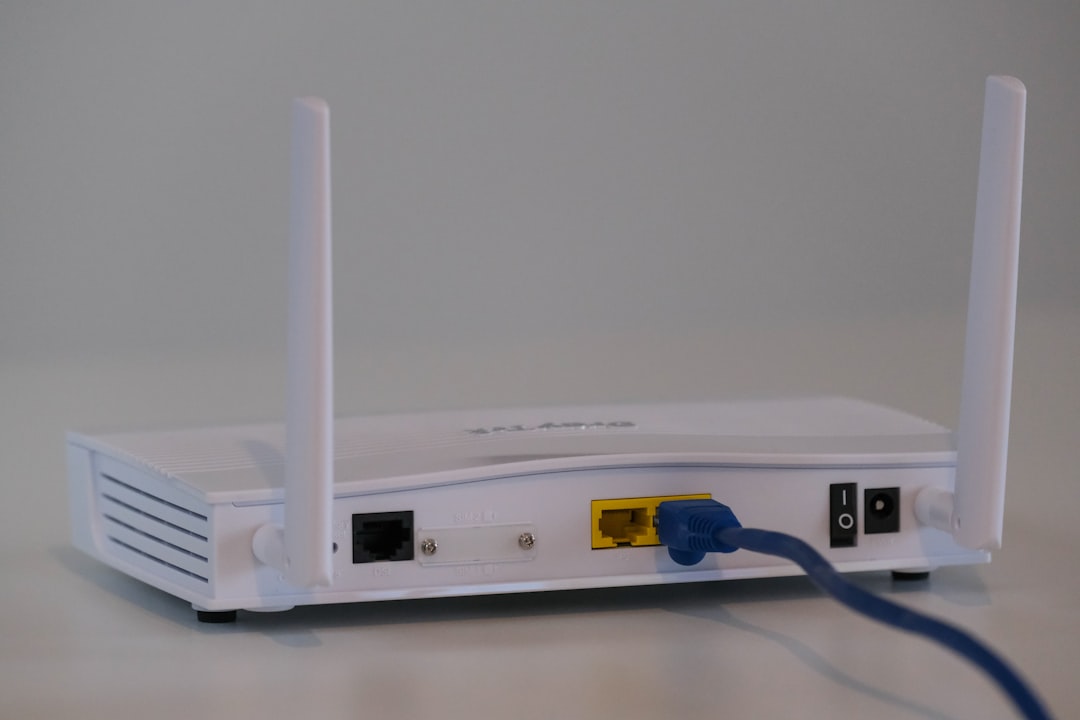
Netflix usually asks you to set a household from a TV connected to your home internet. This tells Netflix which location is your primary viewing home. If you move, change internet providers, or replace your router, you may need to update your household settings.
The general process often looks like this:
- Open Netflix on a TV connected to your home Wi Fi.
- Go to the menu or account related settings.
- Look for an option such as Manage Netflix Household.
- Choose to confirm or update the household.
- Follow the verification instructions sent to the account email or phone.
The exact wording can vary by device and region, but the goal is the same: confirm the main location where your account is used. If your household members are all using the same home internet connection, this process is usually straightforward.
Best Practices for Password Sharing
Even within a family, your Netflix password deserves basic protection. A shared entertainment account can still expose personal information, payment details, viewing history, and account settings. If too many people know the password, it can spread beyond your control.
Use these simple password rules:
- Create a unique password that you do not use for email, banking, or social media.
- Share the password only with people who are supposed to use the account.
- Change the password if someone moves out or no longer needs access.
- Sign out of all devices if you notice suspicious activity.
- Do not send the password in group chats where it can be forwarded easily.
It may feel awkward to remove access from a relative, but clear boundaries are better than surprise charges, account interruptions, or a profile full of shows no one in your home watched.
Managing Devices and Downloads
Families often use Netflix across a mix of devices: smart TVs, streaming sticks, phones, tablets, laptops, and game consoles. Over time, old devices can pile up on your account. You may have signed into a vacation rental TV two years ago and forgotten about it.
Periodically review your account’s device activity. If you see a device or location you do not recognize, sign it out. This is especially important if your children have logged in on friends’ devices or if you have used Netflix while traveling.
Downloads also matter. Some plans limit how many devices can store downloaded titles. If downloads stop working, check whether old phones or tablets are still using download slots. Removing unused download devices can free up space for the people who actually need offline viewing.
Household Etiquette: The Rules Families Should Agree On
Netflix’s official rules are important, but every family also needs its own informal rules. These rules prevent arguments and keep the account enjoyable for everyone.
Consider creating a few household guidelines:
- Do not watch ahead on a shared family show unless everyone agrees.
- Use your own profile so recommendations stay accurate.
- Ask before deleting anything from someone else’s watch list.
- Respect parental controls and do not share adult profile PINs with children.
- Log out of temporary devices after travel or sleepovers.
- Discuss extra member costs if someone outside the home wants access.
These small habits make sharing feel less chaotic. They also help children learn that digital accounts have boundaries, just like physical belongings.
What to Do If Someone Gets Blocked
If a family member suddenly cannot watch, do not panic. The issue may be related to household verification, a device that appears outside the home, too many simultaneous streams, an expired payment method, or a plan limitation.
Start with the basics:
- Check whether Netflix is working on other devices in your home.
- Confirm that your payment method is current.
- Make sure your plan supports the number of people watching at once.
- Update or confirm your Netflix Household if prompted.
- Have the account owner check email or text messages for verification codes.
If the person trying to watch lives elsewhere, the solution may be to add them as an extra member or have them start a separate account. If they are traveling, verification may be enough.
Final Thoughts
Sharing Netflix with family still works well when you understand the household rules. The key is to think of your account as belonging to one home, with profiles for the people who live there. For relatives outside that home, look into extra member options or separate accounts rather than relying on informal password sharing.
With the right plan, organized profiles, secure passwords, and a few family etiquette rules, Netflix can remain what it is meant to be: an easy way to relax together, discover new favorites, and enjoy movie night without turning account access into a family debate.