Not long ago, creating a professional-looking video required expensive software, powerful computers, and years of editing experience. Today, that barrier has almost disappeared. A new generation of video editing apps allows beginners to create polished, engaging videos that look 90% as good as professionally produced content—without requiring formal training. Whether you’re building a YouTube channel, growing a social media brand, or creating promotional content for a small business, these tools make high-quality editing more accessible than ever.
TLDR: Modern video editing apps combine smart automation, drag-and-drop interfaces, and built-in templates to deliver near-professional results without experience. Tools like CapCut, Canva Video, InShot, VN Editor, Adobe Premiere Rush, and LumaFusion remove technical complexity while preserving creative control. Most include AI-powered features such as auto-captions, motion tracking, and one-click color grading. If you can use a smartphone, you can produce polished videos with these apps.
Why Video Editing Feels Easier Than Ever
The biggest shift in recent years isn’t just better software—it’s smarter software. Modern video editing apps integrate artificial intelligence, automation, and intuitive design to simplify traditionally complex processes.
In the past, tasks like color grading, audio balancing, masking, and motion tracking required advanced knowledge. Now, many apps offer:
- Auto-enhancement tools for lighting and color correction
- Drag-and-drop timelines for intuitive editing
- Built-in transitions and effects optimized for social media
- Auto-caption generators powered by AI
- Pre-designed templates for reels, ads, and YouTube videos
The result? You get 90% of the polish with 10% of the effort.
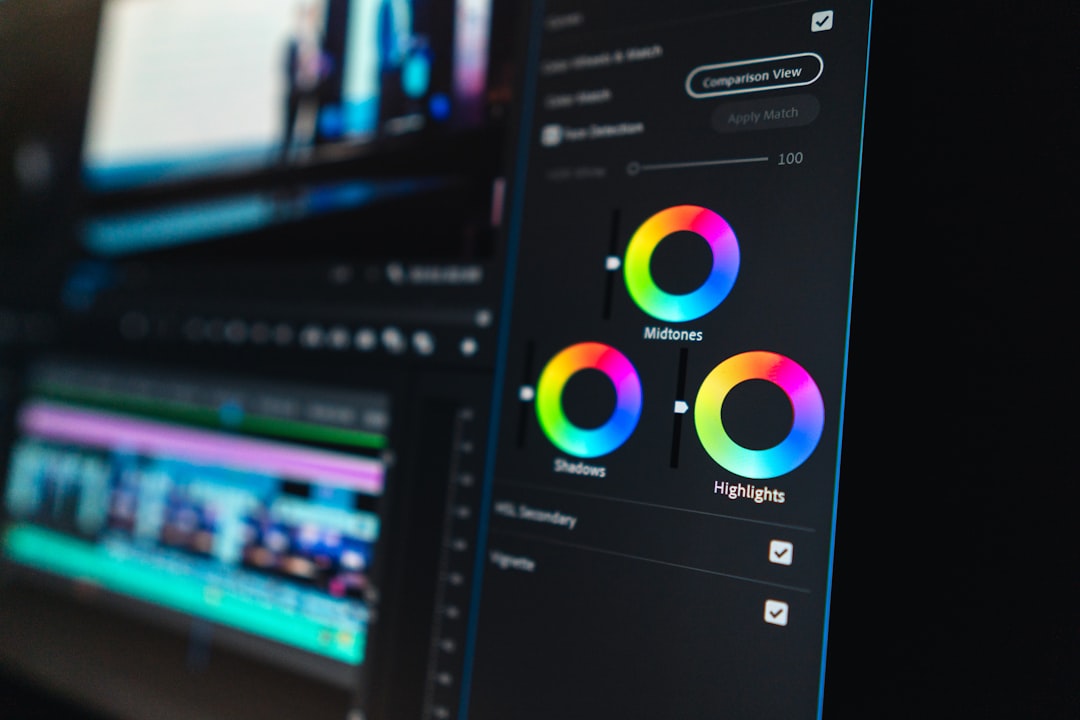
What “90% Professional Results” Really Means
It doesn’t mean these apps can replace Hollywood studios—but for social media, YouTube, marketing, and personal projects, they are more than sufficient.
With the right app, you can easily create:
- Smooth cuts and clean transitions
- Color-balanced, vibrant video
- Professional text overlays and lower thirds
- Background music mixed at proper levels
- Engaging vertical and horizontal formats
And most importantly, viewers won’t notice that you’re not a professional editor.
Top Video Editing Apps That Deliver Impressive Results
1. CapCut
Best for: Social media creators and short-form video
CapCut has rapidly become a favorite among TikTok and Instagram creators. It offers advanced features such as keyframe animation, auto-captions, background removal, and smart effects—while remaining beginner-friendly.
Its standout strengths include:
- AI caption generation
- Extensive music and sound library
- One-click visual effects
- Mobile and desktop versions
Despite its simplicity, it allows surprisingly detailed edits.
2. Canva Video
Best for: Marketing videos and branded content
Canva’s video editor is ideal for users who care about visual consistency and branding. It combines design and video capabilities in one place.
Key advantages include:
- Drag-and-drop simplicity
- Thousands of templates
- Easy animation tools
- Brand kit integration
For entrepreneurs and small businesses, this app delivers professional-looking results extremely fast.
3. InShot
Best for: Quick mobile editing
InShot is simple but powerful. It’s perfect for trimming clips, adding music, inserting text, and adjusting aspect ratios. Many influencers rely on it for daily content because of its speed and reliability.
It excels at:
- Fast video trimming and slicing
- Adding aesthetic filters
- Resizing for different platforms
- Exporting high-resolution video
4. VN Video Editor
Best for: Creators wanting more control without complexity
VN offers a slightly more advanced editing experience while keeping things intuitive. It includes multi-layer editing, curve speed control, and detailed timeline adjustments.
This is where beginners start feeling like real editors—without the steep learning curve.
5. Adobe Premiere Rush
Best for: Cross-platform creators
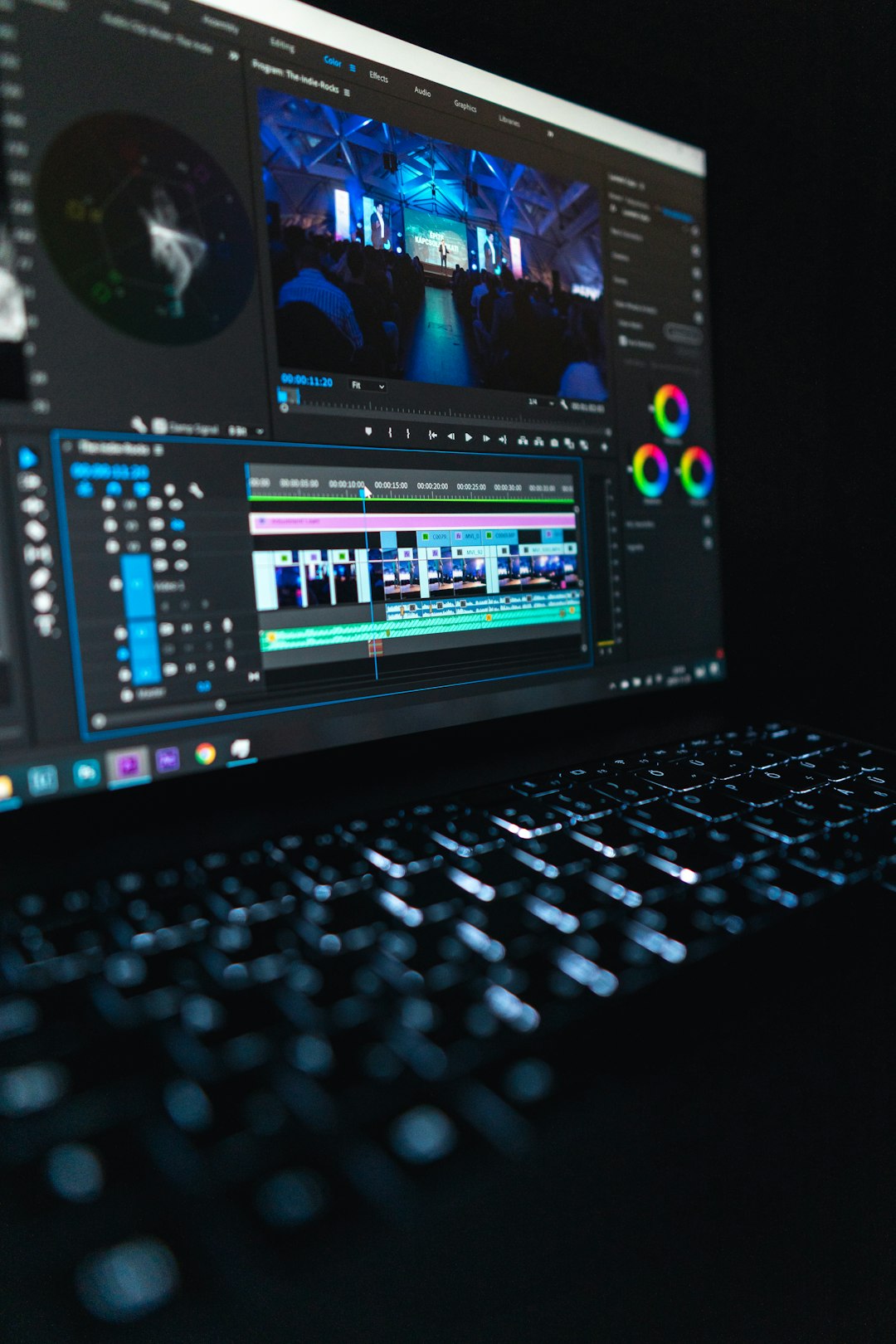
Premiere Rush bridges the gap between beginner apps and professional software. It simplifies Adobe’s complex ecosystem into an accessible version for everyday creators.
Highlights include:
- Multi-device syncing
- Customizable motion graphics templates
- Advanced audio controls
- Clean, organized interface
It’s ideal for users who might eventually transition to more professional tools.
6. LumaFusion
Best for: Mobile professionals
If you want nearly desktop-level power on a tablet or phone, LumaFusion is exceptional. While slightly more technical, it remains accessible compared to traditional editing suites.
It includes:
- Multi-track editing
- Advanced color correction
- Professional transitions
- External drive support
For serious content creators working on mobile devices, it delivers outstanding value.
Comparison Chart
| App | Best For | Difficulty Level | AI Features | Platform |
|---|---|---|---|---|
| CapCut | Social media videos | Beginner-Friendly | Auto captions, background removal | Mobile & Desktop |
| Canva Video | Marketing & branding | Very Easy | Auto resize, templates | Web & Mobile |
| InShot | Quick edits | Very Easy | Auto filters | Mobile |
| VN Editor | Creative control | Easy to Moderate | Speed curve control | Mobile & Desktop |
| Premiere Rush | Cross-platform creators | Moderate | Audio auto-ducking | Mobile & Desktop |
| LumaFusion | Advanced mobile editing | Moderate | Color presets | Mobile & Tablet |
How to Get Professional Results Without Experience
Even the best app won’t automatically make your videos look amazing. However, following a few key principles can dramatically improve your output.
1. Focus on Clean Cuts
Simple, clean edits often look more professional than flashy overused transitions. Trim silence, remove mistakes, and keep the pacing tight.
2. Use Templates Strategically
Templates give structure, but overusing animation can look repetitive. Choose designs that enhance your message—not distract from it.
3. Balance Audio Carefully
Viewers will forgive imperfect visuals faster than bad audio. Lower background music to about 20–30% of voice volume. Many apps offer automatic audio balancing—use it.
4. Keep Text Minimal and Readable
Stick to one or two fonts. Maintain contrast between text and background. Professional videos prioritize clarity over decoration.
5. Stick to a Consistent Color Style
Use built-in color filters sparingly. Pick one look and apply it consistently across clips.
Common Mistakes Beginners Make
Even with easy apps, certain habits can make videos look amateurish:
- Overusing transitions
- Adding too many sound effects
- Using inconsistent fonts
- Ignoring audio quality
- Exporting at low resolution
A clean, simple edit almost always feels more professional than something overloaded with effects.
The Power of AI in Editing
AI has become a silent co-editor in many apps. Features like automatic subtitles, smart background blur, motion tracking, and scene detection drastically reduce manual labor.
Instead of adjusting each clip individually, you can:
- Apply automatic color correction to all clips
- Generate captions in seconds
- Remove backgrounds without green screens
- Match beats automatically to music
This automation is the secret behind achieving near-professional results without technical training.
Are These Apps Replacing Professional Editors?
Not entirely—but they’re changing the landscape. For blockbuster films and high-end commercials, professional editors remain essential. However, for:
- Entrepreneurs
- Influencers
- Online educators
- Small businesses
- Content creators
These apps provide more than enough capability.
In fact, for fast-paced digital platforms, speed and consistency often matter more than cinematic perfection.
Final Thoughts
Video editing is no longer an intimidating, technical skill reserved for specialists. With the right app, a basic understanding of storytelling, and attention to clean editing principles, beginners can create content that looks impressively professional.
The 90% gap between amateur and professional production has shrunk dramatically. Today’s video editing apps empower anyone—with or without experience—to create engaging, polished, and creative videos.
The tools are no longer the barrier. Creativity is the only limit.