Ever wondered how the internet magically appears on your phone or computer at home? Well, it’s not magic—it’s the work of two helpful little devices: the modem and the router. If those names sound like something from a sci-fi movie, don’t worry. We’ll explain everything in plain, fun language.
TL;DR (Too Long, Didn’t Read)
A modem connects your home to the internet through your internet service provider (ISP). A router spreads that internet connection to your devices—like your phone, laptop, or smart TV—using Wi-Fi or cables. Think of the modem as the “internet gate” and the router as the “internet distributor.” Sometimes, both are combined into one device!
What’s a Modem?
The word modem stands for modulator-demodulator. Fancy, right? But here’s the simple version:
- Your Internet Service Provider (ISP) sends internet signals to your home.
- The modem takes those signals and translates them into data your devices can understand.
- No modem? No internet. It’s that important!
The modem connects to the wall through a cable—usually a coaxial cable, DSL line, or fiber optic line. This cable brings the internet into your house, like a pipe bringing water.
Is your internet acting up? A quick modem restart might do the trick. Yup, just unplug it, wait 30 seconds, and plug it back in. Easy fix!
What’s a Router?
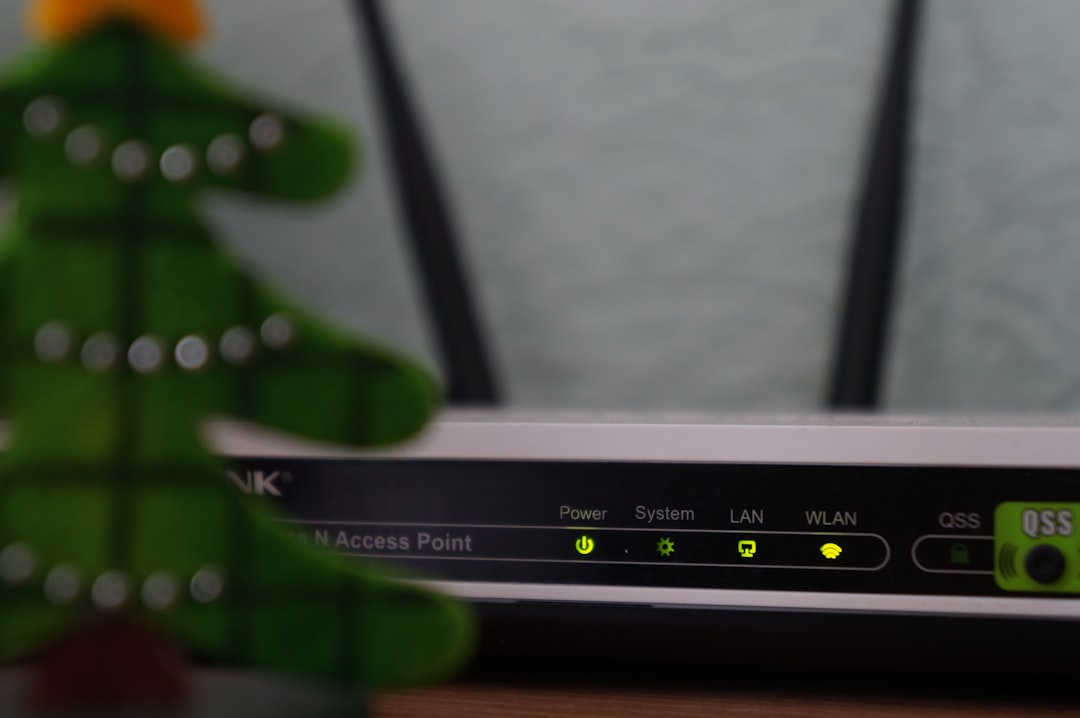
While the modem gets the internet into your home, the router sends it to your gadgets—and does it wirelessly!
Here’s how it works:
- The router connects to your modem with an Ethernet cable.
- It sends the internet to your phones, computers, and tablets using Wi-Fi.
- Some devices may also connect to the router with their own cables—especially smart TVs or gaming consoles.
So the router is like the newsroom editor. It takes the story (internet) handed over by the modem, and sends it out to the right people (devices) in a clear way.
Also, routers add protection! Most include a firewall that helps block online threats. It’s like a policeman at the door.
Modem vs Router: What’s the Difference?
Still confused about who does what? Let’s break it down:
| Feature | Modem | Router |
|---|---|---|
| What it does | Connects you to the internet | Sends internet to your devices |
| Needs to work | Yes | No – unless you have more than one device |
| Wi-Fi capability | No | Yes |
| Works alone? | Yes, but only for one device at a time | No, needs a modem to get internet |
Think of the modem like the front door to the internet world. And the router is the guy inside who gives directions to all your gadgets.
Combo Devices: Modem + Router = All-in-One
Now here’s where things get cool. Some companies let you rent or buy a combo box that works as both a modem and a router. Two jobs, one box!
Here’s why people love combo devices:
- Less clutter—only one box on the counter
- Simple to set up
- Often cheaper when renting
But some tech lovers prefer to keep them separate. Why? Because using your own dedicated modem and router can mean faster speeds and more control. Plus, better hardware lasts longer!
What’s Inside These Boxes?
Okay, you can’t really open them up (unless you’re a brave geek), but here’s what each contains at a basic level:
Modem:
- A signal decoder
- A network port
- A coaxial or DSL jack
Router:
- A Wi-Fi transmitter
- Several Ethernet ports
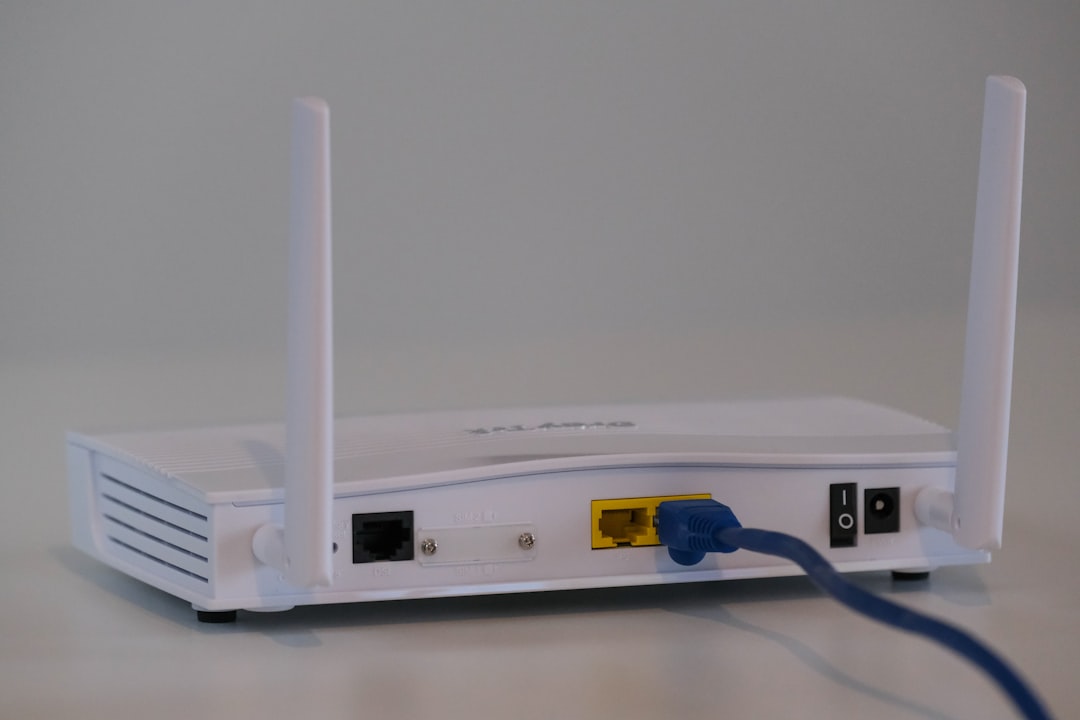
- Antennas (sometimes visible)
- A firewall
Do You Need Both?
Yes, in most cases you do!
If you only have a modem, you’ll only be able to plug in one device—and no Wi-Fi. With just a router and no modem, you’ll have a nice-looking device that doesn’t go on the internet. Sad!
If your ISP gave you an all-in-one device, congrats—you’re all set!
Helpful Tips for Beginners
Here are some quick tips to help you master your modem and router setup:
- Label the wires. It helps when troubleshooting.
- Don’t hide the router. Keep it in the open for better signal coverage.
- Change your Wi-Fi password. Make it unique to keep freeloaders out.
- Restart occasionally. Like a nap for your gear—everything works better after.
What If Something Breaks?
If your internet goes down, try this simple checklist:
- Restart your modem and router. Unplug, wait a bit, then plug back in.
- Check for loose cables or blinking warning lights.
- Try connecting a device directly to the modem. If it works, it’s the router that’s misbehaving.
- Call your ISP if all else fails. Sometimes the issue is outside your home!
Final Thoughts
So there you have it! Modems and routers might be small, but they’re the mighty duo that lets you watch cat videos, video chat with grandma, or stream your favorite movies.
Just remember:
Modem = Gateway to Internet
Router = Spreader of the Internet Love
Once you get to know them, they’re not scary at all. In fact, they’re your internet besties!