Networking at tech industry events can be exciting but also a little overwhelming. You meet so many new people and want to leave a lasting impression—that’s where business cards come in. But let’s face it, no one wants to carry around a stack of boring, outdated cards anymore. Enter: business card generators.
TL;DR
Business card generators are a fun, fast, and modern way for tech consultants to create sleek, digital or print-ready cards. They help you stand out at conferences and make it easy to share your info. These tools offer templates, QR codes, and custom branding. A smart choice for anyone serious about networking.
Why Should You Care About Business Card Generators?
As a tech consultant, your job is to stay ahead of trends. Showing up to a high-tech event with a paper card that screams 2005? Not a good look. Business card generators let you design professional, stylish cards in minutes.
But that’s not all:
- They’re super flexible. You can create both print and digital versions.
- Easy to update. Change job titles, projects, or contact details anytime.
- Great first impression. A clean, modern design shows you mean business.
What Is a Business Card Generator, Anyway?
It’s a web-based tool or app that lets you create custom business cards without needing a graphic design degree. You pick a template, type in your info, choose colors and fonts—even upload your logo.
Most of these tools also let you:
- Add QR codes that link to your LinkedIn or portfolio
- Select from professional design templates
- Download cards for print or send them digitally
- Save different versions for different kinds of events
The Best Features for Tech Consultants
When you’re in tech, you want features that fit your world. Think beyond just name and phone number on a card.
Here’s what tech consultants should look for:
- QR Codes: Instantly connect people to your GitHub, personal site, or LinkedIn.
- Custom Icons: Add icons for email, phone, dev stacks like Python or React.
- Dark Mode designs: Stylish and easy on the eyes—especially for after-hours events.
- Digital NFC Cards: Tap and share your card using your phone. Slick and memorable.
When and Where to Use Them
Heading to an industry conference? Doing a startup pitch? Hosting a meetup or attending a hackathon?
Those are perfect opportunities to use your digital or print card:
- Meet-and-greets during breaks
- After-party chats where you pull up a QR card on your phone
- Panel discussions—pass your print card to a client or potential partner
- Virtual conferences—drop your card link in the chat
Top Business Card Generators to Check Out
Let’s explore some popular tools that are perfect for techies:
-
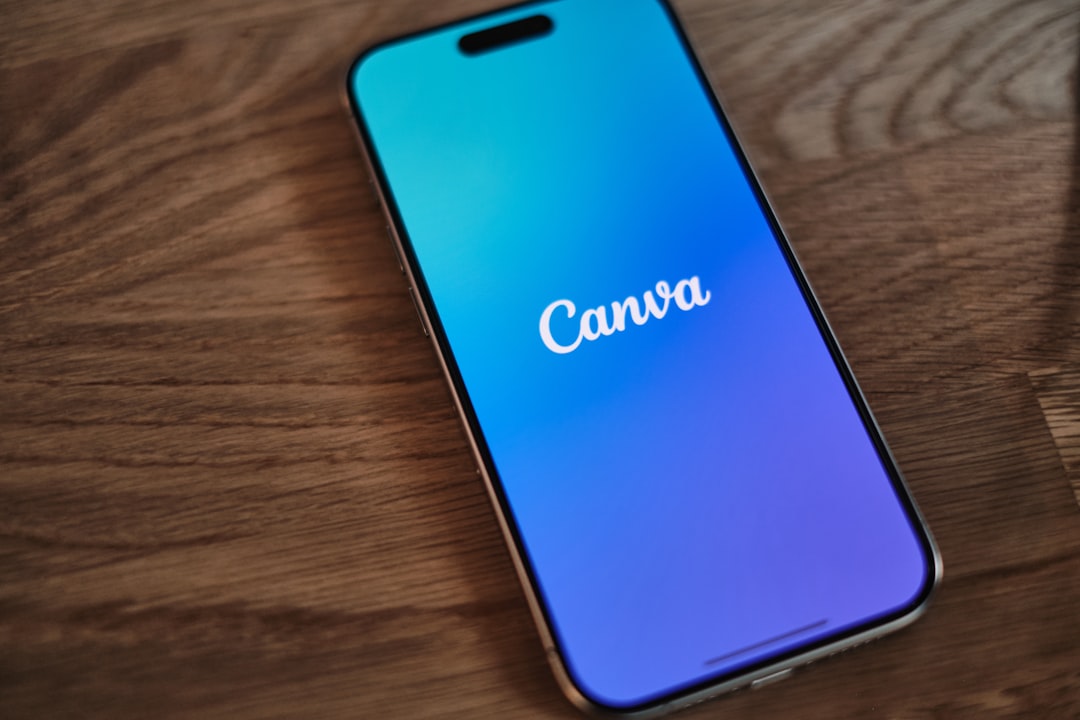
Canva – Super user-friendly. Tons of modern templates and no graphic design skills needed. Great for both digital and print.
-
HiHello – A fully digital card. Lets you add video intros, calendar links, and more. Perfect for virtual networking.
-
Zapped – Designed for tech folks. Offers NFC-enabled cards and advanced analytics on card use.
-
Vistaprint – Classic, but still in the game. Great print quality and lots of customization.
-
Adobe Express – A bit more pro-level. Good if you want more design control and are used to Adobe’s interface.
Pro Tip: Pick a tool that lets you download your card in many formats: PNG, PDF, or a shareable link.
Cool Ideas to Make Your Card Stand Out
You want your card to spark interest, not land in someone’s junk drawer. Here are some ways to stand out:
- Use icons: Instead of plain text for email and phone, use subtle icons.
- Add a fun bio line: “I translate code into strategy” or “Your future CTO?”
- Make it interactive: Include a QR code that links to a quick video about you or your app demo.
- Try animated e-cards: Some digital generators let you add light animation. Just don’t overdo it!
Paper vs. Digital: Do You Need Both?
Here’s the deal: most tech events are hybrid now. That means some folks prefer a quick card hand-off, others want a digital ping. Be ready for both.
Print Pros:
- Feels more personal
- Works in places with low connectivity
- Easy to hand over at busy events
Digital Pros:
- No printing costs
- Eco-friendly
- Easy to update or redesign
- Smart features like clickable links, live info
The best strategy? Keep a few print cards in your bag and have a digital version ready on your phone.
Common Mistakes to Avoid
You’ve got the tools. But make sure you’re not shooting yourself in the foot with a bad design.
- Too much clutter. Stick to key info—name, role, contact, 1-2 links.
- Tiny font. If it’s hard to read, it’s hard to trust.
- Poor contrast. Don’t use neon green text on a white background.
- Outdated emails or links. Always double-check your info is current.
Bonus Tips for Tech Consultants
- Add your tech stack if it’s relevant: JavaScript, AWS, Go, etc.
- Use a professional photo if you’re including a headshot.
- Brand your card with your consulting business colors and logo.
- Add your short tagline—something punchy that explains what you do.
Final Thoughts
Business card generators aren’t just a trend—they’re a modern solution to age-old networking problems. They help tech consultants look professional, stay agile, and make meaningful connections faster. With tools tailored to digital life, you’ll always be ready to make a great impression.
So next time you head to a tech event, skip the boring cards. Use a generator, go bold, and let your card speak for you before you even say a word.