Product analytics sounds like a big, scary phrase. But it’s really simple. It’s about understanding how people use your app or website. What they click. Where they stop. Why they leave. And how you can make things better.
One of the biggest names in this space is Mixpanel. It helps teams track user behavior and make smarter decisions.
TL;DR: Mixpanel is a powerful product analytics platform that helps teams understand user behavior. It works even better when combined with the right apps and tools. In this article, we cover six Mixpanel-friendly tools that improve tracking, testing, messaging, reporting, and data flow. If you want clearer insights and faster product growth, these tools can help.
Let’s explore six Mixpanel apps and tools that can level up your product analytics game.
1. Segment – Clean Data, No Headaches
If data is messy, analytics becomes useless. That’s where Segment shines.
Segment is a customer data platform. It collects data from your app, website, and other tools. Then it sends that data to Mixpanel (and other platforms) in a clean format.

Why it works well with Mixpanel:
- Tracks events automatically
- Reduces engineering work
- Keeps data consistent
- Allows easy schema management
Instead of writing custom tracking code for everything, you plug in Segment once. Then it handles the distribution.
Simple benefit: Better data. Less stress.
2. Optimizely – Test Before You Guess
Not sure which feature your users will like? Don’t guess. Test it.
Optimizely is an experimentation platform. It helps you run A/B tests. You can compare two versions of a page or feature and see which performs better.
When connected to Mixpanel, something powerful happens.
You don’t just see which version gets more clicks. You see deeper behavioral data like:
- Retention rates
- Conversion funnels
- Long-term engagement
Example: You test two onboarding flows. Optimizely shows Version B gets more signups. Mixpanel shows those users also stay longer. That’s a winning combination.
Simple benefit: Smarter product decisions backed by real behavior.
3. Customer.io – Behavior-Based Messaging
Analytics is great. But action is better.
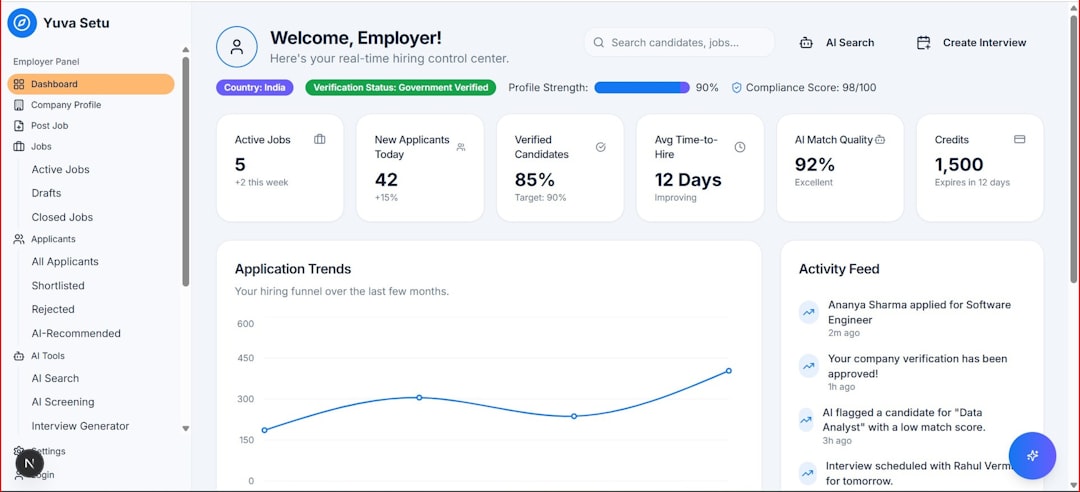
Customer.io lets you send emails and messages based on user behavior. And where does that behavior data come from? Mixpanel.
Imagine this:
- A user signs up
- They don’t complete onboarding
- Mixpanel tracks the drop-off
- Customer.io sends an automatic reminder
All based on real-time data.
Why this matters:
- Re-engage inactive users
- Send personalized campaigns
- Increase feature adoption
- Improve retention
Instead of blasting everyone with the same message, you send smart messages at the right time.
Simple benefit: Right message. Right user. Right moment.
4. Amplitude – A Friendly Rival for Deeper Insights
Yes, Amplitude is technically a competitor to Mixpanel. But some teams use both.
Why? Because different tools sometimes reveal different insights.
Amplitude is known for:
- Strong cohort analysis
- Advanced behavioral segmentation
- User journey mapping
Some companies push raw data to both platforms. Product managers compare results. This double-layer approach can uncover hidden trends.
For example:
- Mixpanel shows funnel drop-off
- Amplitude shows behavior patterns leading to it
It’s like looking at the same puzzle from two angles.
Simple benefit: Deeper insight when you need extra clarity.
5. Zapier – Connect Everything
Not every team has big engineering resources. That’s where Zapier helps.
Zapier connects apps together without code.
You can create “Zaps” like:
- When a new user signs up, log event in Mixpanel
- When a purchase happens, update CRM
- When a churn event occurs, notify Slack
Zapier acts like glue between tools.
Why it matters for product analytics:
- Automates data syncing
- Reduces manual work
- Keeps teams aligned
It’s not as robust as direct API integrations. But it’s fast. And sometimes fast wins.
Simple benefit: Quick automation without writing code.
6. Tableau – Make Data Beautiful
Raw numbers are boring. Visual stories are powerful.
Tableau is a business intelligence tool. You can export Mixpanel data into Tableau for advanced visualization.
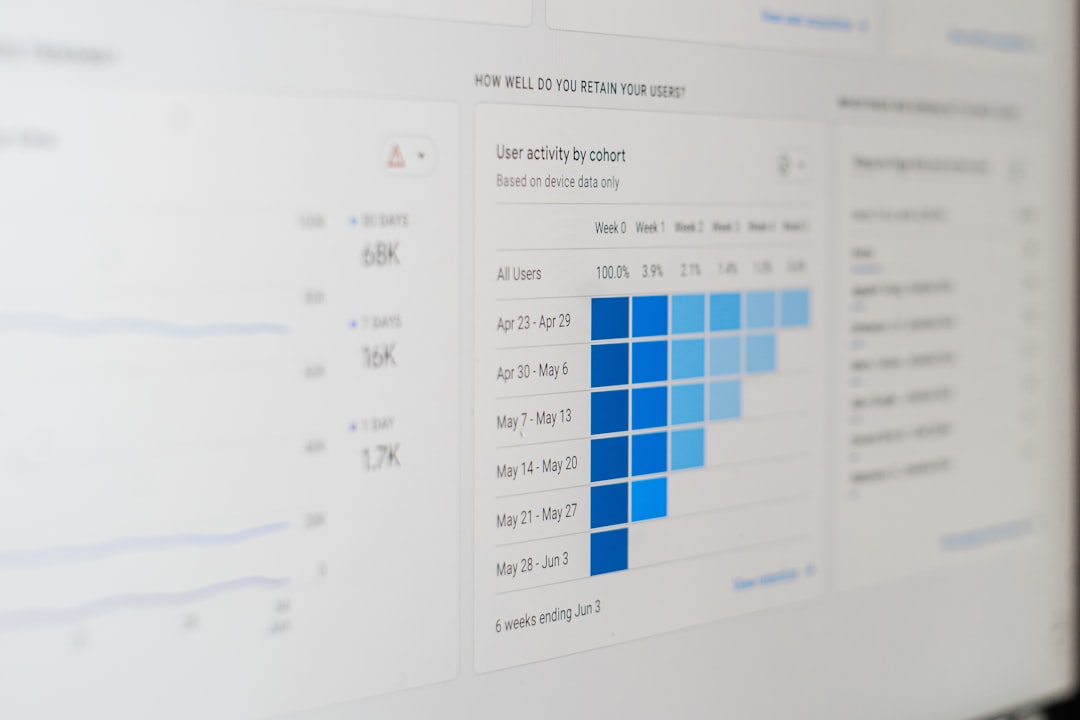
With Tableau, you can:
- Create interactive dashboards
- Combine Mixpanel data with sales data
- Build executive-level reports
- Share clean visual presentations
This is especially useful for leadership teams. They don’t want to dig through event logs. They want charts. Trends. Clear summaries.
Simple benefit: Turn behavior data into compelling stories.
Comparison Chart
| Tool | Main Purpose | Best For | Technical Level |
|---|---|---|---|
| Segment | Data collection and routing | Clean, centralized tracking | Medium |
| Optimizely | A/B testing | Feature experimentation | Medium to High |
| Customer.io | Behavior based messaging | User engagement and retention | Low to Medium |
| Amplitude | Advanced analytics | Deep behavior insights | High |
| Zapier | App automation | Quick integrations | Low |
| Tableau | Data visualization | Executive reporting | Medium to High |
How These Tools Work Together
Here’s a simple example of a powerful stack:
- Segment collects clean data
- Mixpanel analyzes user behavior
- Optimizely tests new ideas
- Customer.io sends personalized messages
- Zapier connects extra tools
- Tableau reports results to leadership
It becomes a full product growth engine.
Track → Analyze → Test → Engage → Report → Improve.
Simple loop. Big impact.
Why Mixpanel Is at the Center
All these tools are powerful. But Mixpanel remains the brain.
It helps you answer big questions:
- Where do users drop off?
- Which features drive retention?
- What actions lead to purchases?
- How do cohorts behave over time?
Without this core insight, other tools lose direction.
Analytics is not just about numbers. It’s about understanding people.
When someone struggles in your app, data shows it. When they love a feature, data shows that too.
Final Thoughts
Product analytics doesn’t have to be complicated.
Start with Mixpanel. Track events properly. Then layer on tools that fit your team’s needs.
- Need cleaner data? Use Segment.
- Want better experiments? Add Optimizely.
- Looking to boost engagement? Try Customer.io.
- Want deeper analysis? Explore Amplitude.
- No engineers available? Connect Zapier.
- Need beautiful dashboards? Use Tableau.
Pick what matches your growth stage.
Keep it simple. Focus on users. Let data guide you.
Because the better you understand your users, the better product you build.