Sales teams today are under constant pressure to close more deals, respond faster to leads, and deliver personalized experiences at scale. Manual processes, scattered data, and delayed follow-ups can severely limit growth. This is where workflow automation software becomes a game-changer, allowing businesses to streamline repetitive tasks, improve accuracy, and free up sales professionals to focus on selling.
TLDR: Workflow automation software helps sales teams eliminate repetitive tasks, respond to leads faster, and manage pipelines more efficiently. By automating lead management, follow-ups, and reporting, businesses can increase conversions and improve consistency. The three most practical automation strategies include lead capture and routing, automated follow-up sequences, and pipeline and reporting automation. Implementing these systems allows sales professionals to focus on high-value interactions instead of administrative work.
1. Automate Lead Capture and Routing
One of the most impactful ways to automate sales is by improving how leads are captured and distributed. In many organizations, leads come from multiple sources—website forms, social media ads, email campaigns, webinars, or third-party platforms. Without automation, these leads may sit in inboxes or spreadsheets, causing delays and lost opportunities.

Lead capture automation ensures that prospects are instantly added to a centralized customer relationship management (CRM) system. Once captured, the workflow software can:
- Assign leads to the appropriate sales representative based on territory, product line, or availability
- Score leads based on behavior, demographics, or engagement metrics
- Send confirmation emails automatically
- Create follow-up tasks inside the CRM
This immediate response dramatically increases conversion rates. Research consistently shows that responding to a lead within minutes significantly boosts the chance of turning that lead into a customer.
Lead routing is especially critical for scaling businesses. Rather than relying on a manager to manually distribute new opportunities, automation uses predefined rules. For instance, if a lead selects “Enterprise Plan” on a web form, the workflow system can automatically assign that lead to a senior account executive. If the company is located in a specific region, routing rules can direct it to the correct territory manager.
This approach reduces human error, eliminates bottlenecks, and ensures no opportunity falls through the cracks.
Benefits of Lead Automation
- Faster response times
- Improved lead prioritization
- Better team accountability
- Increased conversion rates
By automating lead capture and routing, companies create a strong foundation for an efficient and scalable sales process.
2. Implement Automated Follow-Up Sequences
Consistent follow-up is essential in sales, yet it is one of the most commonly neglected activities. Sales professionals often juggle dozens of prospects at various stages, making manual follow-ups prone to delays or oversight.
Workflow automation software solves this by enabling structured, multi-step follow-up sequences. These sequences can include:
- Personalized emails sent at scheduled intervals
- Task reminders for calls or LinkedIn outreach
- SMS messages for time-sensitive communication
- Internal notifications when prospects engage

For example, when a prospect downloads a whitepaper, the system can automatically trigger a pre-configured email series. The first email may deliver the resource, the second may provide additional insights, and the third might invite the prospect to schedule a demo.
More advanced platforms allow conditional logic. If a prospect opens an email but does not respond, the workflow may schedule a follow-up call. If they click a pricing link, the system might escalate the lead to a sales representative immediately.
Personalization at scale is another key advantage. While emails are automated, they can pull dynamic data from the CRM, such as the recipient’s name, company, industry, or previous interactions. This maintains a personalized tone without manual effort.
Key Components of Effective Follow-Up Automation
- Clear timing intervals between touchpoints
- Dynamic personalization tokens
- Behavior-based triggers
- Automatic task creation for sales reps
The result is a consistent and standardized approach to nurturing leads. No prospect is forgotten, and every engagement is documented within the CRM.
3. Automate Pipeline Management and Reporting
Managing a sales pipeline manually often leads to outdated forecasts and inconsistent tracking. Workflow automation software ensures that opportunities move smoothly through defined stages while keeping leadership informed in real time.
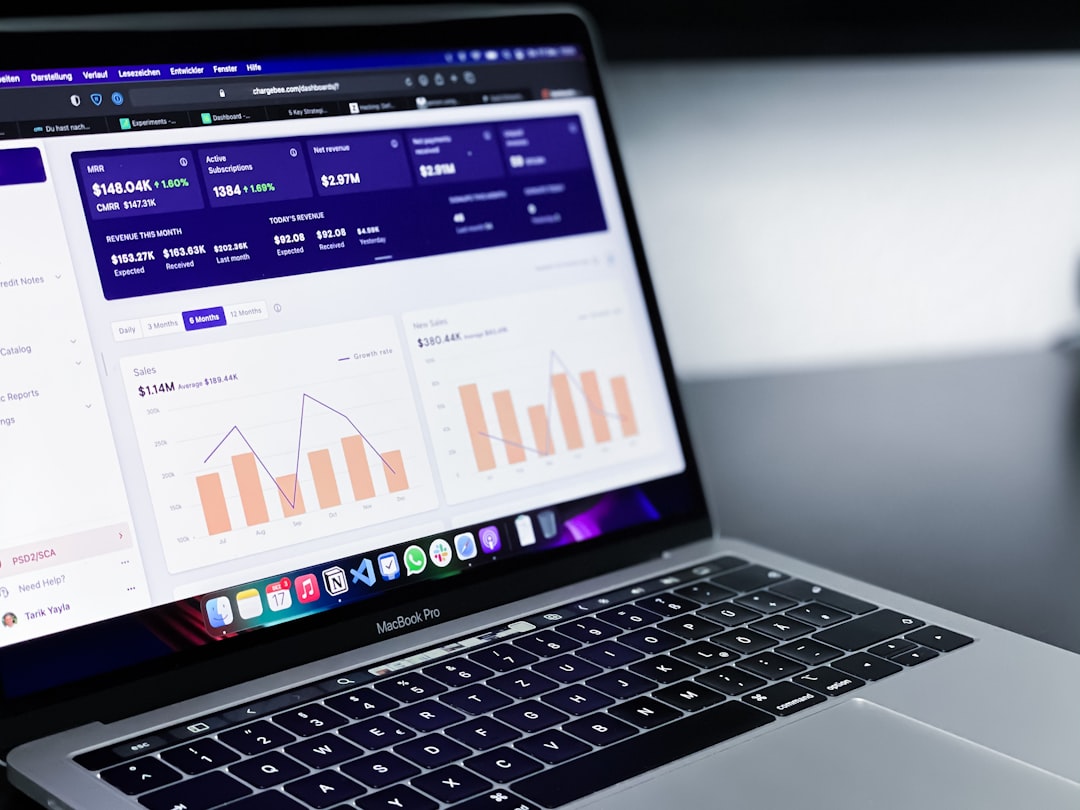
Automation can handle tasks such as:
- Progressing deals to the next stage when specific criteria are met
- Updating close probabilities automatically
- Sending reminders for stalled opportunities
- Generating real-time performance reports
For instance, when a proposal is sent, the automation system can change the deal stage to “Proposal Delivered” and schedule a follow-up reminder three days later. If no action has been taken after a week, the system can notify the sales manager.
This structured movement through pipeline stages enforces process discipline. Sales representatives no longer rely on memory or personal tracking methods. Instead, the workflow system ensures compliance with company standards.
On the reporting side, automation enables:
- Instant revenue forecasts
- Performance dashboards by representative
- Conversion rate analysis
- Automatic weekly performance summaries
Leadership benefits from accurate, data-driven insights without manually compiling spreadsheets. This allows managers to focus on coaching and strategic decisions rather than administrative reporting.
Popular Workflow Automation Tools Comparison
Several tools support sales workflow automation. Below is a simplified comparison of widely used platforms.
| Tool | Best For | Key Features | Ease of Use |
|---|---|---|---|
| HubSpot | Growing SMBs | Email automation, CRM integration, lead scoring, reporting dashboards | Very User-Friendly |
| Salesforce | Enterprise organizations | Advanced workflow rules, AI forecasting, custom automation, integrations | Moderate to Advanced |
| Zoho CRM | Budget-conscious teams | Blueprint workflows, lead routing, multichannel automation | User-Friendly |
| Pipedrive | Sales-focused teams | Visual pipelines, automation templates, activity reminders | Very User-Friendly |
Each platform offers varying levels of customization, scalability, and pricing. The right choice depends on company size, complexity, and integration requirements.
Best Practices for Implementing Sales Automation
Simply adopting workflow automation software does not guarantee success. Proper implementation is essential. Businesses should consider the following best practices:
- Map existing processes before automating them
- Start with high-impact tasks, such as lead routing and follow-ups
- Train sales teams thoroughly
- Monitor performance metrics and refine workflows regularly
- Avoid over-automation that removes the human element
Automation should enhance human interaction, not replace it. The most successful companies combine automated efficiency with authentic, relationship-driven selling.
Conclusion
Workflow automation software transforms sales operations by eliminating repetitive tasks and creating structured, scalable systems. Automating lead capture and routing ensures rapid responses and fair distribution. Implementing follow-up sequences guarantees consistent engagement with every prospect. Streamlining pipeline management and reporting provides accurate forecasts and accountability.
Together, these three practical strategies enable sales teams to work smarter, close faster, and operate with greater precision. As competition intensifies and customer expectations rise, automation is no longer optional—it is essential for sustainable growth.
Frequently Asked Questions (FAQ)
1. What is workflow automation in sales?
Workflow automation in sales refers to the use of software to automatically execute repetitive tasks such as lead assignment, email follow-ups, task reminders, and reporting. It reduces manual effort and improves efficiency.
2. Is sales automation suitable for small businesses?
Yes. Many automation platforms offer scalable solutions designed specifically for small and medium-sized businesses. Even simple automation, such as automatic email follow-ups, can significantly improve results.
3. Will automation replace sales representatives?
No. Automation handles repetitive administrative tasks, allowing sales representatives to focus on building relationships, closing deals, and providing strategic consultation.
4. How long does it take to implement workflow automation?
The timeline varies depending on complexity, but small teams can deploy basic automations within days or weeks. Larger enterprise implementations may take several months.
5. What metrics improve most with sales automation?
Commonly improved metrics include lead response time, conversion rates, sales cycle length, pipeline accuracy, and overall revenue performance.
6. How can companies avoid over-automation?
Companies should maintain a balance between automated workflows and personal engagement. Regular performance reviews and customer feedback help ensure automation enhances rather than undermines the customer experience.