In an era where markets shift in real time and customer expectations evolve by the minute, businesses can no longer rely on static reports or end-of-month summaries. Growth today depends on immediate insight, proactive adjustments, and measurable performance across every department. That is where business growth dashboards with real-time analytics and KPI tracking play a critical role. By visualizing data in intuitive formats and updating metrics continuously, these dashboards transform raw numbers into actionable strategy.
TLDR: Real-time business growth dashboards empower companies to track performance, optimize decisions, and respond quickly to market changes. This article explores three powerful dashboard tools—Power BI, Tableau, and Databox—that provide dynamic analytics and KPI tracking. It compares their features, benefits, and ideal use cases. A detailed FAQ section at the end answers common questions about implementing growth dashboards successfully.
Why Real-Time Growth Dashboards Matter
Modern organizations generate data from multiple sources: marketing campaigns, CRM systems, website analytics, financial platforms, and supply chain tools. Without a centralized dashboard, leaders often struggle to connect these data points. A growth dashboard consolidates key metrics into a single interface, making insights both visible and actionable.
Some of the most important benefits include:
- Immediate visibility into revenue, acquisition, churn, and pipeline health
- Faster decision-making triggered by live performance indicators
- Cross-department alignment around shared KPIs
- Predictive insights based on trend analysis and forecasting models
Real-time KPI tracking ensures that businesses do not simply react to problems—they anticipate and prevent them.

1. Microsoft Power BI: Enterprise-Level Growth Intelligence
Microsoft Power BI is widely recognized for its advanced analytics capabilities and seamless integration with enterprise systems. It allows organizations to transform complex datasets into interactive, visually rich dashboards.
Key Features
- Real-time data streaming from multiple sources
- Custom KPI tracking with dynamic alerts
- Advanced AI-powered forecasting
- Integration with Microsoft ecosystem tools
Power BI enables businesses to build dashboards that track core growth indicators such as:
- Monthly recurring revenue (MRR)
- Customer acquisition cost (CAC)
- Customer lifetime value (CLV)
- Sales conversion rates
One of its strongest advantages lies in its scalability. Large organizations with complex reporting needs benefit from customizable models and deep data manipulation. However, smaller teams may require technical expertise to optimize its full potential.
Ideal for: Medium to large enterprises seeking advanced analytics and cross-platform integrations.
2. Tableau: Visual Storytelling for Strategic Growth
Tableau emphasizes clarity and user experience. Its primary strength is visual storytelling—turning data into compelling narratives that guide strategic decisions.
Key Features
- Highly interactive dashboards
- Drag-and-drop data visualization tools
- Live data connections
- Strong community and support network
Tableau allows teams to break down growth metrics by category, region, or campaign performance in seconds. Executives often rely on its visual dashboards to present growth updates to stakeholders and boards.
Unlike static reports, Tableau dashboards encourage exploration. Users can filter metrics, drill down into segments, and instantly compare timeframes.

This visualization-first approach fosters stronger cross-team communication and accountability.
Ideal for: Businesses that prioritize visual data storytelling and cross-department reporting.
3. Databox: KPI-Focused Simplicity for Growing Teams
Databox is designed specifically for KPI tracking and growth monitoring. It integrates with popular marketing, sales, and finance platforms such as HubSpot, Google Analytics, and Stripe.
Key Features
- Pre-built dashboard templates
- Mobile-optimized analytics
- Automated goal tracking and alerts
- Simple setup without advanced coding
Databox stands out for its simplicity and speed of deployment. Teams can monitor daily performance with KPI scorecards and automated notifications when metrics fall outside targets.
For startups and small businesses aiming for rapid scaling, Databox provides clarity without overwhelming users with excessive complexity.
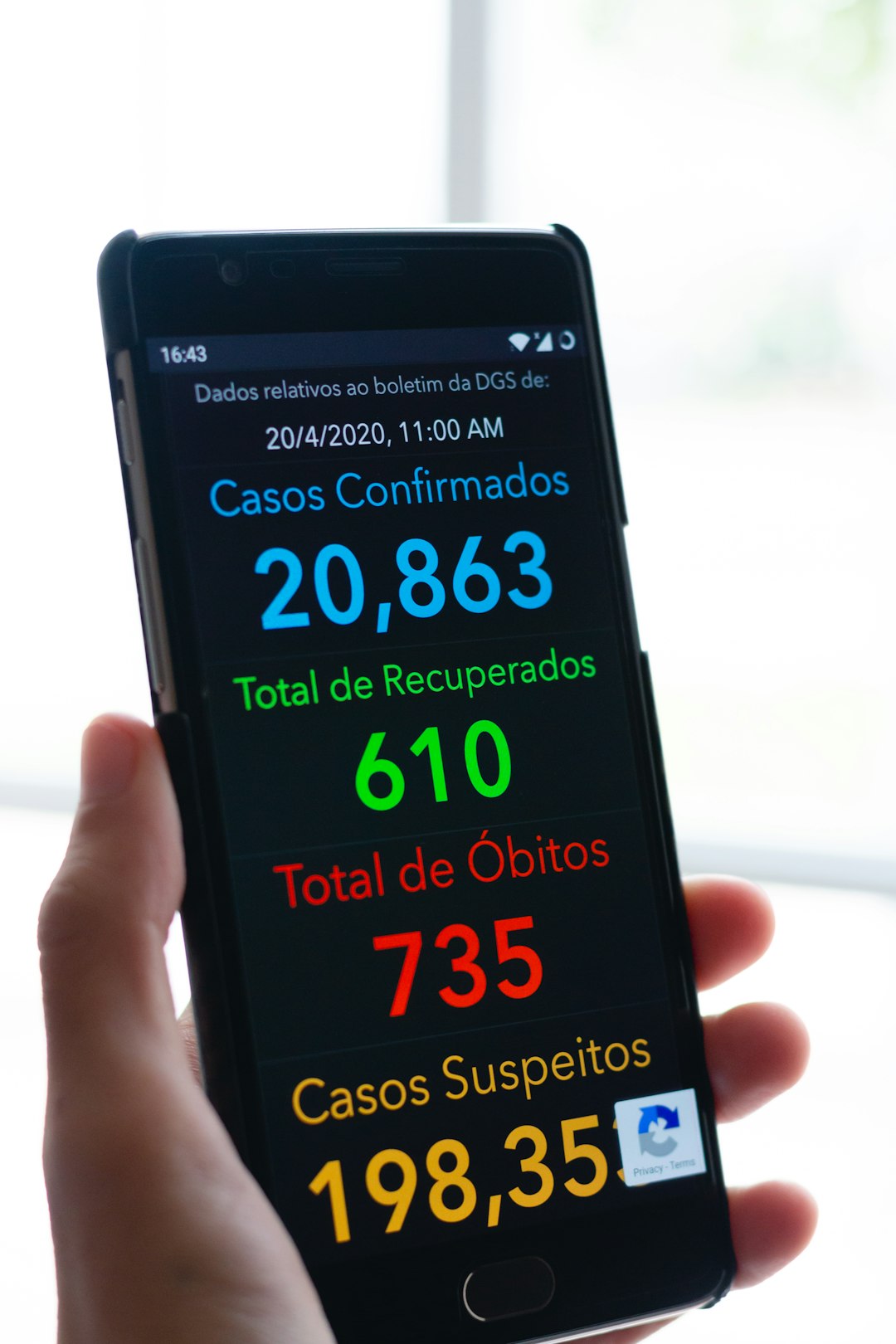
Ideal for: Startups and growth-focused teams seeking intuitive, KPI-centered dashboards.
Comparison Chart: Power BI vs Tableau vs Databox
| Feature | Power BI | Tableau | Databox |
|---|---|---|---|
| Best For | Enterprise analytics | Visual storytelling | KPI tracking simplicity |
| Ease of Use | Moderate to Advanced | Moderate | Beginner Friendly |
| Real-Time Data | Yes | Yes | Yes |
| Customization | Highly Customizable | High | Template Driven |
| AI Forecasting | Advanced | Moderate | Basic |
| Integration Options | Extensive | Extensive | Focused on marketing and sales |
Core KPIs Every Growth Dashboard Should Include
Regardless of the tool selected, growth dashboards must track metrics aligned with business objectives. Common high-impact KPIs include:
- Revenue Growth Rate
- Net Profit Margin
- Customer Retention Rate
- Lead Conversion Rate
- Average Deal Size
- Website Traffic and Engagement Metrics
Tracking too many metrics can reduce clarity. Successful organizations focus on actionable KPIs that directly influence growth strategy.
Best Practices for Implementing a Growth Dashboard
Deploying a dashboard is only the first step. To maximize its impact, businesses should follow key best practices:
- Define Clear Growth Objectives: Align dashboards with quarterly or annual targets.
- Connect Reliable Data Sources: Ensure real-time synchronization and accurate integrations.
- Automate Reporting: Reduce manual updates to avoid human error.
- Set Alerts and Thresholds: Receive notifications when KPIs deviate from targets.
- Review and Optimize Regularly: Update metrics as business strategies evolve.
When properly implemented, dashboards become more than monitoring tools—they become strategic command centers that guide investments, hiring decisions, and marketing allocations.
The Strategic Advantage of Live Data
Real-time analytics provide a competitive edge in volatile markets. For example, if a marketing campaign underperforms within the first 48 hours, teams can reallocate budgets instantly. If churn begins increasing unexpectedly, leadership can investigate and implement retention strategies before revenue declines escalate.
This proactive decision-making culture distinguishes high-growth organizations from stagnant competitors. By tracking KPIs in real time, businesses shift from reactive management to continuous optimization.
Frequently Asked Questions (FAQ)
1. What is a business growth dashboard?
A business growth dashboard is a visual analytics platform that consolidates real-time performance data into one interface. It tracks KPIs related to revenue, customer acquisition, operations, and financial health to support strategic decisions.
2. How often should KPIs be updated?
Ideally, KPIs should update in real time or at minimum daily. Real-time dashboards provide immediate visibility, enabling faster corrective action and strategic adjustments.
3. Which dashboard is best for small businesses?
For small businesses, Databox often provides the easiest setup and most focused KPI tracking. However, the best choice depends on integration needs and long-term scalability plans.
4. Are real-time dashboards expensive to implement?
Costs vary depending on tool selection, data complexity, and customization requirements. Cloud-based solutions typically offer scalable pricing, making them accessible for businesses of various sizes.
5. How do dashboards improve decision-making?
They centralize critical data, reduce reporting delays, and highlight trends through visualization. This clarity enables leaders to make informed decisions quickly and confidently.
6. What mistakes should businesses avoid?
Common mistakes include tracking too many metrics, neglecting data accuracy, failing to align KPIs with strategic goals, and not training teams to interpret dashboard insights effectively.
7. Can dashboards integrate with existing systems?
Yes. Most modern dashboard tools integrate with CRM platforms, accounting systems, marketing tools, and cloud databases, ensuring seamless data flow and automation.
8. How long does implementation take?
Implementation can range from a few days for simple KPI dashboards to several weeks for enterprise-level custom analytics solutions.
In conclusion, real-time growth dashboards empower businesses to transform data into strategy. Whether utilizing Power BI for advanced enterprise analytics, Tableau for dynamic visual storytelling, or Databox for streamlined KPI tracking, organizations gain clarity and momentum. By selecting the right tool and focusing on actionable metrics, companies position themselves for sustainable, data-driven growth.